A partner institution is another school registered for the same competition under Institutional Access. Where there is one, UNI introduces the two groups so students and faculty can talk while they work. Where there is not one, nothing about your own participation changes.
How the match happens
UNI does the matching. There is no matching screen for you to use and nothing to configure. When a match is made you are notified, and a discussion channel is opened between the participating members of both institutions.
Where the conversation happens
- The competition's Discussions section. Every competition page has a Discussions entry in its sidebar. This is the main channel, and it is open to everyone registered for that competition.
- Discord. UNI runs a Discord server for the wider community, and creates a dedicated channel for matched institutions.
Keep private information out of both. The Discussions section is visible to everyone on the competition page, not only to your two institutions.
Reviewing each other's work
Mentors can score projects other than their own students', which is how the two institutions exchange feedback.
- Open the project you want to score.
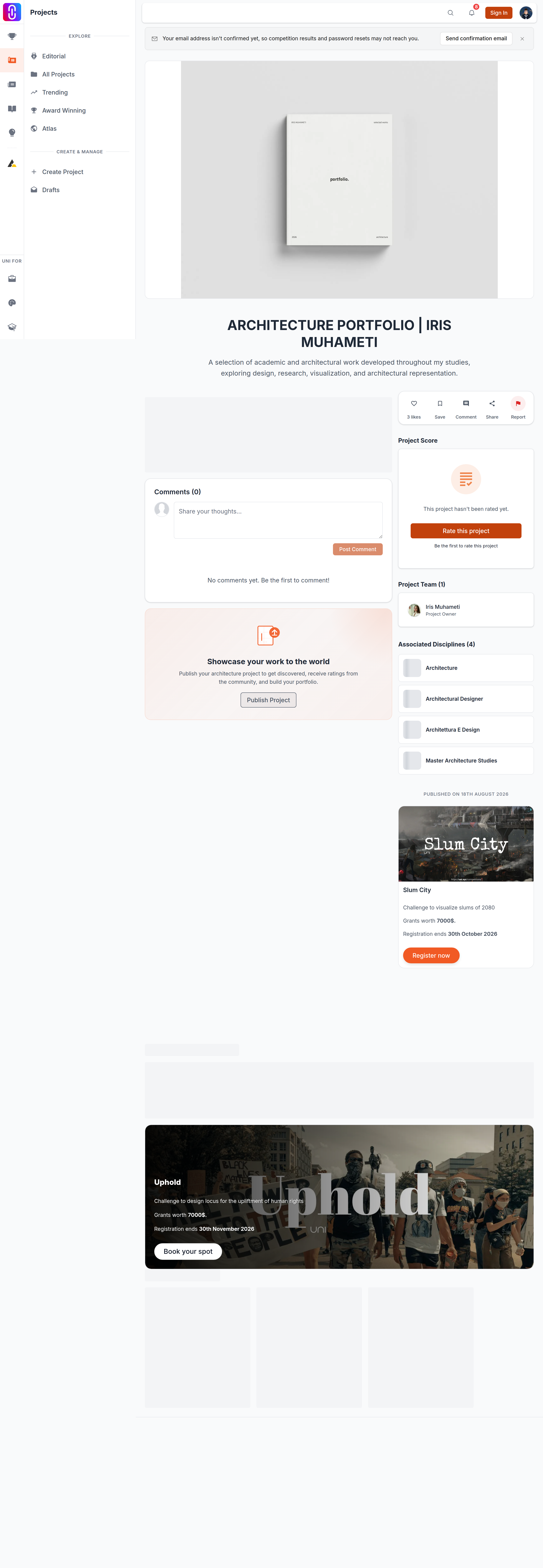
- Choose Rate this project in the sidebar. That takes you to the Rate This Project section further down the page.
- Use Select Criterion to Rate to pick a criterion, set a score and submit. Repeat for each criterion you want to score.
Scoring needs an active membership on the Semester plan or higher. You cannot score a project you are on the team of, which is what stops a mentor from scoring their own students' work.
If yours is the only institution registered
Nothing breaks. There is no partner institution and no dedicated Discord channel is created, but your students enter the competition as usual and your pass is unaffected.
What a partner institution does not change
- The entries stay yours. A partner institution cannot edit, submit or withdraw your work.
- Judging is unchanged. Your entries go to the same jury as every other entry in the competition.