On the first screen of the project builder, the editor creates your project for you. Two seconds after you stop typing the name, it saves a real draft and moves you to the media step.
Nothing has gone wrong, and nothing has been published.
What actually happened
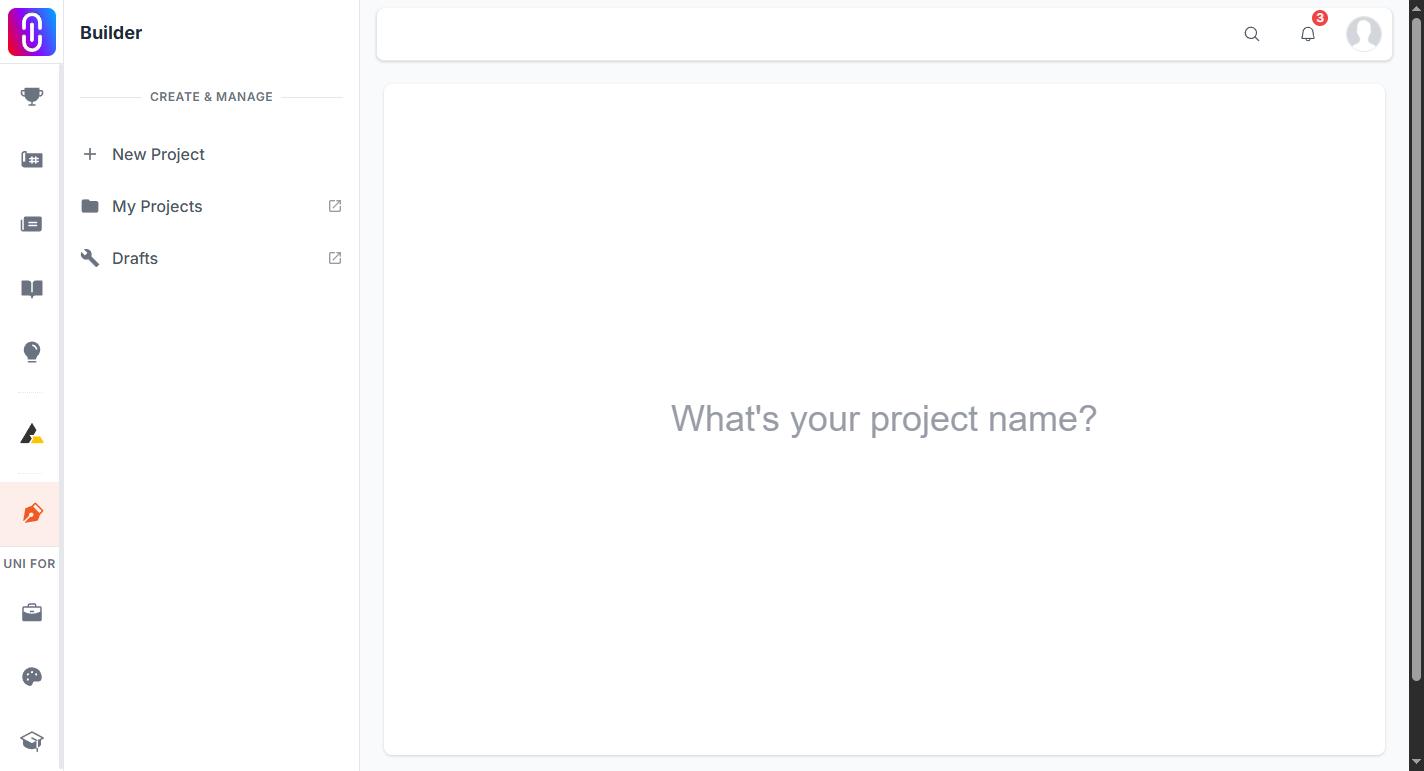
- A draft project was created and given the name you typed.
- The browser moved to the next step of the builder, which is where you add media.
- The draft is private. It is not on your profile for others to see, it is not in the feed, and it is not in search.
Drafts stay private until you publish them deliberately.
The side effect worth knowing about
Because the draft is created as soon as you type a name, changing your mind at that point leaves an empty draft behind. People who start a project two or three times end up with stray drafts they did not mean to keep.
You can delete an empty draft from your projects list. It is worth clearing them out, because a half-finished draft is easy to mistake later for the real one.
If you did not want to move on yet
Use the builder's own navigation to go back to the name step. The draft that was created is the one you keep working in, so returning to it does not create a second copy.