They are the same link. My Projects and Drafts in the builder's sidebar both point at your profile's projects page, and both open it in a new tab. There is no separate draft list, and no list of any kind inside the builder itself.
The builder is an editor for one project at a time. Everything to do with choosing between projects lives on your profile.
Where the two tabs actually are
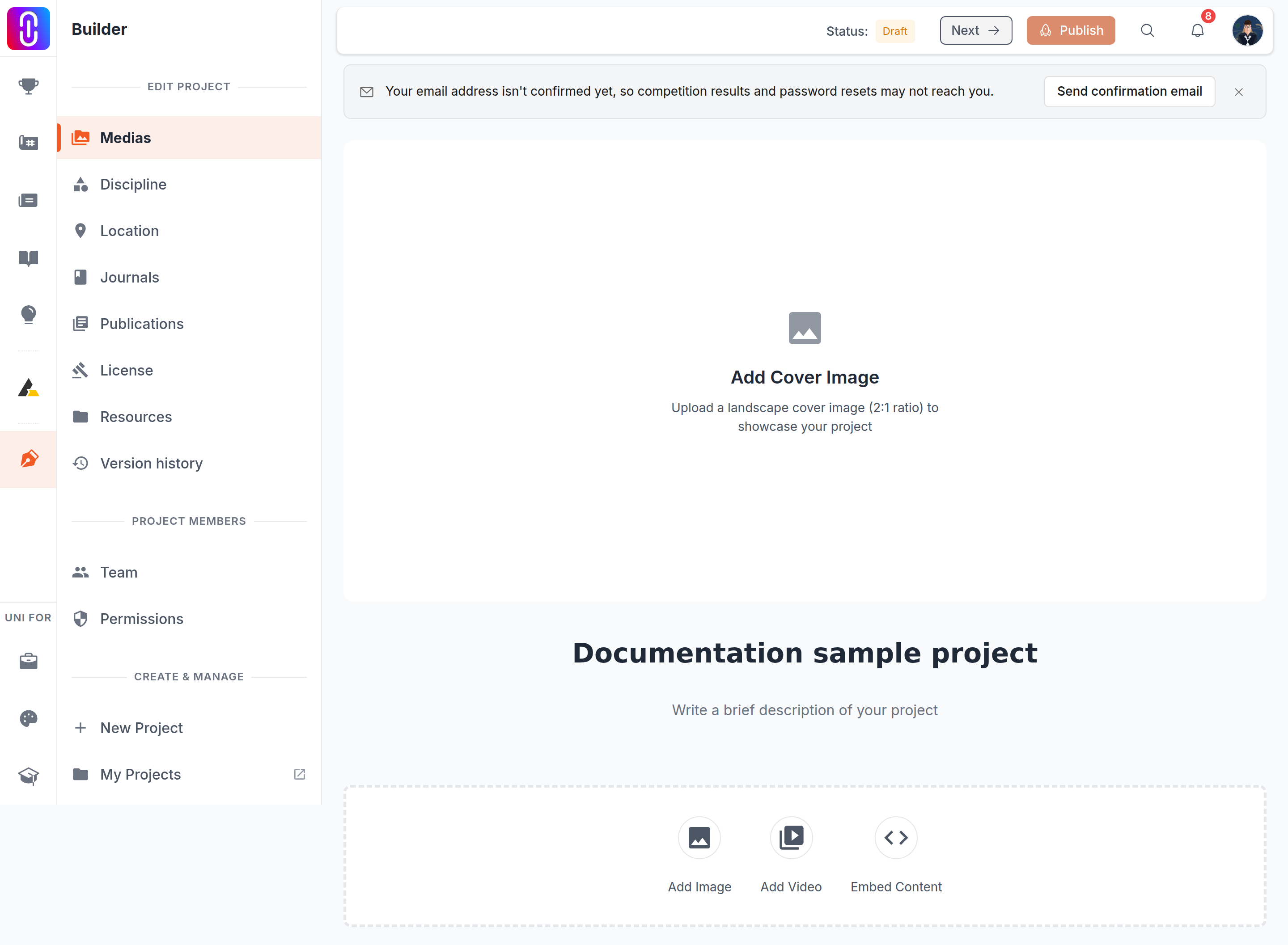
The page both entries open is your profile's project management page, and the split you are looking for is there, as tabs across the top:
- Published holds every project with a live public page.
- Drafts holds projects that have never been published.
A project that has been published and then edited is not a draft. It stays under Published, because its public page is still live, with the unpublished edit waiting behind it. Why the Published and Drafts tabs disagree with their own counts explains the numbers on that page.
The new tab is on purpose
Both entries open a new tab rather than replacing the editor. That is deliberate: you can go and find another project without losing the one you have open. It also means the tab you left behind is still the live editor, so when you are finished, close the new tab rather than the old one.
Getting back into a project
From that page, opening a project takes you back into the builder on that project. You can also publish from there without opening the editor at all: see Publishing a project from the Projects tab.
The list is not only your own work. Any project you are a team member of appears in it, including ones a teammate created and named, which is worth knowing before you go looking for something you are sure you made: Your Projects tab shows every project you are on.