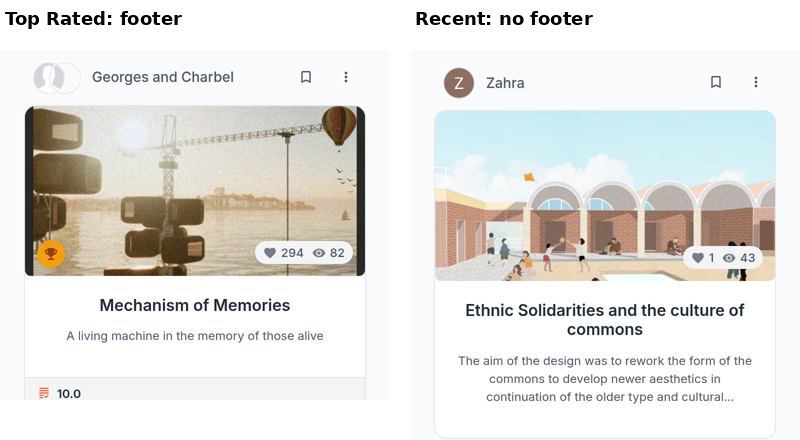
The strip of numbers under a project card is attached to the Top Rated sort. Choose Top Rated on a Projects feed or on search and every card gains it. Choose any other sort and it is not drawn at all. The scores themselves did not change and no project lost its rating: the strip is simply not part of the card under the other sorts.
It behaves the same way on the search page, so changing the sort mid-session makes it appear or vanish under results you are already looking at.
What the strip shows
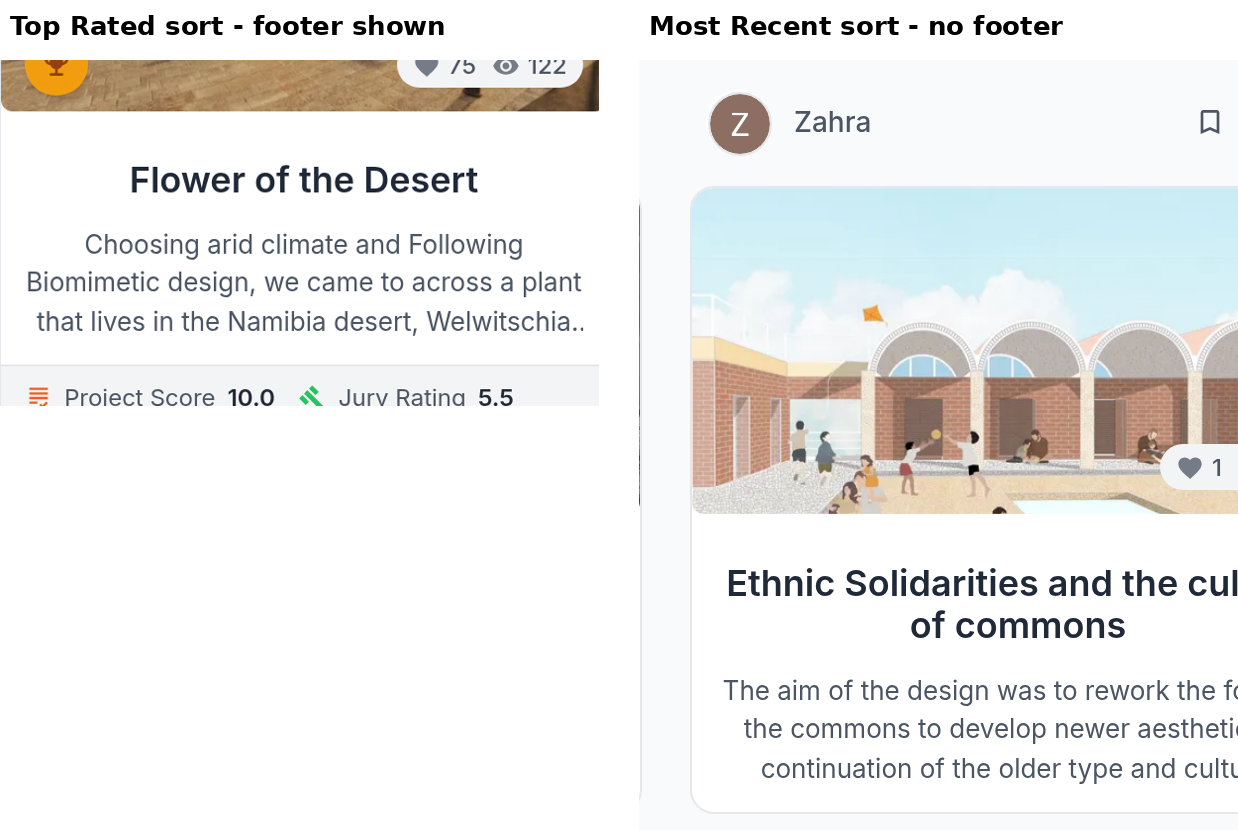
Project Score is the project's average member rating, the same number shown in the circle on the project page. Jury Rating appears next to it only on projects that were entered into a competition and scored by a jury, so most cards carry one number rather than two.
0.0 means nobody has rated it
A project with no ratings shows Project Score 0.0 rather than nothing. That is not a score of zero and it is not a judgement of the work. Most projects on UNI have never been rated, so a page of 0.0 under Top Rated is the ordinary case rather than a fault.
It also explains why Top Rated looks strange further down: once the rated projects are exhausted, everything after them is an unrated project sitting at zero.
Reading a real score
Open the project. The project page shows the average, how many criterion scores it is built from, and the four criteria the project scores best on. See What the Project Score means.
If you want to rate a project yourself, the panel is on the project page and depends on your plan. See Who can rate a project.