Yes. Publishing is not final. You can change the cover image, title, description, media, disciplines, location and license of a project after it is live, and you can re-edit a publication the same way.
How editing works
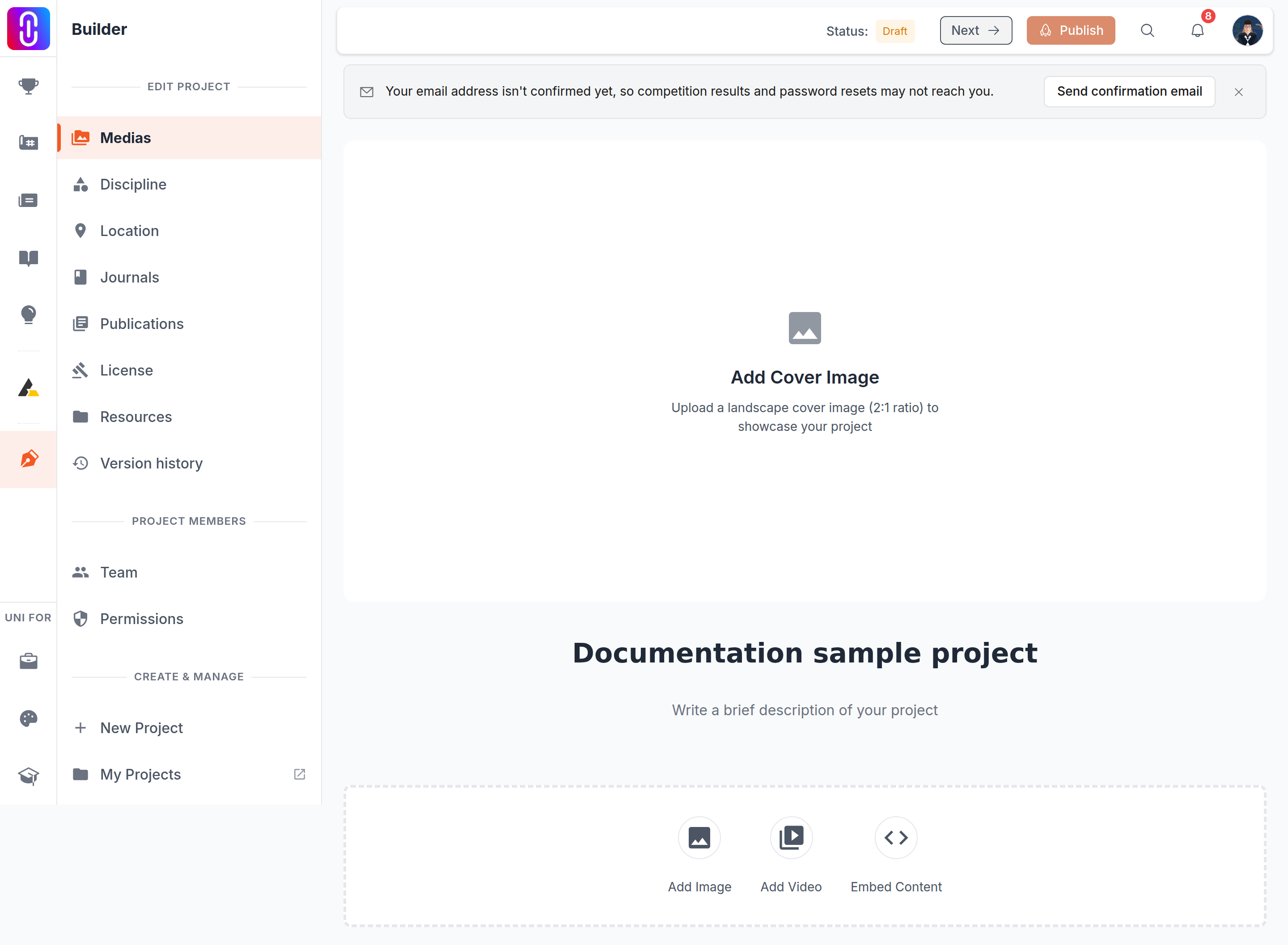
- Open the project from the Projects tab on your profile and choose to edit it.
- Make your changes. They save as you go, and the status chip in the top bar shows whether the latest one is saved.
- Click Publish again.
That last step matters. While you edit, your changes are held as a draft and the live page keeps showing the last published version, so nothing half-finished ends up in public.
Four things are the exception and change the live page straight away, with no second publish needed: changing the licence, removing the location, reordering the images, and deleting an image or an embed. Deleting an image is the one to be careful with, because it is removed from the live page and from every earlier version at the same time, so restoring an older version will not bring it back. Everything else waits for you to publish.
Every publish is saved under Version history on the project. You can restore an earlier version into your draft from there, check it, and publish it.
If the project is attached to a competition entry
The jury evaluates the version that was attached to your entry, not whatever is newest on your profile. Editing and re-publishing afterwards changes your public project page, but it does not change the work the jury is scoring.
So make any final changes before the submission deadline shown on the competition page. After that you are free to keep improving the project for your portfolio, and it will not affect the judging either way.
If a change does not show up
First check that you clicked Publish after editing, since saving on its own leaves the change in your draft. Then hard reload the page (Ctrl+Shift+R or Cmd+Shift+R) in case you are looking at a cached version.
If it still does not show, we're happy to open a conversation and check it from our end, just let us know which project and what you changed.