If a project on UNI copies your work, or someone else's, report it from that project's page. You need to be signed in.
Report a project
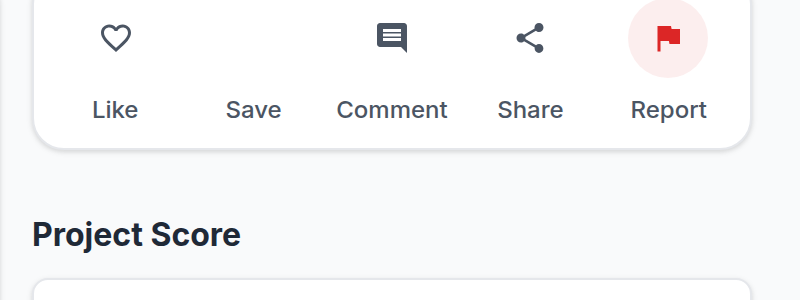
- Open the project page.
- Click Report. It sits in the actions column beside the project, under Like, Save, Comment and Share, and it is also in the three-dot menu on the project's media.
- The first step asks for a category. Choose Infringes my rights, or someone I know.
- The second step asks for a specific type. Pick Copyright violation, Plagiarism, Trademark violation, Violation of privacy, Violation of rules or Violation of competition guidelines, whichever fits best.
- The last step is where you explain. Describe what was copied and how you know, in up to 500 characters. You can attach one file as evidence, up to 5 MB, as a JPEG, PNG, GIF, WebP, PDF, DOC, DOCX, TXT or ZIP.
- Click Submit Report.
Keep the description specific and factual. Say what the original work is, where it can be seen, and which part of the project matches it. Leave personal information out of it.
What happens next
The report goes to the UNI team, who look at the project and at whatever you attached, and decide what to do. You will not get a running commentary while that is happening.
Formal copyright notices
The report inside the product is the fastest route and is enough for most cases. If you are the copyright owner and want to file a formal takedown notice instead, our Copyright policy sets out exactly what such a notice has to contain and where to send it.