The Project Team card in a project's sidebar shows two different things depending on whether you are signed in.
Signed in
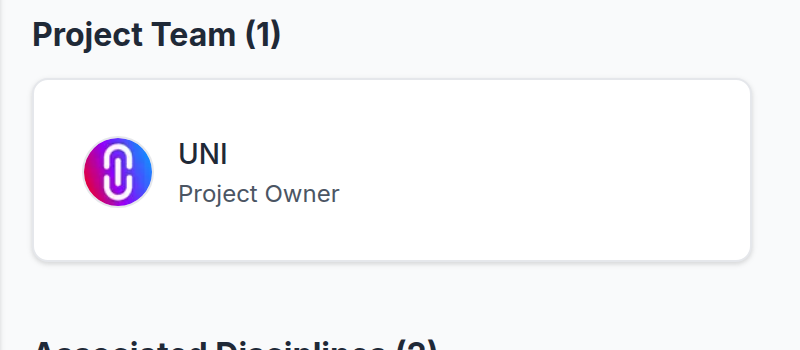
You get the full team: everyone on the project, grouped as the team is actually organised, each with a Follow button.
Signed out
You get a flat list of the project's owners, as plain links to their profiles. No grouping and no follow buttons, and the count can be smaller, because owners are only part of a team.
Why the difference
Following someone requires an account, so the buttons have nothing to do when nobody is signed in. The flat list is also what search engines are served, so a project's authorship is still readable without an account.
Nothing is hidden from you as a privacy measure here, and the author has not configured anything. Signing in shows the full card on the same page.
If the card is missing entirely
A project with no team and no owners recorded shows no card at all. That is unusual and normally means the project predates team records, rather than that it has no author.