If you have an active membership with included entries left, you can register for a paid competition on UNI without paying its entry fee. The steps are the same as paying, with one extra choice in the middle.
Semester, Annual, Studio and Institutional memberships include entries. Weekly and Monthly include none, so on a paid competition those two tiers still pay the entry fee.
Register with a membership entry
- Open the competition page and select Register. The button is there while the competition's registration window is open.
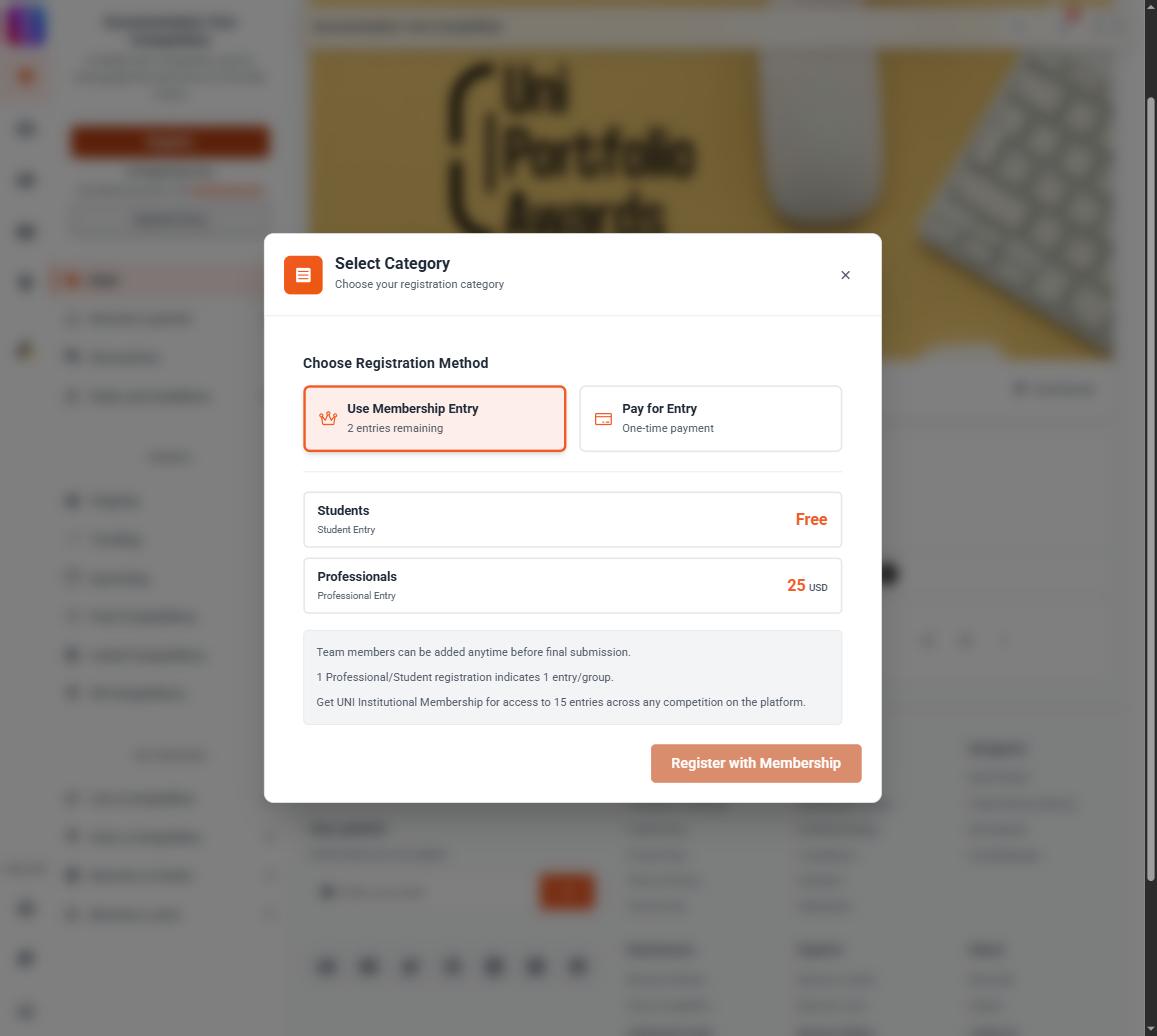
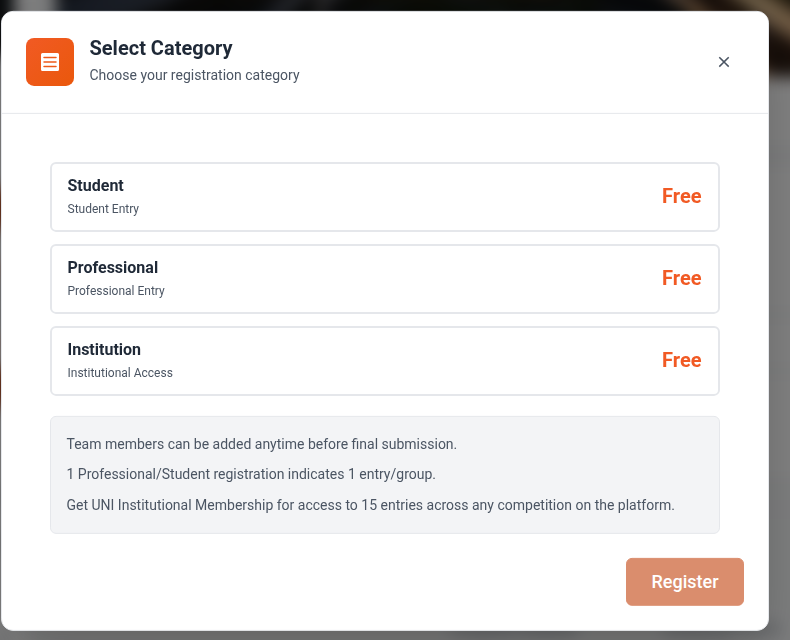 2. The Select Category window opens. A Choose Registration Method block appears above the categories only when all three are true: you hold an active membership, you have entries remaining, and at least one category on that competition costs money. On a competition where every category is free there is nothing to choose, so the block is not shown and the button simply reads Register.
3. Select Use Membership Entry.
4. Choose your category. Most competitions offer Student and Professional categories alongside an Institutional Access category, and some add their own.
5. Select Register with Membership at the bottom. If you leave the method set to Pay for Entry, that button reads Proceed to Payment instead.
6. A You're Registered! confirmation appears, with Continue Browsing and View My Entries. An email arrives with the competition name followed by "Entry Registration Successful" in the subject line.
2. The Select Category window opens. A Choose Registration Method block appears above the categories only when all three are true: you hold an active membership, you have entries remaining, and at least one category on that competition costs money. On a competition where every category is free there is nothing to choose, so the block is not shown and the button simply reads Register.
3. Select Use Membership Entry.
4. Choose your category. Most competitions offer Student and Professional categories alongside an Institutional Access category, and some add their own.
5. Select Register with Membership at the bottom. If you leave the method set to Pay for Entry, that button reads Proceed to Payment instead.
6. A You're Registered! confirmation appears, with Continue Browsing and View My Entries. An email arrives with the competition name followed by "Entry Registration Successful" in the subject line.
What the membership route does not cover
- Institutional Access categories cannot be paid for with membership entries. If you pick one while Use Membership Entry is selected, you are told to use the payment option instead. Institutional Access is bought directly.
- Once your included entries are used up, the membership route is refused and you register by paying that competition's entry fee.
Free competitions
On a free competition there is no registration method to choose. The button simply reads Register, and registering does not use up any of your included entries, on any tier.
After you register
Registering only opens the entry. You still have to attach published work to it from Profile > Competitions before the submission deadline. See Submit a competition entry.