If your e-certificate will not download, the cause is almost never your browser. On UNI a certificate is generated on demand and unlocked by the competition's stage, so work through these real causes.
1. The competition has not finished the required phase
A rejected entry never earns a certificate - not now, not later, at any stage. Nothing unlocks it, so do not tell a member to wait.
For every other entry, certificates unlock by stage, not by date:
- approved entries: when shortlisting completes
- everything else: when evaluation completes
If your competition has not reached that point, no certificate exists yet for anyone in it. Nothing is broken.
2. You have not generated it yet
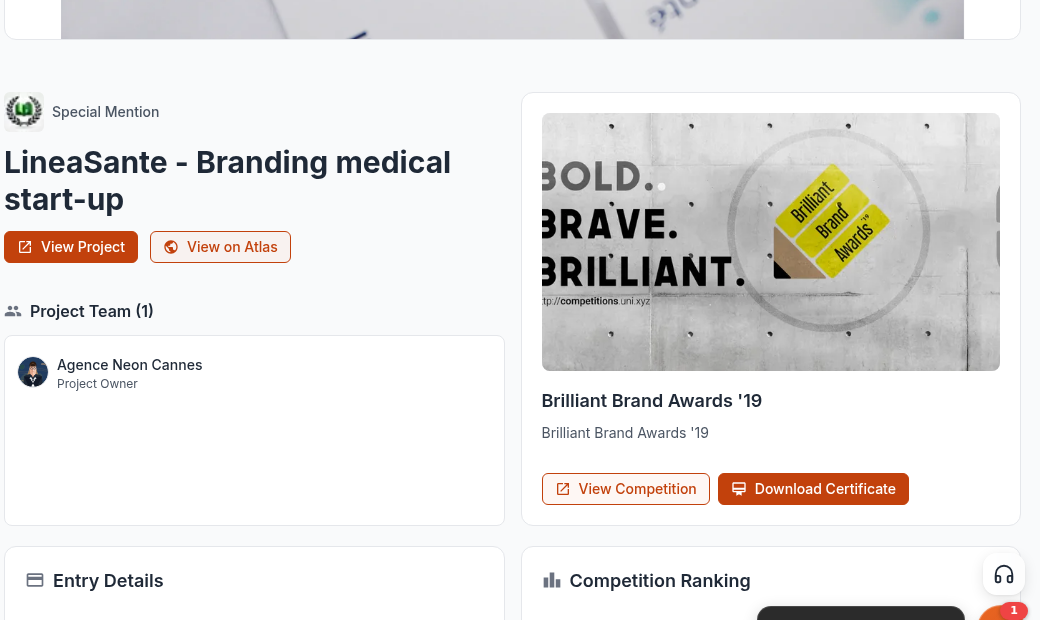
This is the single most common cause. A certificate is not created for you when results are published. You have to ask for it once.
- Open your competitions page at uni.xyz/profile/edit/<your-username>/competitions.
- On the entry, use Analytics. That button appears once the competition's submission window has closed and something is attached to the entry.
- On the Analytics page, use Download Certificate.
- Check the name in the Generate Certificate box, then confirm.
The certificate then opens on its own page. Only after that does a download exist.
3. Your project is unpublished
For a project entry the certificate is built from the published version of the connected project, so an unpublished, private or deleted project stops it with "No published project found". Republish it and try again. Journal and publication entries have no publish check.
4. Nothing is connected to the entry
An entry with no project, journal or publication attached cannot produce a certificate.
5. You are not the owner or an accepted team member
Only the entry owner, accepted members of the connected project's team, and the author of a connected journal or publication can generate or open that certificate. An invitation still sitting unaccepted does not count. If a teammate submitted the entry, ask them, or make sure your team membership was accepted rather than left pending.
Already generated but the file will not save?
Open the certificate page at uni.xyz/profile/certificate/<slug>/ and use Download, then Download PDF or Download PNG. The file is drawn in your browser from that page, so let the page finish loading before you use the buttons. The PDF comes out A4 landscape and the PNG at full resolution.
The name printed on it is wrong
The generate box warns that a certificate cannot be modified. The printed name is the exception. Go back to the entry's Analytics page, use View Certificate, and correct it in the Update Certificate box. The certificate is not reissued, only the name changes.
Fastest route
Ask the assistant in chat: "check my certificates". It reads your actual entries, tells you which are available, which are blocked and why, and can generate the available ones for you. If something still looks wrong after that, ask it to open a conversation with the UNI team and give your competition name and entry.