The status chip at the top of the journal editor tells you one thing: whether what you are looking at has reached readers. It shows five states, and only one of them means your journal is public and current.
The five states
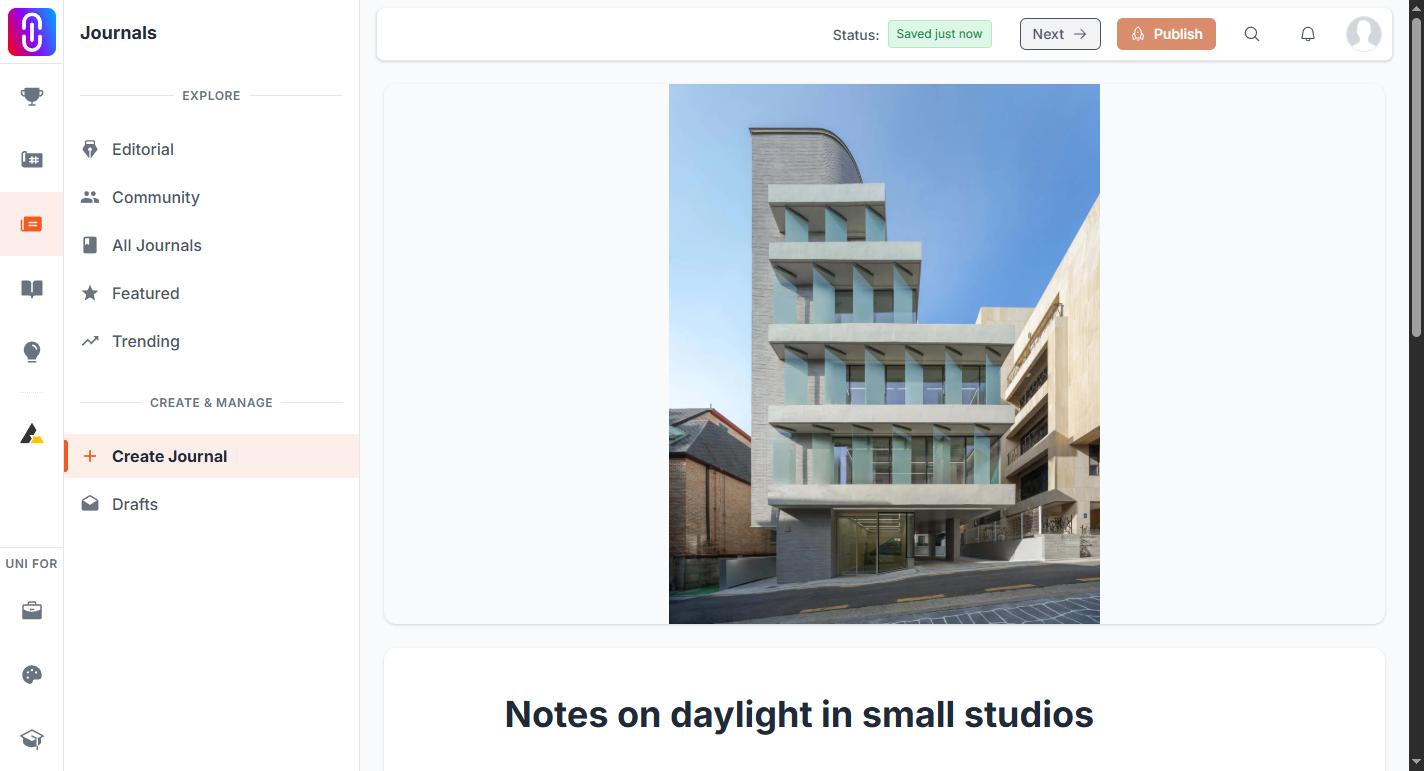
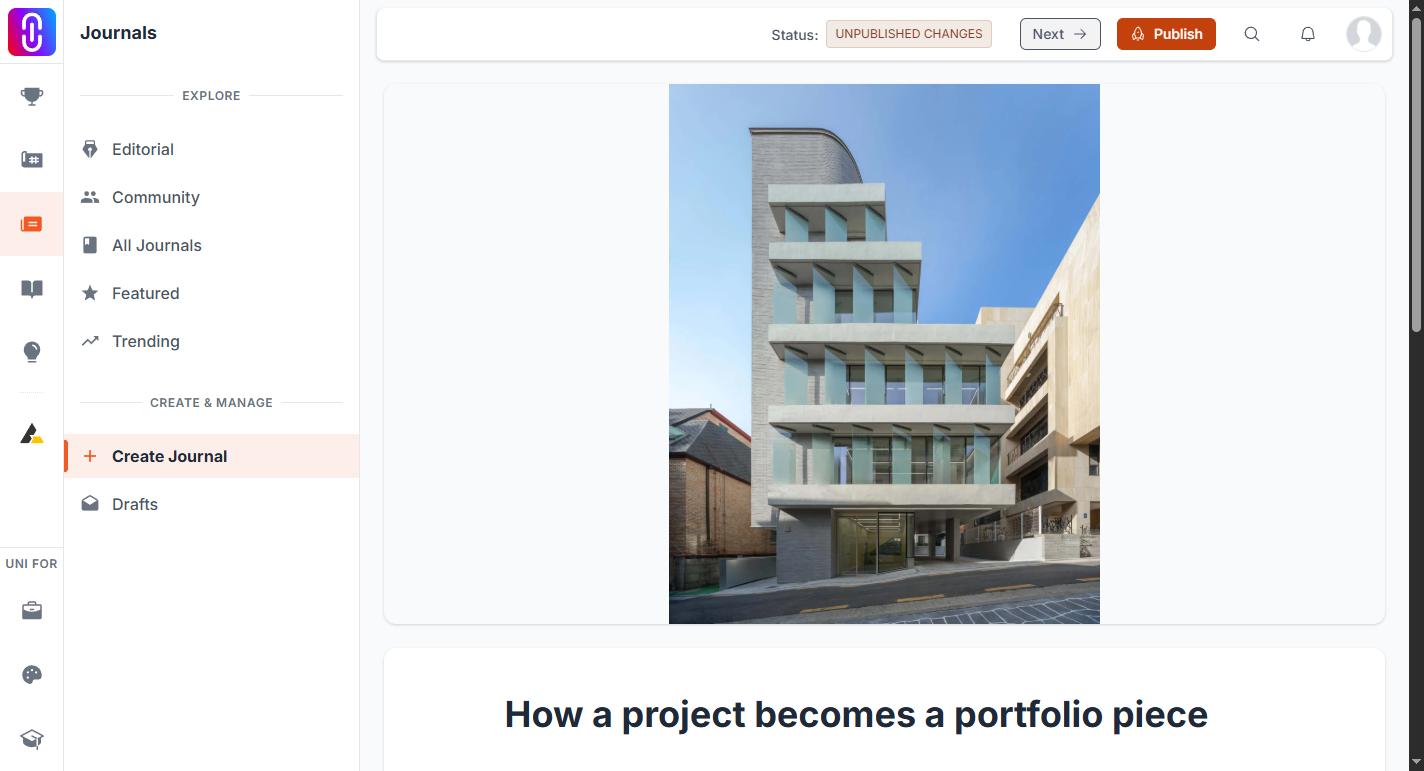
- Draft. The journal has never been published. Nobody but you can open it, it is not on the journals feed or your profile, and it has no web address yet.
- Saving... Your work is being written to UNI right now. It stays on screen for at least a second even when the save finishes faster than that, so that you see it happen.
- Saved just now. The save completed. This holds for ten seconds and then hands over to whichever of the other states applies.
- Published. The live journal matches what is in your editor. Readers are seeing this.
- UNPUBLISHED CHANGES. The journal is published and you have edited it since. Readers are still seeing the previous version. Your edits are held back until you press Publish again.
Saved is not the same as published
This is the distinction the label exists to draw, and the one people get caught by. Saving is not publishing. Seeing Saved just now on a draft means your writing is safe on UNI, not that anybody can read it. A draft that has been saved a hundred times is still a draft.
The same holds in reverse on a published journal. Once it reads UNPUBLISHED CHANGES, saving more will not move your edits onto the public page. Only Publish does that, and the label returns to Published when it has.
There is no way to throw the held-back edits away from inside the editor. Discard unsaved edits to a published journal explains what to do instead.
What the label does not tell you
It does not report the web address. That is decided the first time you publish and does not change afterwards, whatever the title says later on: see Your journal's web address is fixed the first time you publish.
It also does not say whether the piece is complete enough to publish. That is the Publish button's job. While a required field is missing the button stays disabled, and the page tells you which one is outstanding.
On a phone the label moves
On a narrow screen the chip is not in the bar at the top. It moves to its own row just under the navigation, showing the same words. Nothing behind the scenes changes. Check the state from a desktop browser, or from the Journals page of your profile, which separates published journals from drafts: Finding your journal drafts.