On Publishing Details, the second step of the journal editor, the story type and the disciplines you choose are written to the live journal the moment you choose them. They do not wait for Publish. If the journal is already published, readers see the change straight away.
Everything on that step saves itself as you go. The message that reads Changes saved means saved and live, not saved and pending.
A published journal has two save paths
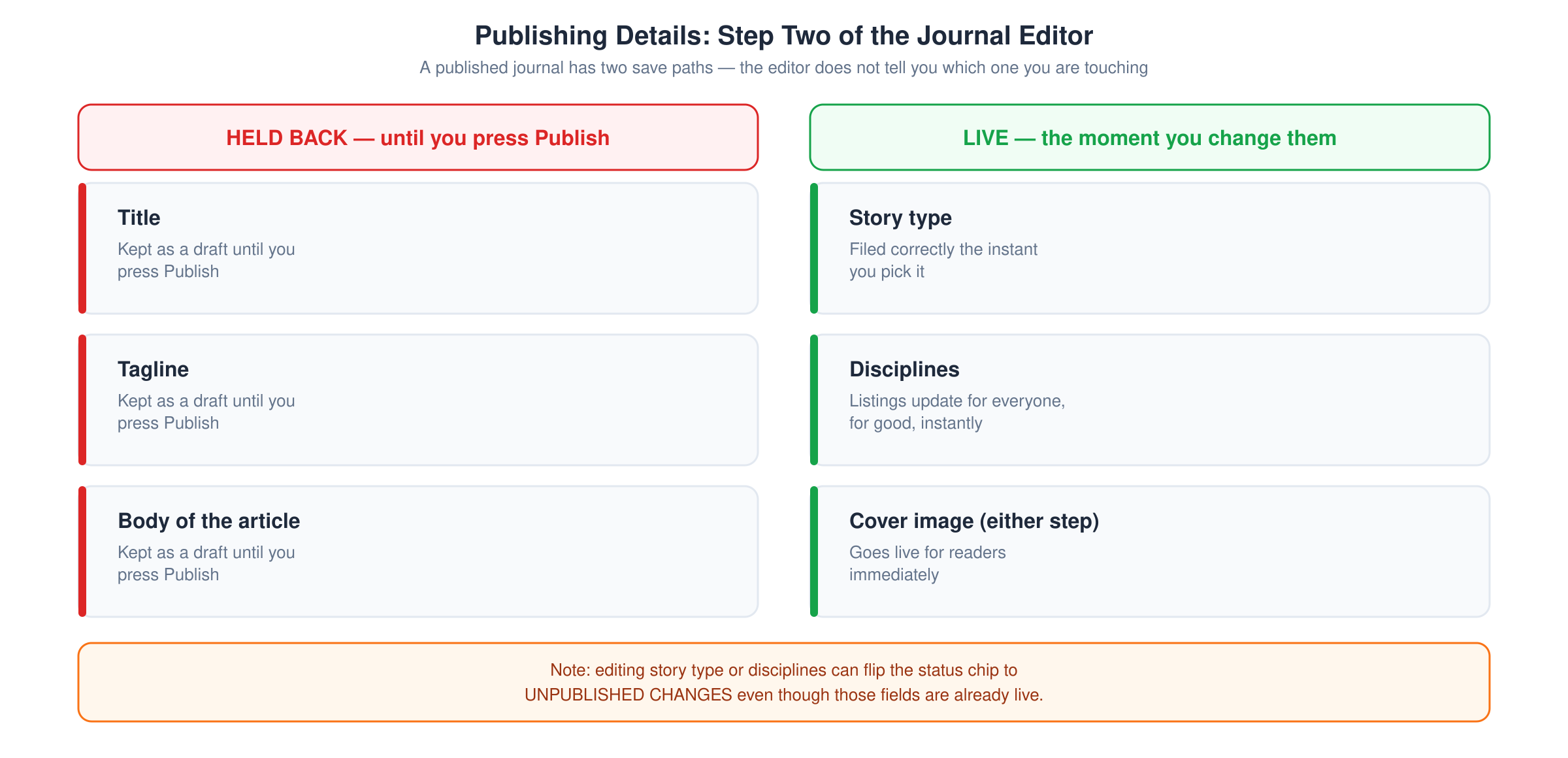
The editor does not tell you which one you are touching, so here they are.
Held back until you press Publish:
- Title
- Tagline
- The body of the article
Live the moment you change them:
- Story type
- Disciplines
- The cover image, whichever step you upload it on
The protection described in Discard unsaved edits to a published journal covers your writing. It does not cover how the journal is filed or how it looks in a card.
Why the second list matters
Story type and disciplines decide where your journal is shown. Changing a discipline on a published piece moves it in discipline listings and changes what it appears alongside, for everybody, at once. Story types covers what the type controls.
There is no confirmation step and no way to try a setting privately. If you want to experiment, do it on a draft.
The editor may then claim you have unpublished changes
One quirk is worth recognising so it does not alarm you. When you change the story type or a discipline, the editor sends the journal's current cover image along in the same request. On a published journal that registers as a pending change, so the status chip switches to UNPUBLISHED CHANGES even though the thing you altered is already live and the image being held back is the one already on the page.
Pressing Publish in that state changes nothing for readers. Leaving it alone changes nothing either. Reading the journal editor's status label covers the other states.
What to do
- Treat Publishing Details as a live page, not a form you are filling in privately.
- Settle the story type and disciplines before you first publish, rather than trying options afterwards.
- If you changed something by accident, set it back. The correction reaches readers just as fast as the mistake did.