This is how Creator Revenue Sharing money gets from UNI to your bank account. It all happens at uni.xyz/accounts/settings/payout.
Before you can withdraw
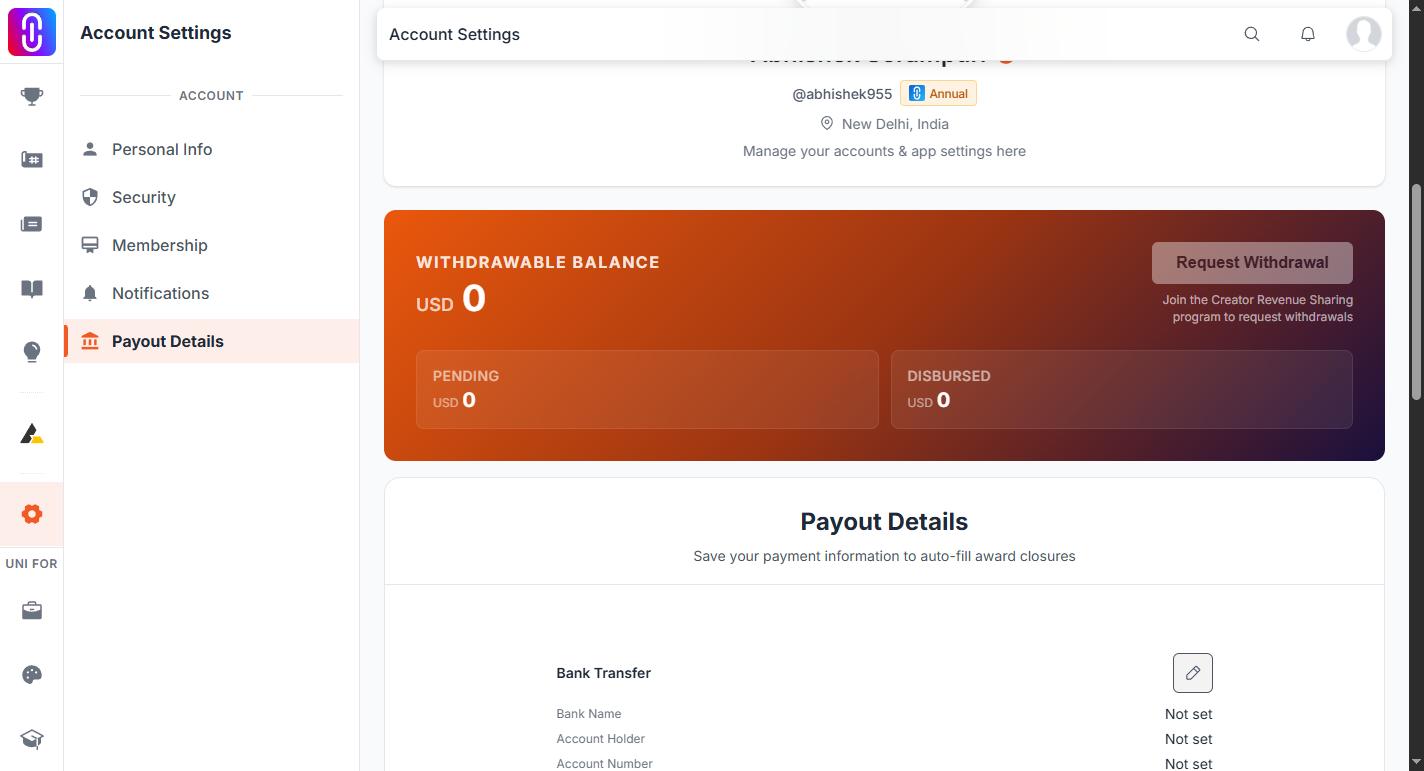
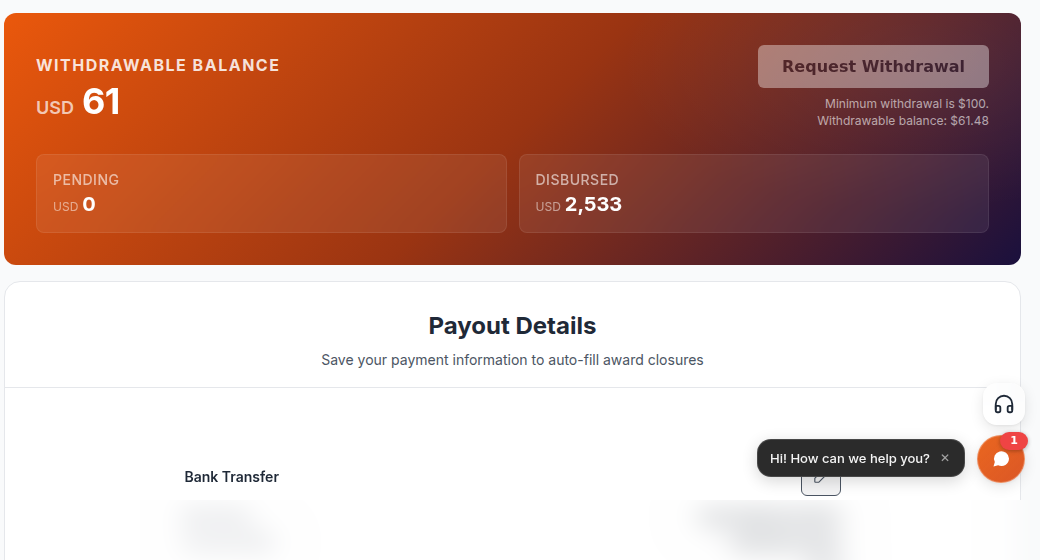
The Request Withdrawal button stays disabled until all three are true, and it tells you which one is missing:
- Your enrolment is Approved. Applying is not enough. A Pending application cannot withdraw.
- You have saved at least one payout method: a bank account number, a PayPal email or a UPI ID.
- Your withdrawable balance is at least $100.
Saving your payout details
Saving payout details is protected by an emailed code.
- On the payout page, open Bank Transfer, PayPal or UPI and select the edit icon.
- Fill in the fields and save.
- UNI emails a 6-digit code to the address on your account, with the subject "Your Payout Verification Code".
- Enter the code to confirm. The code lasts 5 minutes, and you can request a new one after 60 seconds.
What each method asks for:
- Bank Transfer: bank name, account holder name, account number, IFSC or SWIFT code, IBAN where it applies to Europe, the UK and the Middle East, plus a billing address.
- PayPal: your PayPal email.
- UPI: your UPI ID.
If more than one is filled in, the withdrawal uses bank transfer first, then PayPal, then UPI.
Requesting the withdrawal
- Go to uni.xyz/accounts/settings/payout.
- Check the Withdrawable Balance at the top of the page.
- Select Request Withdrawal. This requests your full withdrawable balance. There is no box for a partial amount.
- The request appears under Withdrawal History as Pending.
Your earnings figure and your payment details are frozen at the moment you request, so editing your details afterwards does not change a withdrawal already in flight.
What happens next
A person reviews the request, so it moves through states rather than paying out instantly.
- Pending: submitted and waiting for review. You can still select Cancel on it.
- Approved: reviewed and cleared for payment.
- Disbursed: paid. The date and a payment reference are shown on the request.
- Rejected: shown with the reason. Fix what it says, usually incomplete or incorrect bank details, and request again.
The payout page states that payouts are processed within 30 days of the withdrawal request.
The rules
- The minimum withdrawal is $100. Below that the balance keeps accumulating.
- Payouts are in USD.
- Anything already requested or paid, whether Pending, Approved or Disbursed, is locked and excluded from your withdrawable balance, so the same earnings cannot be requested twice.
Common situations
- "The Request Withdrawal button will not let me continue." Read the message next to it. It names the missing piece: enrolment not Approved, no payout method saved, or a balance under $100.
- "My balance is less than my total earnings." The difference is amounts already requested or paid out. Those are locked.
- "It has been Pending for a while." A person reviews each request. If it seems stuck, ask to open a conversation with the UNI team and give the amount and the date you requested it.
- "What about my competition prize?" Prize money is a different thing. The Award Closures card on the same page only tracks award closures you have already submitted; the Request Withdrawal button does not pay out prize money. See Claiming prize money.
If you are owed money by UNI, ask to open a conversation with the UNI team rather than an external service.