The tour runs once and cannot be restarted. It is a six step walk-through of the Medias page, and closing it records that on your account, so it will not appear again on any project, in any browser, on any device.
What the six steps cover
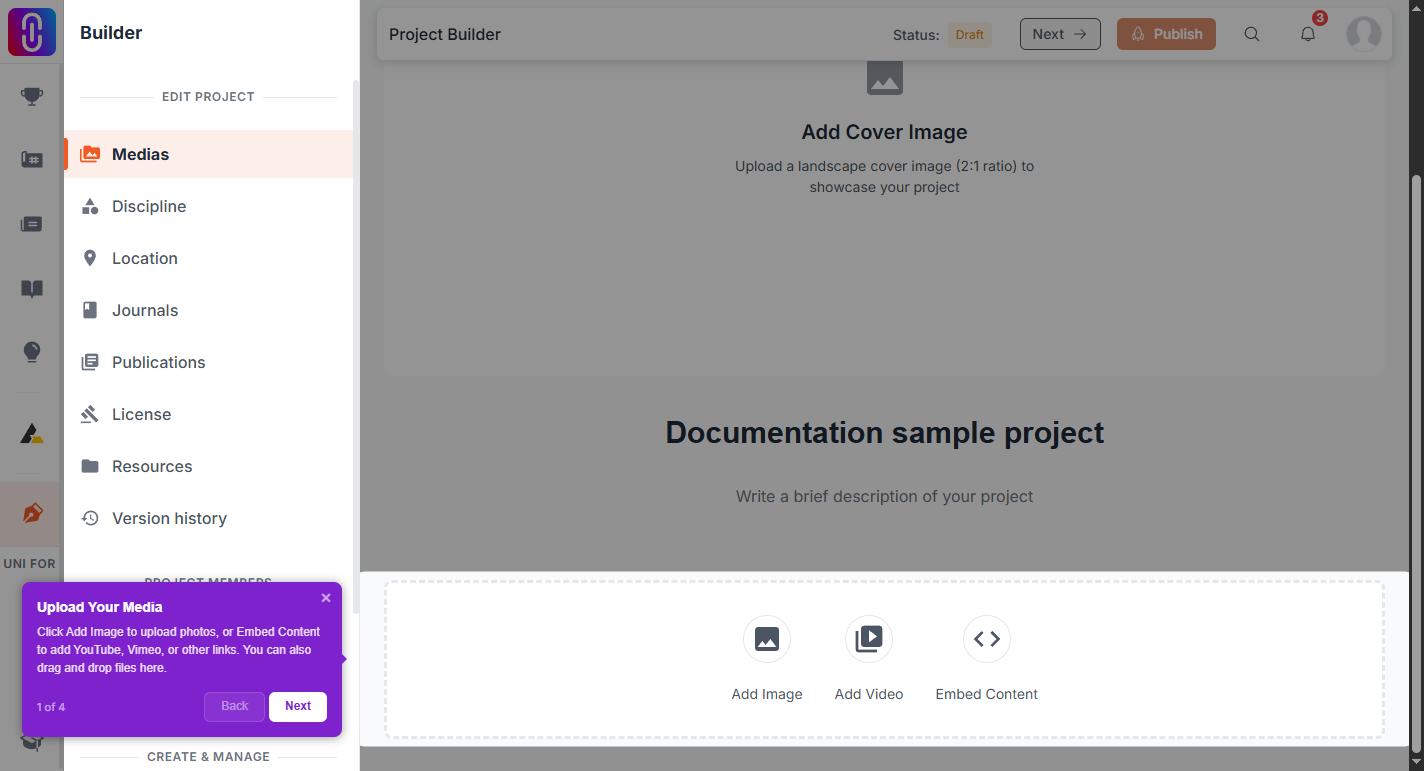
- Upload Your Media. The Add Image and Embed Content buttons, and dragging files onto the page.
- Arrange Your Gallery. The Grid, List and Full-width toggle.
- Reorder & Edit. Hovering an item to edit, delete or preview it, the up and down arrows, and setting a cover image.
- Edit Project Details. The sidebar steps: Medias, Discipline, Location, Journals, Publications and License.
- Team & Members. Adding teammates and setting what each of them can do.
- Auto-save & Continue. The status chip, and the difference between saving and publishing.
Move through it with Next and Back, and finish with Got it. Closing it early counts as finishing it.
Why you may have seen fewer than six steps
A step is dropped if the thing it points at is not on the screen. Open the editor on a project with no images in it yet and the gallery steps have nothing to highlight, so they are skipped and the tour is shorter. The missing steps do not arrive later once you add an image.
Why you may not have seen it at all
The tour is deliberately quiet. It runs only when all of these are true:
- Your browser window is at least 1024 pixels wide. It never runs on a phone.
- You are signed in and have finished onboarding.
- You have already seen the general navigation tour. That one always comes first.
- At least 5 minutes have passed since any other tour was shown to you, so you are never given two in a row.
- You have a project open. The blank new project screen does not trigger it.
There is no way to replay it
Nothing on the page restarts it, and clearing your browser data will not either, because the record is kept on your account rather than in the browser. The same ground is covered in writing by What the project editor saves on its own.