You can embed video, 3D models, audio, slides and design files in a project, a journal or a publication. Embeds are accepted from a fixed list of providers, and this page is that list.
What to paste
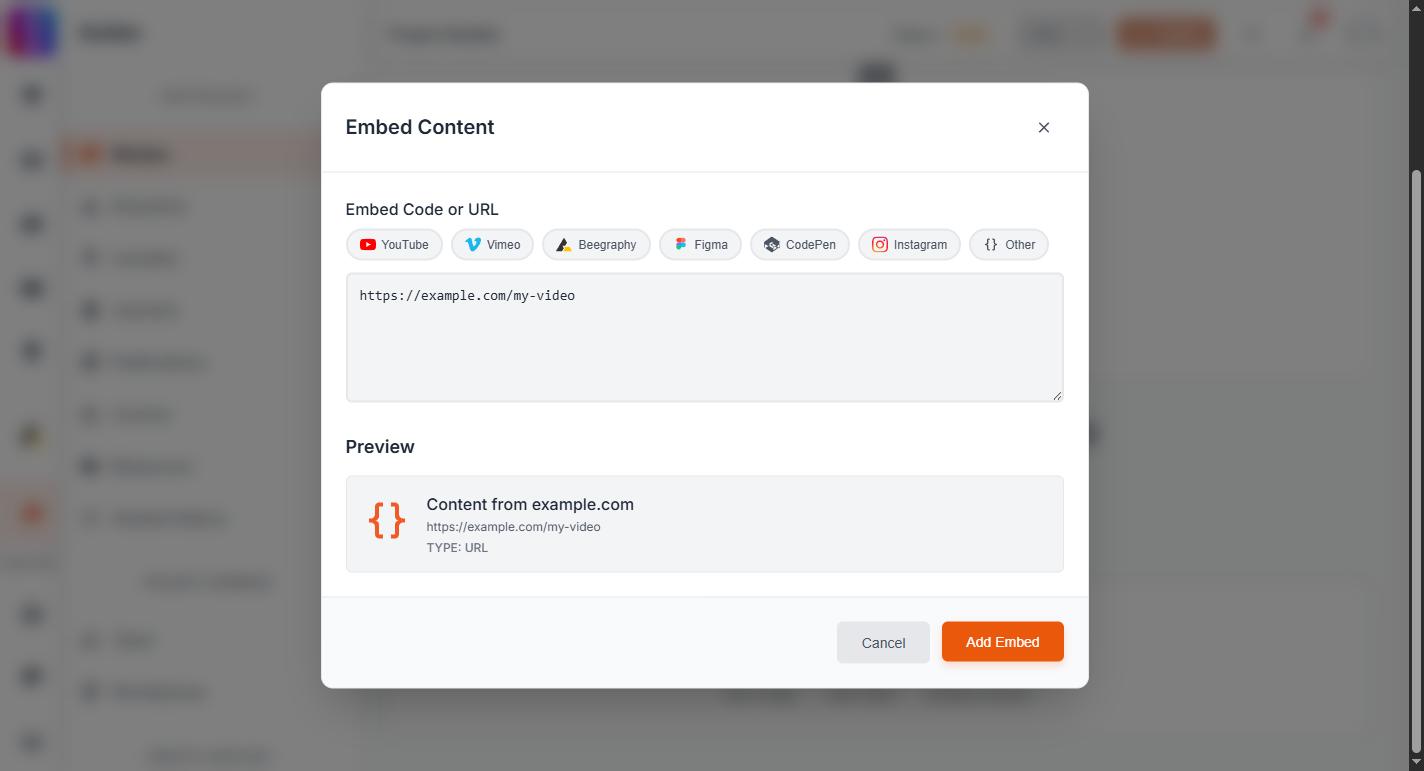
Paste the provider's embed code, the block that contains an <iframe>. Copy it from the provider's own Share or Embed option.
A plain web address on its own will not work. If you paste a link you will be told the code contains no iframe, which is exactly what that message means.
Which providers are allowed, and why yours was rejected
The provider list and every rejection message are kept in one place: Which embeds you can use in a project, and why yours was rejected. It covers the full roster, the Google Drive block, empty frames and stripped scripts.
That page is the one to update when a provider is added or removed. This one deliberately does not repeat the list, so the two cannot drift apart.
Same rules everywhere
The list applies identically in the project builder, in journals and in publications. An embed rejected in one place will be rejected in the others, so it is one rule rather than three separate faults.
If you need a provider that is not on the list, write to contact@uni.xyz and tell us which one and what you are embedding.