Every project carries a licence that tells other people what they may do with it. There are seven options: Copyright reserved, and six Creative Commons combinations.
The licence choices
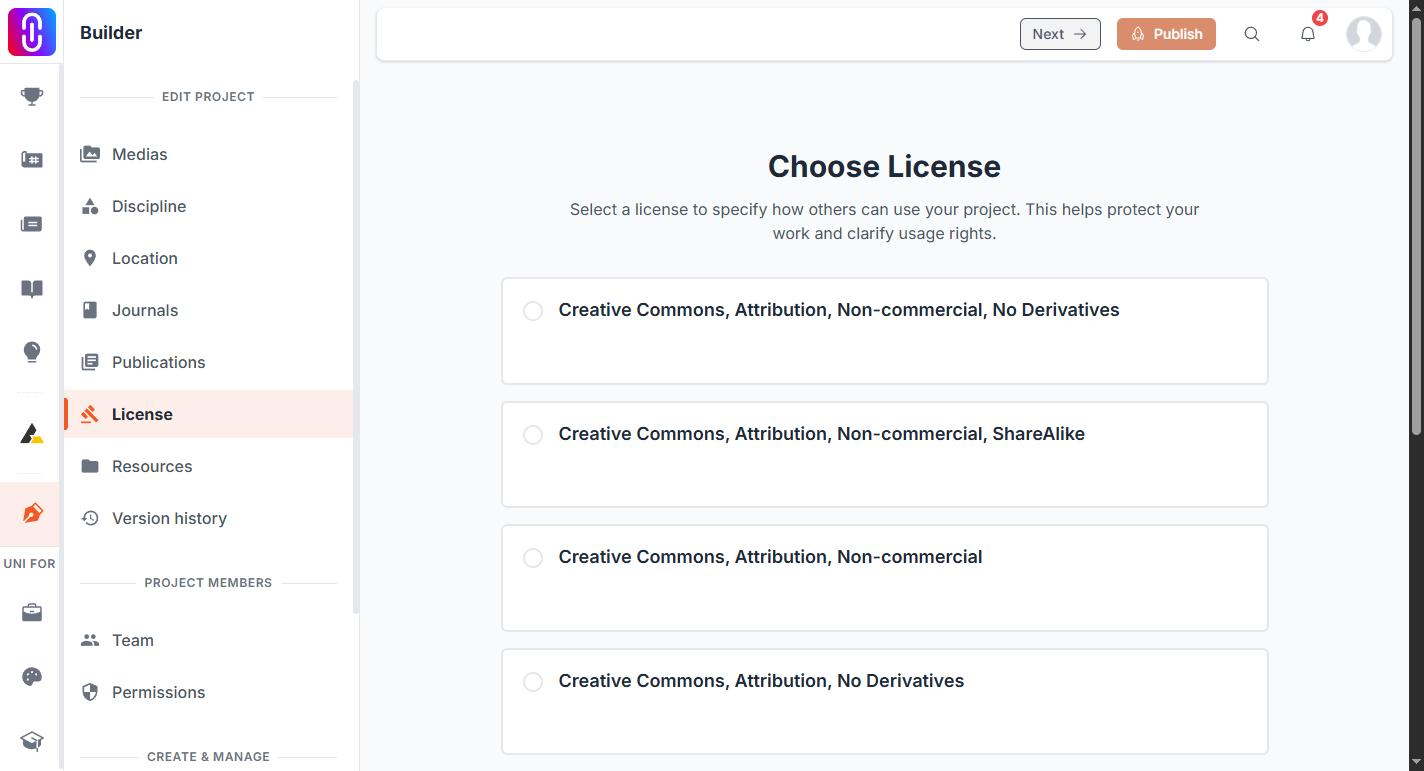
- Copyright reserved keeps all rights with you. Nobody may reuse the work without asking.
- Creative Commons, Attribution lets others use it, including commercially, as long as they credit you.
- Creative Commons, Attribution, ShareAlike adds that anything built on it must carry the same licence.
- Creative Commons, Attribution, No Derivatives allows sharing the work as it is, but not modified versions.
- Creative Commons, Attribution, Non-commercial allows reuse with credit, but not for commercial purposes.
- Creative Commons, Attribution, Non-commercial, ShareAlike combines those two conditions.
- Creative Commons, Attribution, Non-commercial, No Derivatives is the most restrictive Creative Commons option: credit required, no commercial use, no modified versions.
Attribution applies to all six Creative Commons options, so you are always credited.
Licences are not a paid feature. Every account can set any of the seven.
Setting or changing your licence
The licence lives on the project in the builder. Open the project, go to Edit Project, then License, and choose one on the Choose License page.
A licence is required before a project can be published, and it is one of the things the Publish button checks for. You can change your choice at any time afterwards. A change applies from that point on. It does not reach back and undo how someone already used the work under the previous licence.
The licence you picked is shown on the public project page, in the column on the right.
If you see "server error, cannot save license"
Saving a licence works normally, so a server error here is a platform problem. It is not caused by your choice of licence or by your membership, and changing either will not fix it. There is no point retrying over and over.
Contact the UNI team and tell them which project it is happening on, so a person can look at that specific project.