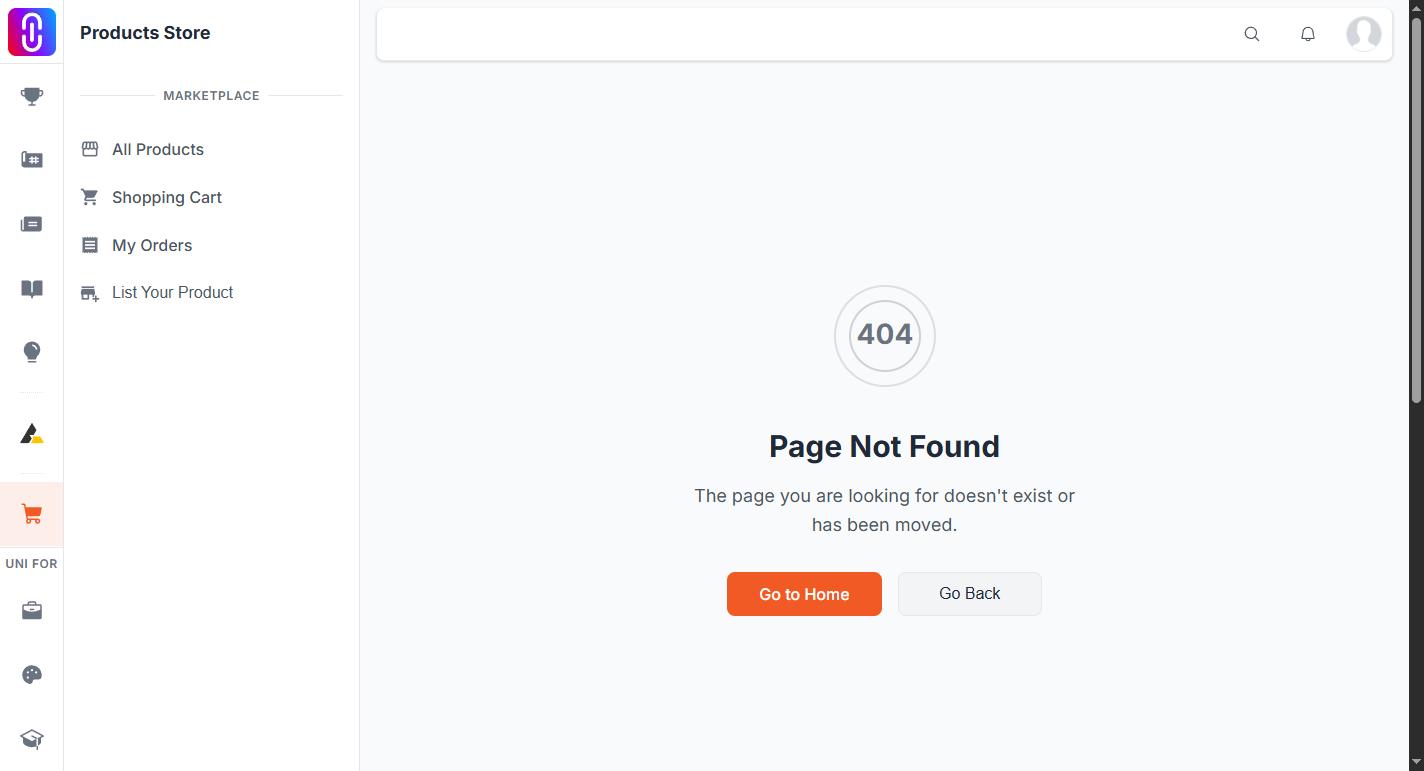
"Project not found" means the address you opened matched no project that the page is allowed to show. It appears inside the normal project layout rather than on the site's 404 page, which is why it can read like the page half loaded. The Retry button asks for the same address again, so it will keep returning the same message.
Four things produce it, and three of them are recoverable.
- The project was renamed. A project's address is rebuilt from its title and description every time it is published, and the old address is not redirected. This is the most common cause of a link that used to work. See Your project web address changes when you rename it, which also covers getting the old address back.
- The project was deleted. Deletion is not reversible from your side. See Deleting a project and whether it can be undone.
- The project is private. A private project's own address stops opening for everyone, including the team. Work on it through your Projects page and the builder instead. See Private projects and exactly who can still see one.
- The project has never been published. A draft has no public page at all. See How to create and publish a project.
Check the address before anything else
Addresses are matched exactly. A link that was broken across two lines in an email, one that lost its ending, or one pasted with a stray character will not resolve, and the page cannot tell you that. Open the link from its source rather than retyping it.
If it is your own project
Open your Projects page and select the project from there. If it opens in the builder but not on its public address, it is a draft or private rather than lost, and everything in it is intact.