You can change your username once every 90 days. If you changed it more recently than that, the save is refused with the message "You can change your username only once in 3 months. Days remaining: N". Nothing on the settings page warns you before you try, so that refusal is usually the first time anyone hears of the rule.
The clock runs from your last change, not from a calendar quarter
The window is 90 days from the date of your most recent successful change. The number in Days remaining is what is left of those 90, so a change made yesterday reports 89.
If you have never changed your username there is no clock, and the first change goes through. The date is only recorded when a change actually succeeds, so an attempt that was refused for any other reason does not start it.
The check runs on the server on every attempt. It is not a setting anyone at UNI can waive for you, so there is nothing to gain by writing in and asking.
Three other things also get a username refused
The 90 day rule is one of four checks. The other three report themselves the same way, as a message on the settings page.
- "This is your current username. Try another." The name you typed is the one you already have.
- "This username is taken. Try another." Another member holds it. Names are not released when an account is deactivated, so a name that looks unused can still be held.
- "This username is not allowed. Try another." The name is on UNI's reserved list, which is mostly words UNI uses for its own sections and addresses.
None of these three start your 90 days, because nothing was changed.
Your old profile address stops working
Your public profile lives at uni.xyz/profile/your-username. Changing the username changes that address, and nothing forwards the old one to the new one. Everything already pointing at the old address breaks the moment the change saves:
- Links in a portfolio, a CV, an email signature or a social bio.
- Links other people have posted to your profile.
- Bookmarks, yours and other people's.
Your work is not affected. Projects, journals and publications keep their own addresses, and your competition entries, followers, likes and history all stay attached to the account. Only the profile address moves.
Because of the 90 day rule you cannot quickly change it back if you dislike the result. Settle on the name before you save, then update the places you have listed your profile.
You are told every time your username changes
A successful change sends you an email titled "Your UNI Username Has Been Changed", naming both the old and the new username, and puts the same thing in your in-app notifications.
Treat that as a security notice. If one arrives and you did not make the change, change your password and contact the UNI team.
Where to change it
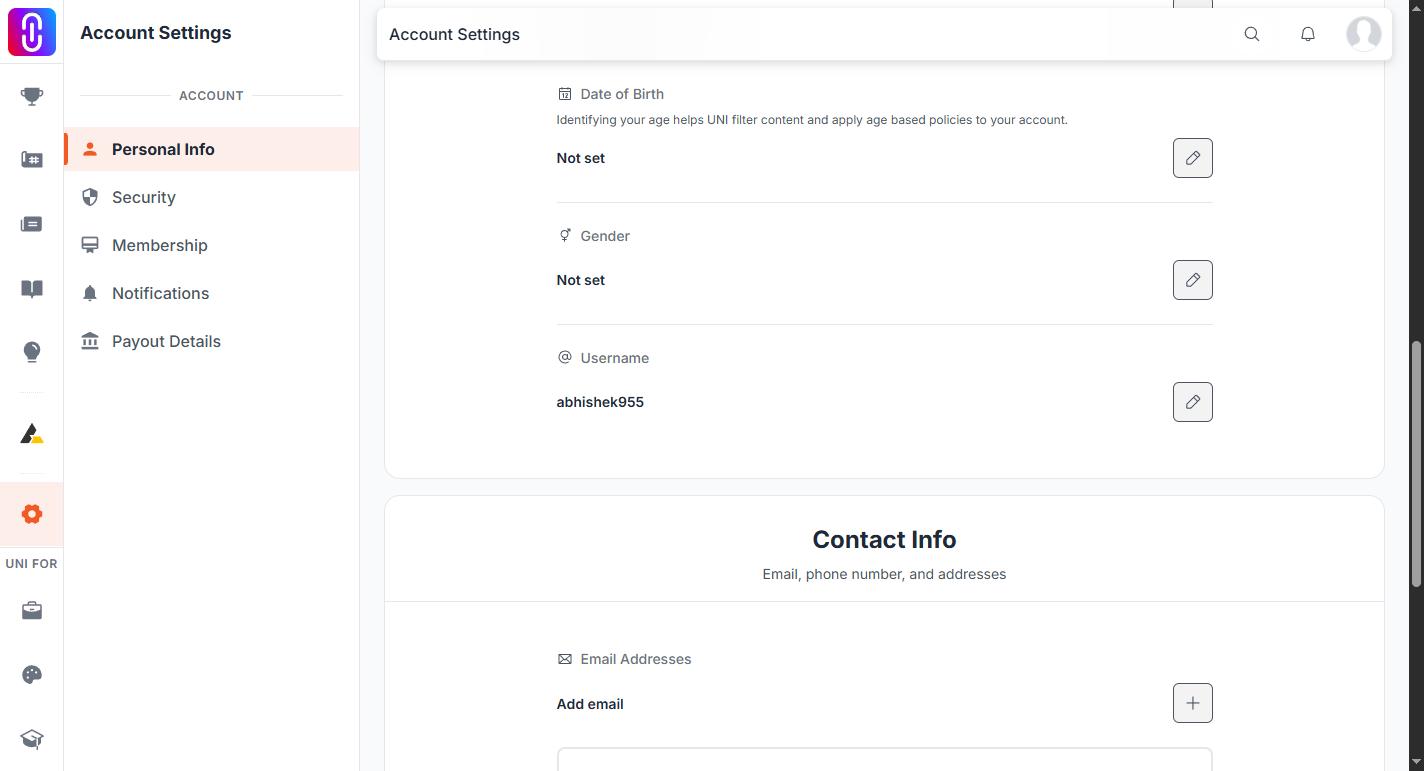
Open Settings from your account menu, then Personal Info. The Username field sits below your name, date of birth and gender, with a pencil beside it. Type the new name and confirm with the tick. Whatever the server says back, success or refusal, appears as a message on the page.