Account settings and profile content live in two different places. Account settings are at uni.xyz/accounts/settings, which is Settings in the user menu at the top right. Everything that shows on your public profile is edited from Profile in that same menu.
What is in account settings
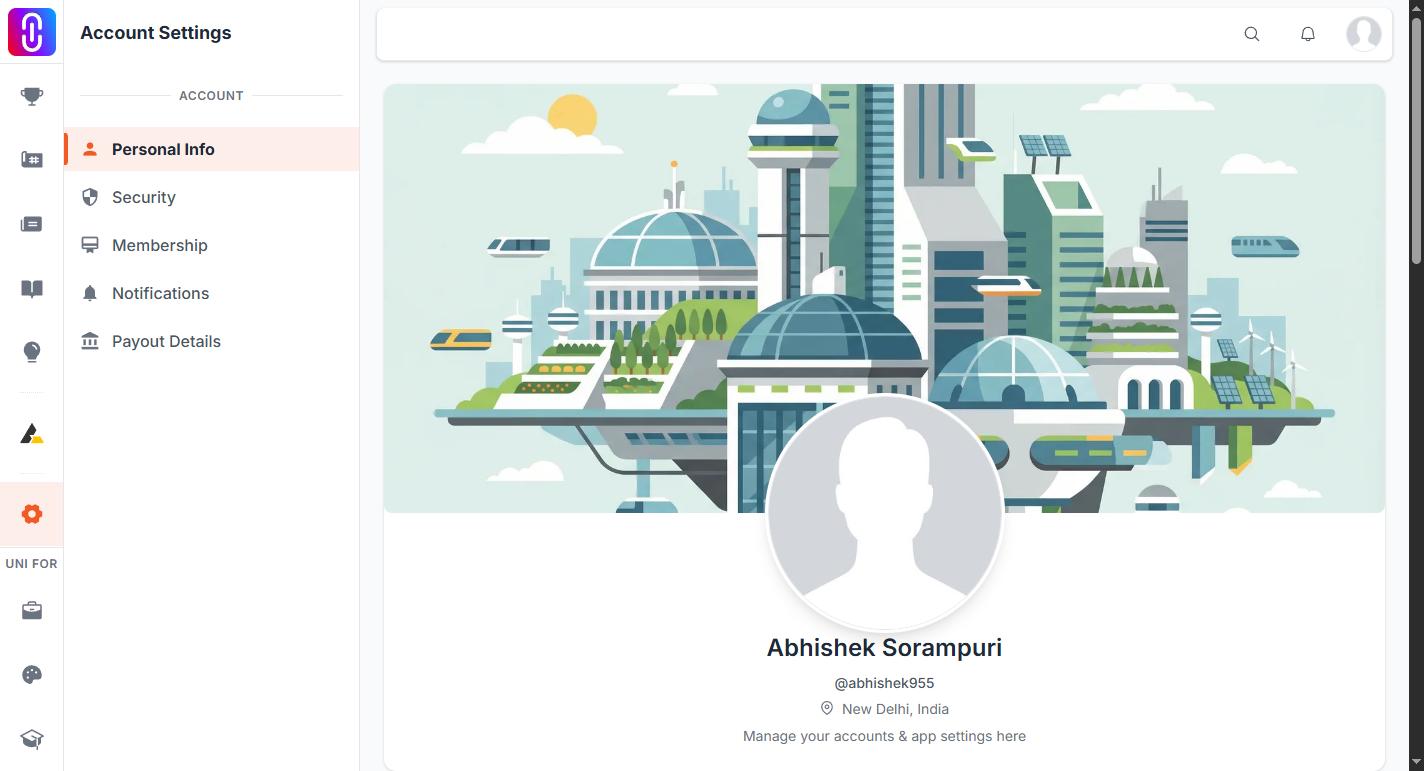
The sidebar holds five pages.
- Personal Info. Your name, date of birth, gender and username, then a Contact Info card with your email addresses, phone number, billing address and shipping address.
- Security. Change your password or send yourself a reset link, and under Manage account, deactivate or delete the account.
- Membership. Your current plan, when it expires, what it includes, and cancellation.
- Notifications. Toggles grouped as Email Notifications and Activity Notifications.
- Payout Details. Bank transfer, PayPal or UPI details, Creator Revenue Sharing enrolment, your earnings, withdrawal history and award closures.
Opening the settings address on its own lands you on Personal Info.
What is in the profile editor
Choose Profile in the user menu. Under Manage in the sidebar you get About, Projects, Journals, Publications, Collections, Competitions, Notifications and Messages. Jury evaluation assignments live in their own app now, not under the profile editor: see Getting to your juror dashboard.
The About page is where your bio, experience, education, achievements, skills, languages and links are edited. Your photo and cover image sit on the card at the top of the editor, alongside View Public Profile and Edit Info.
For a walkthrough of every card on that page, see How to build your profile on UNI.
Saved is not the same as public
Experience, Education, Achievement, Skills, Languages and Links each carry a Make it visible on my profile checkbox. The entry saves either way, but it only reaches your public profile when that box is ticked. If you added something and cannot find it on your public page, check that first.
Common questions
- Changing your email address. Add the new address under Contact Info, confirm it within three days, make it primary, then remove the old one. Full steps in How do I change the email address on my account?.
- Photo or cover will not upload. Keep both files under 5 MB. See Profile edits failing: cover photo, education and other sections.
- Closing the account. Deactivation and deletion both sit under Security. See How to delete or deactivate your account.
- Checking or cancelling a plan. Everything about the plan you hold is on the Membership page. See Membership tiers and pricing.