Neither deletion can be undone, and UNI keeps no copy of the file you removed. The only way back is to upload the image again from your own device, so make sure you still have the original before you delete anything.
Both controls sit on the card at the top of your settings page, and on the same card in your profile editor. The round image is your photo. The wide strip behind it is your cover.
Both deletions ask you the same way
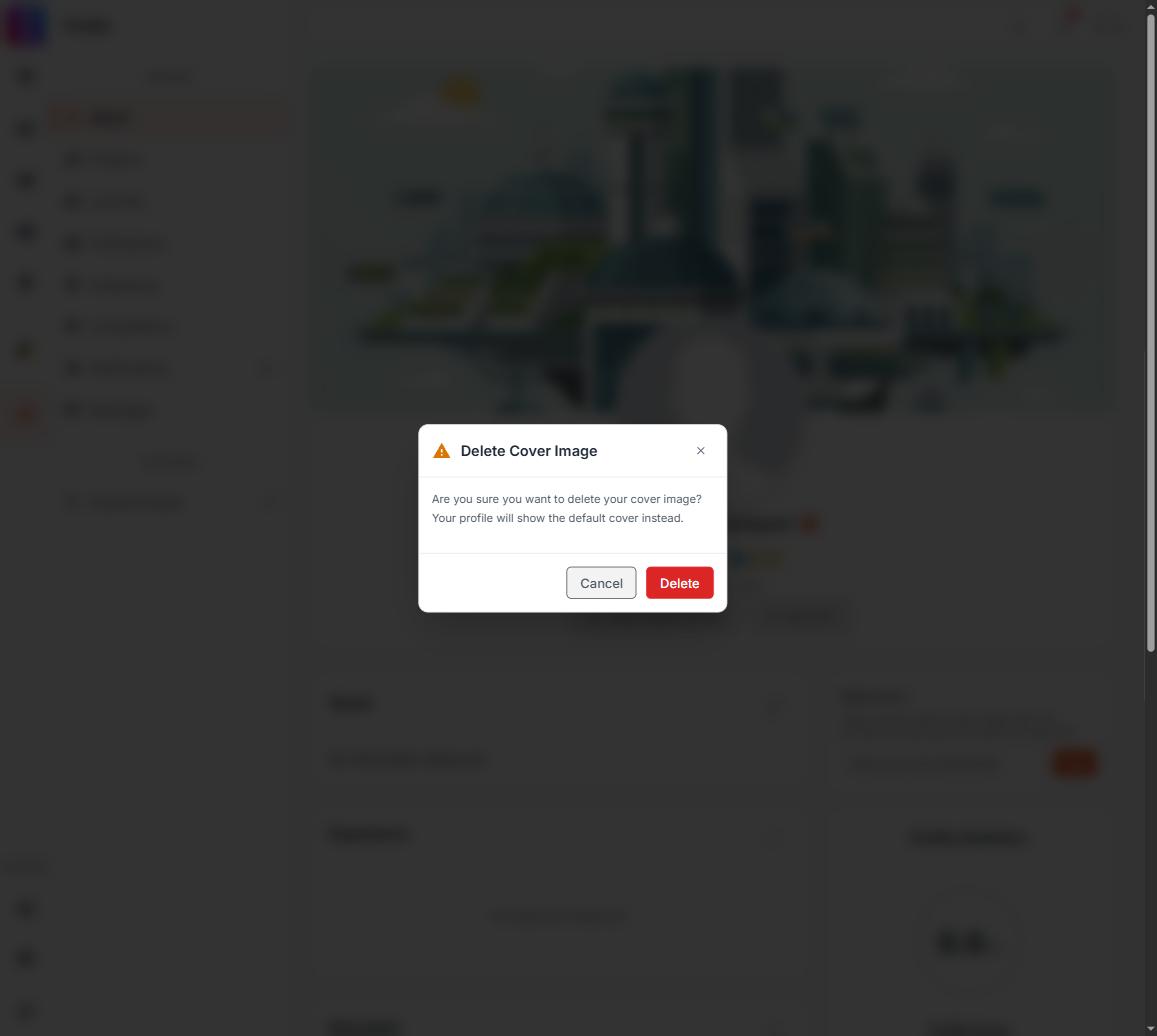
Deleting either image opens a UNI dialog, Delete Cover Image or Delete Profile Picture, stating what will replace it: the default cover, or your initials. Nothing is removed until you press the red Delete button inside that dialog; Cancel or the corner close leaves everything as it was.
Older versions of this page warned that the photo used the browser's own small confirmation box, easy to click through without reading. That is no longer the case: since August 2026 both deletions use the same styled dialog.
What deletion actually changes
Your photo and cover are held on your account as a link to a file. Deleting clears that link. Nothing else on your account is touched: your name, username, bio, work and followers all stay exactly as they were.
With no photo, your avatar falls back to the first letter of your name everywhere you appear on UNI. With no cover, the banner goes back to plain colour. Both changes are live for everyone straight away. There is no save step to reverse.
Replacing is safer than deleting
You do not have to delete an image before putting up a new one. Uploading replaces whatever is there. So if all you want is a different picture, use the upload control and skip the delete: if the upload then fails, you still have your old image.
Photos are accepted up to 5 MB and covers up to 15 MB, image files only.