Your entry is created as soon as your registration goes through, and it appears on your competitions page straight away. Seeing it there is the confirmation that the registration worked, even if the competition page itself does not highlight it yet.
Check that your entry exists
- Go to uni.xyz/profile/edit/{your-username}/competitions.
- Find the competition in the list. Each registration is one entry card.
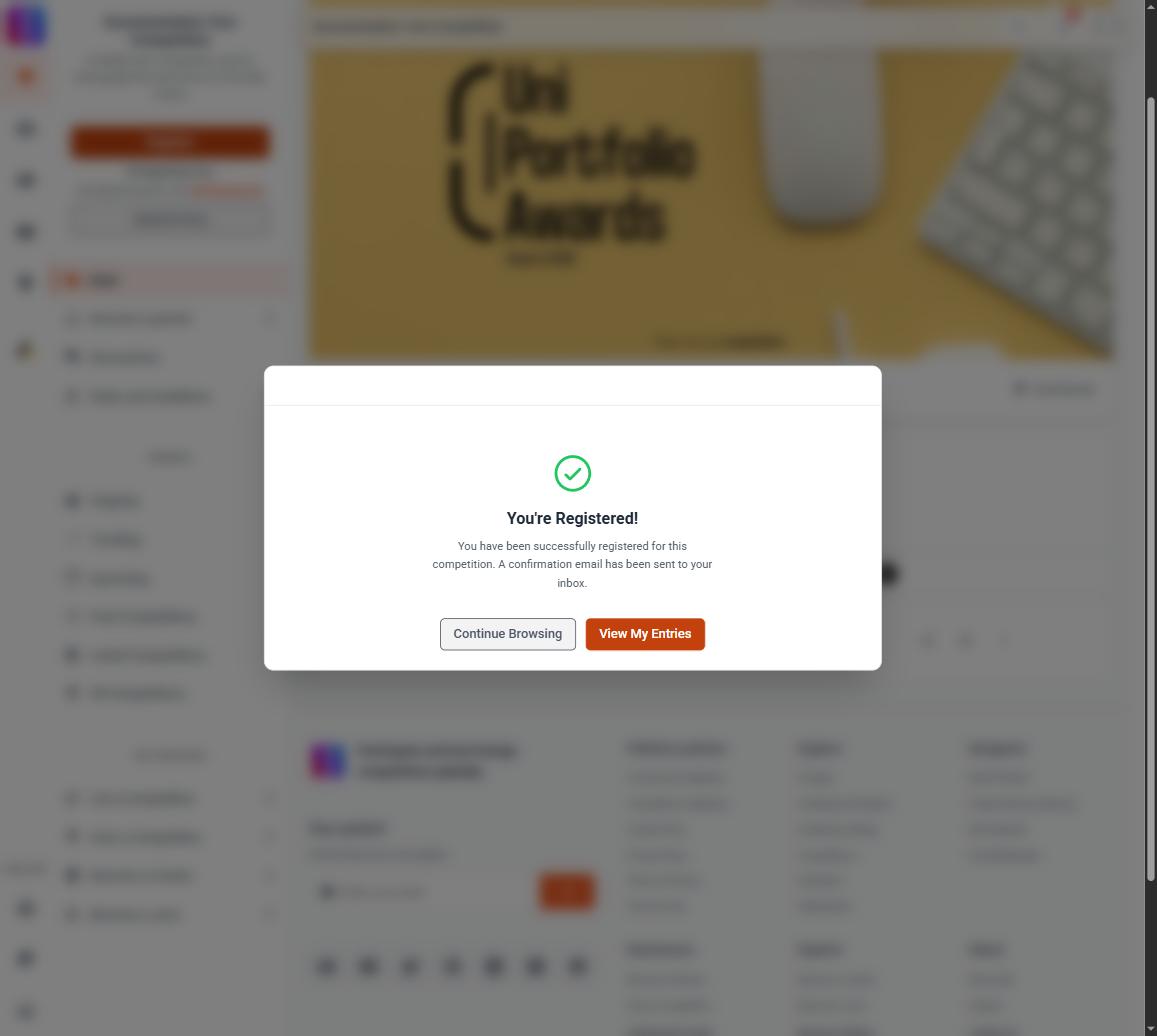
Right after registering you also see a You're Registered! confirmation with a View My Entries button that opens the same page, and a confirmation email goes to the address on your account.
What the status on the card means

Each entry card shows a Status chip.
- Received means your entry is in and waiting for the review pass. This is the normal starting state. It does not mean anything went wrong and it does not stop you working on your submission. The entry Analytics page labels this same state Under Review. They mean exactly the same thing.
- Approved means the entry passed review.
- Rejected means the entry did not pass review.
- Under Evaluation and Results Declared appear once the entry is with the jury, and once the competition's results are out.
Registering and submitting are two separate steps
Registering creates the entry. It does not attach your work. Until you connect a project, journal, or publication there is nothing for the jury to look at.
- On your competitions page, find the entry and use Submit.
- In Select Project to Submit, pick the work you want judged.
- Use Connect Project.
Do this before the submission deadline. Once work is attached, the card shows a Submitted line naming what is connected.
Removing an entry you do not want
While submissions are still open you can withdraw an entry yourself.
- Open the entry's Analytics page from its entry card.
- Use Withdraw entry.
- Confirm in the Withdraw this entry? dialog.
Withdrawing archives the entry. Your project stays on your profile untouched. An entry fee is not refunded automatically, and an entry that has already been shortlisted or has a certificate waiting cannot be withdrawn this way. Once the submission deadline has passed, the option is gone.
For anything the button will not do, including duplicates you cannot clear or an entry on the wrong competition, contact the UNI team with the competition name and which entry you want removed. See Removing a duplicate entry, or withdrawing one you no longer want.
If your entry does not appear at all
If nothing shows on your competitions page after you registered, contact the UNI team with the competition name and the email address on your account, and they can confirm your status.
Your entry not appearing in the competition's public entry list is a different question, and usually normal. See Entry not showing publicly.