Yes, you are emailed. When a competition finishes shortlisting, entrants are told the outcome by email, whichever way it went. At the results stage you are emailed again if there is something new to tell you — you won, for instance, or this is the first outcome email you have had in that competition. If a results-stage email would only repeat what your shortlist email already told you, it is not sent a second time, so you do not have to watch the page either way: check the competition page if you are ever unsure.
Shortlisting is not the result announcement
These are two separate stages, usually weeks apart, and each has its own date on the competition timeline:
- Registration closes.
- Submission closes.
- Shortlist announcement: entrants are told whether their entry is through to judging.
- Jury evaluation: the shortlist is scored.
- Public voting: people vote on shortlisted entries.
- Result announcement: winners are named.
Not every competition runs all six. Some skip the shortlist stage and announce results directly, so read the stages from that competition's own timeline rather than assuming.
The size of the field does not change any of this. A competition that closed with a handful of entries runs the stages it scheduled, on the same path and to the same dates as a large one. What a small field does change is the set of awards on offer, which How competition awards are decided explains.
The shortlist date and the results date are different dates, and the shortlist is not held back to be published with the results.
The emails you get
At shortlisting you get one email if your entry was shortlisted and a different one if it was not. Both go to entries that cleared moderation. If your entry was rejected at moderation earlier in the round, you were emailed at that point instead.
At the results, four groups are emailed separately: award winners, shortlisted entries that did not win, entries that were not selected, and entries that were rejected. Award emails carry a Download Certificate button.
Winners always get their award email. The other three are only sent if this is the first time you are hearing that particular outcome in this competition — if your shortlist-stage email already told you the same thing (that your entry did not make the shortlist, or that it did), the results-stage email repeating it is deliberately not sent. In particular, if you were shortlisted but did not win, no email currently states that outright: your last outcome email is the shortlist one, and the results stay visible on the competition page rather than in a second email.
Both sets of emails are sent when the organizer marks the stage complete, not automatically at midnight on the announcement date.
Checking without waiting for an email
- Your entries, at uni.xyz/profile/edit/<your-username>/competitions, shows a status chip on each entry card reading Received, Approved, Under Evaluation, Results Declared or Rejected. That chip is the moderation status of your entry. It does not name the shortlist outcome, so do not read it as a shortlist result either way.
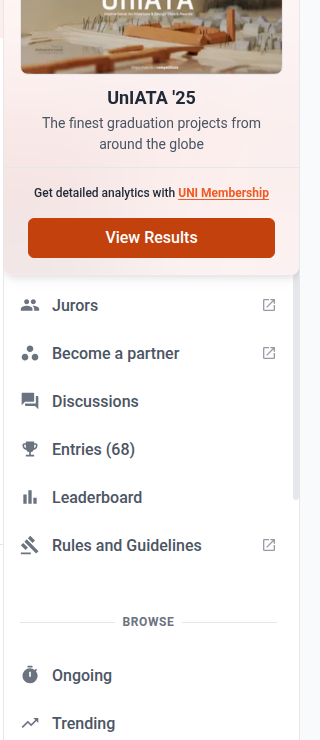
- The competition page carries the official timeline. Once the shortlist or results date passes, an Entries item with a count appears in the competition's own menu, and that page is where shortlisted entries and results are listed. Before that date the item is not there, which is normal.
If the announcement date has passed and nothing has happened
This is normal, and usually not a fault. Announcement dates are targets rather than guarantees, and organizers and jurors often need a little longer at the end of a round: final checks across all entries, last minute amendments where a discrepancy turned up, and requests from participants that have to be settled before anything is published. A shortlist is published once, so it is worth getting right rather than early.
Wait a day or two before chasing it. Nothing is lost, your entry is still in the round, and the email will arrive when the organizer publishes.
If two or three days pass with no email and no change on the competition page, contact the UNI team and give them the competition name and your entry.