The panel headed Unable to Load Journal almost always means the journal is not on the account you are signed in with. The editor only ever serves journals you wrote, so a journal belonging to anyone else comes back as not found rather than as a permission message.
That is why Try Again does not help. It repeats exactly the same request, and it will keep failing for as long as the journal is not yours.
The three things that cause it
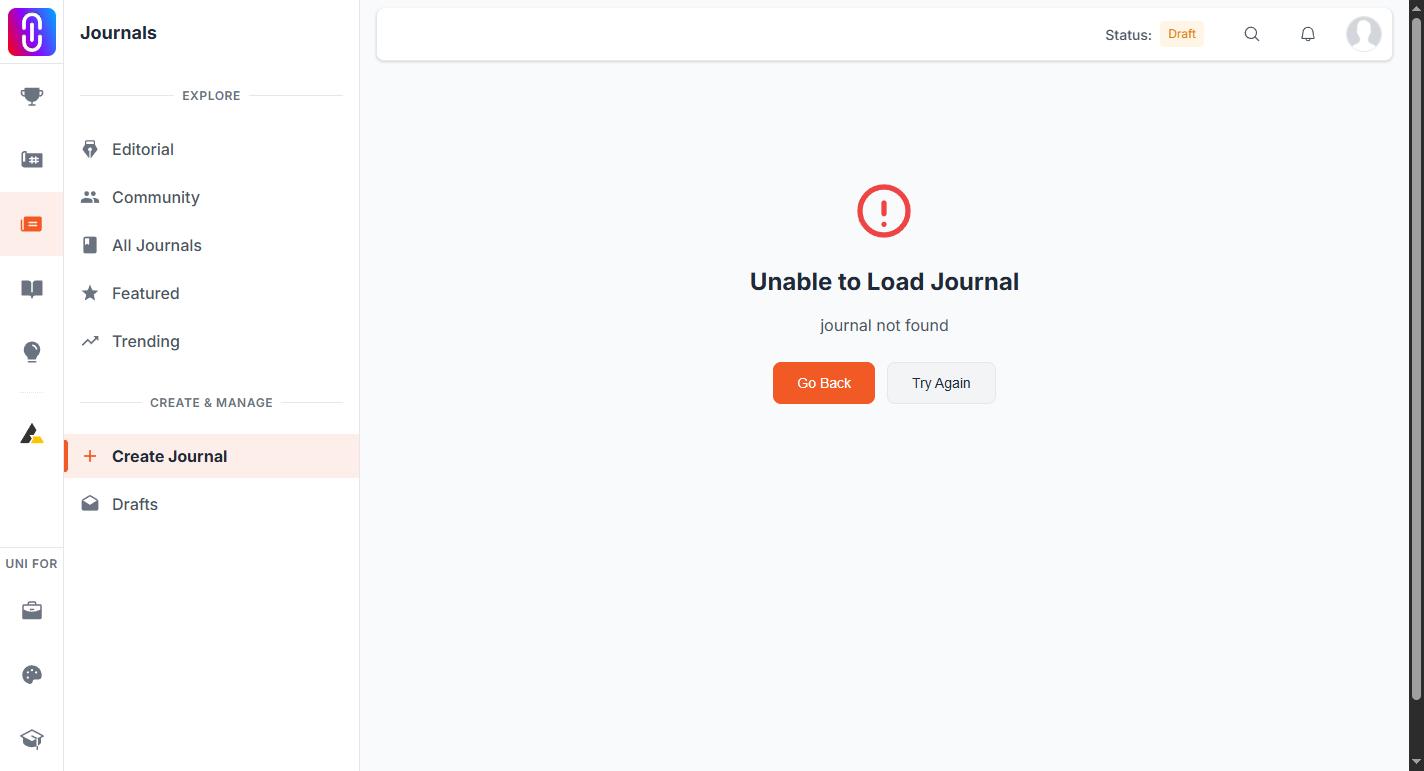
- The link belongs to someone else. An editor link is not shareable. Sending a colleague /journals/edit/... gives them this panel, not your draft.
- You are signed in with a different account. People with a personal and a studio account hit this constantly. Check the name in the top right against the account that wrote the journal.
- The journal has been deleted. A deleted journal cannot be reopened or recovered from the editor.
If none of those apply, the request may simply have failed on the way out. That is the one case where Try Again is worth pressing once.
Open it the reliable way instead
Rather than keeping an editor link, reach your journals through your profile. Open Profile, then Journals in the left sidebar. Everything listed there belongs to you, so every item opens.
Go Back on the error panel returns you to where you came from without changing anything. Your journal is untouched either way: nothing on this panel edits or deletes anything.
If you are signed out
You are sent to sign in first and returned to the same address afterwards. If it then shows this panel, you signed in with an account that does not own the journal.
Sharing a journal for someone to read
Share the published address, not the editor address. A journal that has never been published has no public address at all, so publish it first or send a description of the work instead.