The Atlas moves between the solar system view and a single body without adding anything to your browser history. Your browser Back button therefore does not step back one level, it leaves the Atlas entirely and returns you to whatever page you were on before you arrived.
The way back is the Solar System button in the top left corner of the globe. That is the only control that returns you to the planets.
Why Back behaves this way
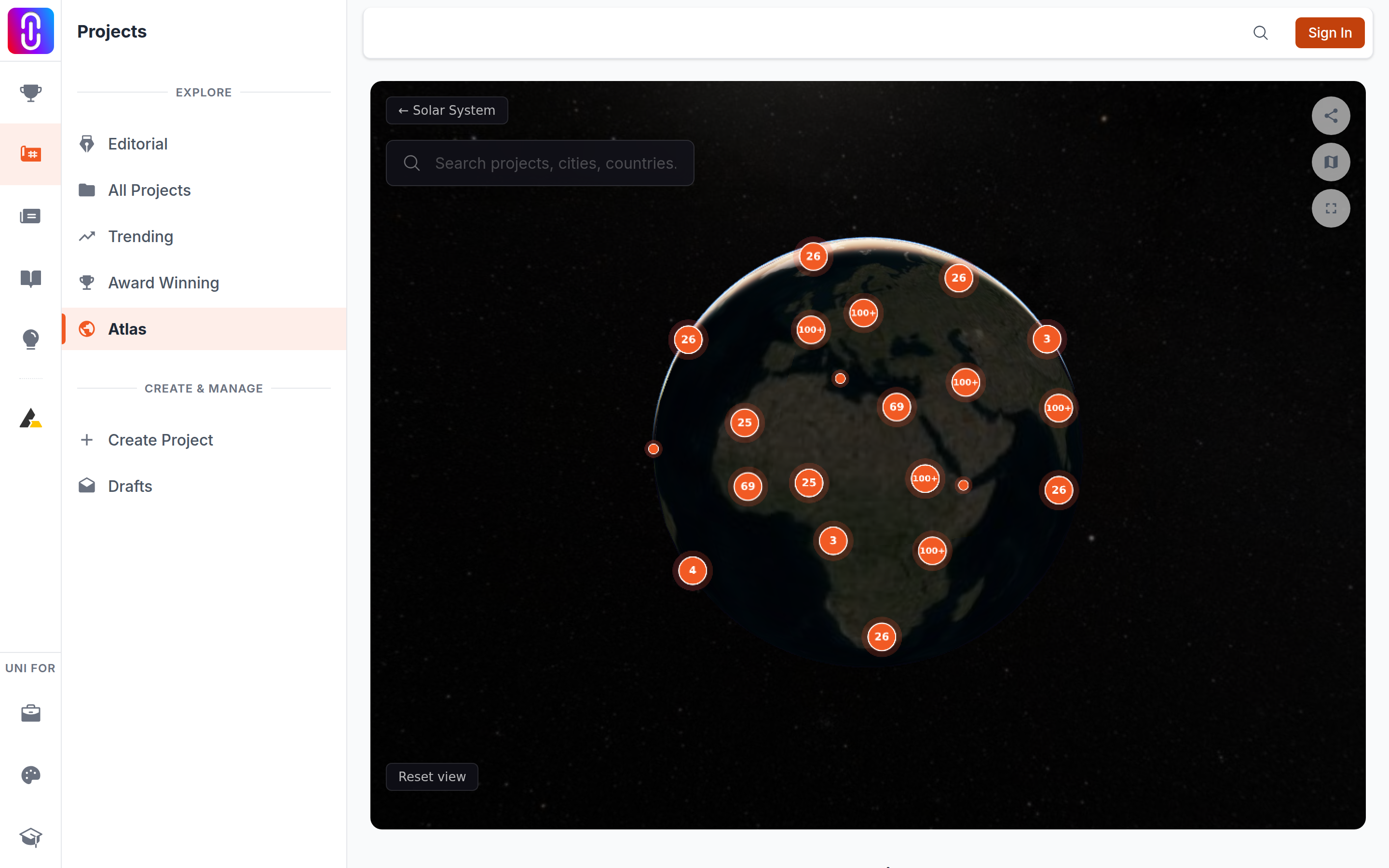
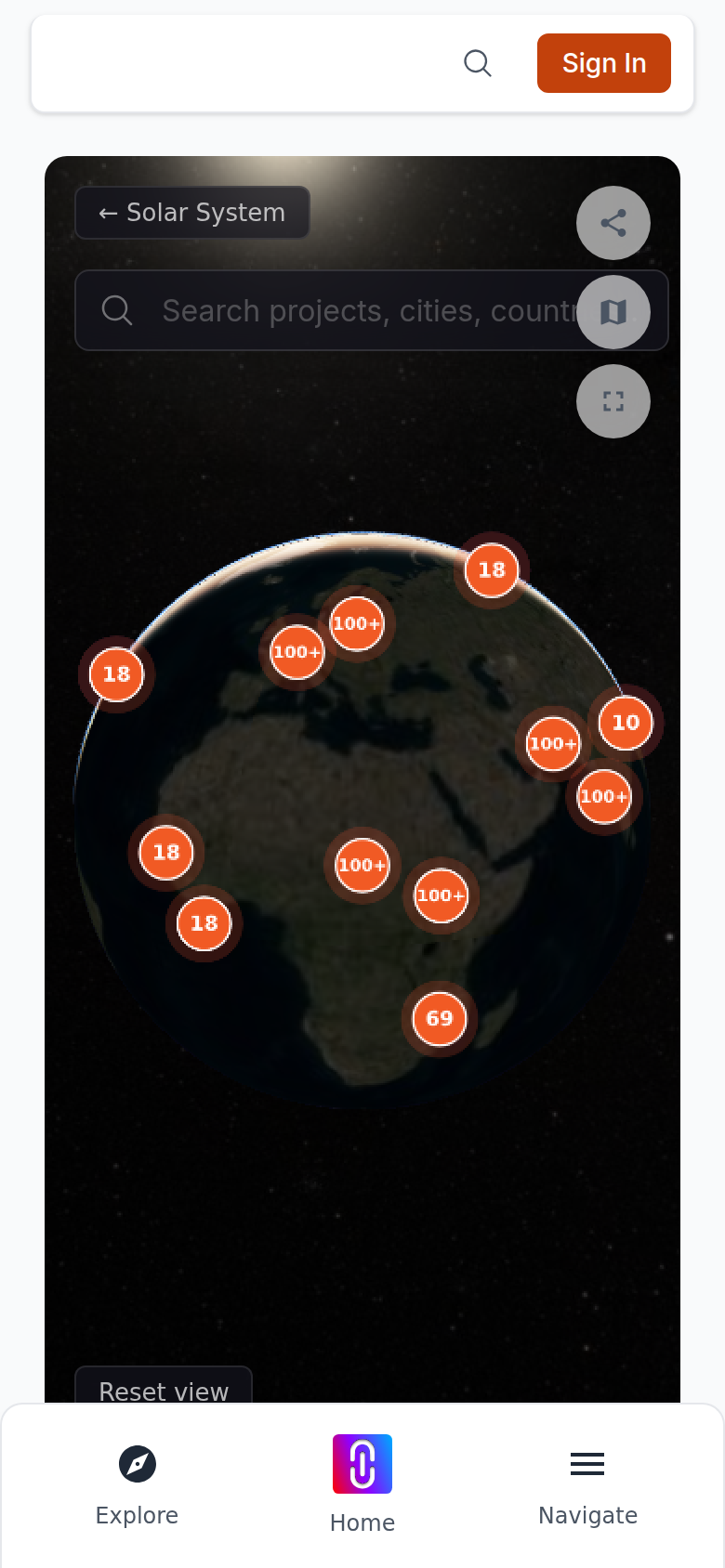
Opening Earth, Mars or the Moon rewrites the page address in place rather than navigating. The address bar updates, so a link you copy from there points at the body you are looking at and it is safe to share. What it does not do is leave a step behind for the browser to return to. Returning to the solar system rewrites the address the same way, again without adding a step.
The practical rule: on the Atlas, use the on-screen buttons, not the browser buttons.
The map toggle shows the mode you are switching to
The globe button in the top right swaps between satellite imagery and a flat map. Its icon is the mode you will get if you press it, not the mode you are in. So while you are looking at satellite imagery, the button shows a map icon.
Nothing on the globe labels the current mode, so if the icon reads backwards to you, hover over the button instead. The tooltip is written the right way round: Switch to map view means you are in satellite view now, and Switch to satellite view means you are in map view now.
The choice is not saved. Opening another body starts on satellite again.
Zooming back out without leaving the body
The reset control beside the search bar returns the globe to its starting position and closes any open project card, which is usually what you want when you have flown in too far and do not want to leave the body at all.