The box asking you to sign in has no close button and clicking outside it does nothing, so there is no way to dismiss it and carry on scrolling. Reloading the page clears it, and you can browse from the top again. Signing in removes it for good.
It appears only if you are signed out, and only once you have scrolled a long way. It is not an error, and it is not connected to your account being blocked.
What triggers it
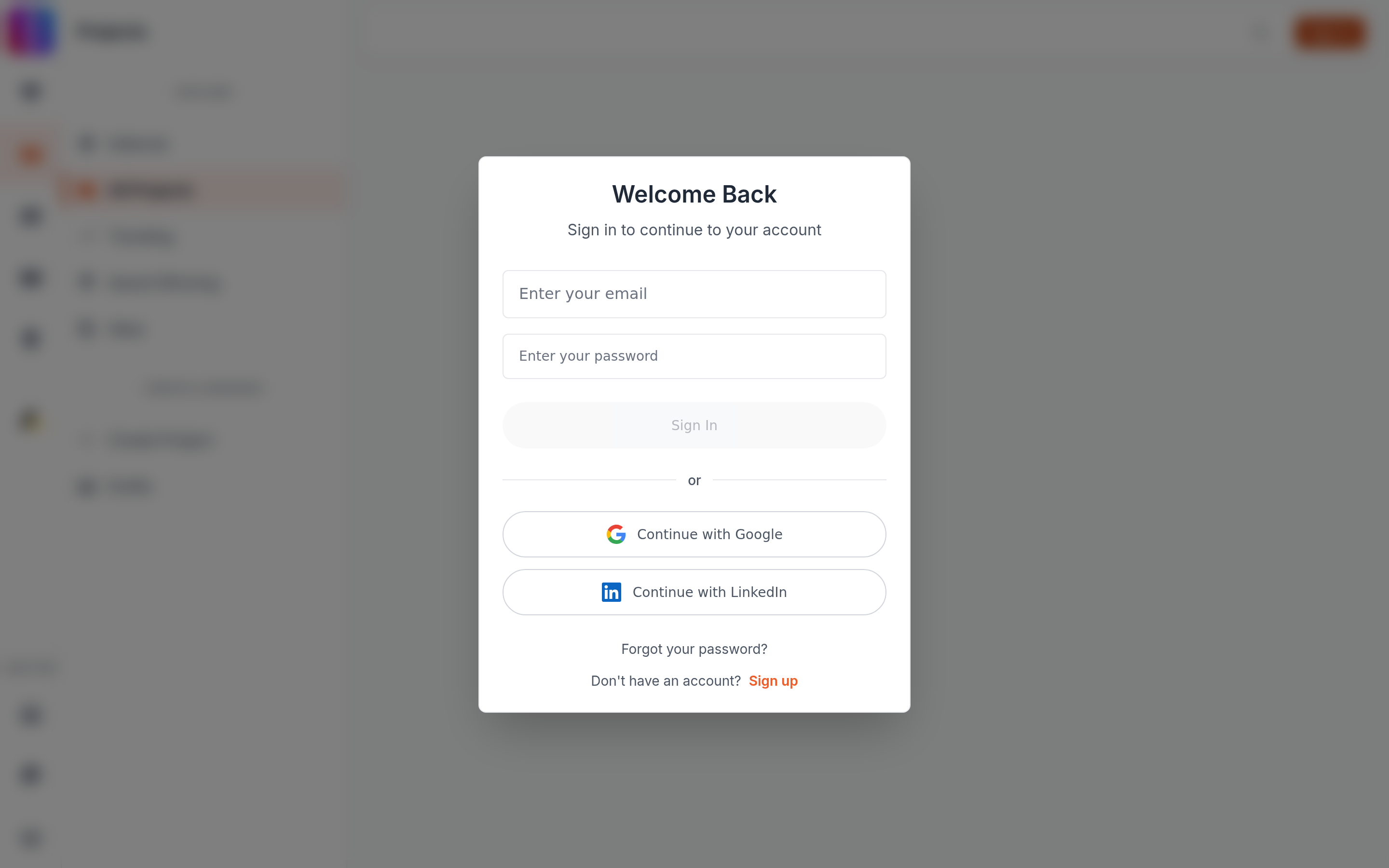
Project feeds load more work as you scroll. After the third extra page loads, a signed-out visitor is asked to sign in. You reach that point after four pages of results in total, which on the Editorial feed is 160 projects.
The same rule applies on All Projects, Trending, Award Winning and Projects search. Those feeds load smaller pages, so the box arrives after fewer projects.
Why it cannot be closed
The box is deliberately persistent at this point, so it carries no close control and the page behind it will not scroll. Your options are:
- Sign in, with your email and password or with Google or LinkedIn.
- Select Sign up inside the box if you do not have an account. See How to sign up and create an account.
- Reload the page or use your browser's back button. The count resets and you can browse again from the top.
Signing in sends you back to the top
When sign-in succeeds the page reloads. You return to the top of the feed rather than to the point you had reached, and on the Editorial feed the reload also draws a new random starting page, so the work in front of you will not be the work you were looking at. See Why the Projects feed is different on every visit.
If there was something you wanted to keep, open it in a new tab or bookmark it before you sign in.
This is not the view limit
A locked project page with a prompt about your allowance is a different thing entirely. That one counts how many pieces of work you have opened, and it is described in Why can't I view this project. The scroll box counts pages of the feed, not projects opened, and signing in with any free account removes it.
Signed in and still seeing it
The check runs against the account the page has loaded. If you signed in on another tab, this tab will not know until it reloads. Reload the page and the box will not return. If it does return while you are signed in, your session has expired: see Session expired shown once.