Each guided tour runs once per account. Closing one, whether with the close icon, Escape or the Got it button on the last step, records it as done on your account, and nothing on the page offers to play it again.
Tours appear only when all of this is true: you are signed in, you have finished onboarding, your window is at least 1024 pixels wide, and you have already seen the short navigation tour. There is also a five minute gap enforced between one tour and the next, so moving quickly between pages does not stack them up.
Two tours live in Projects
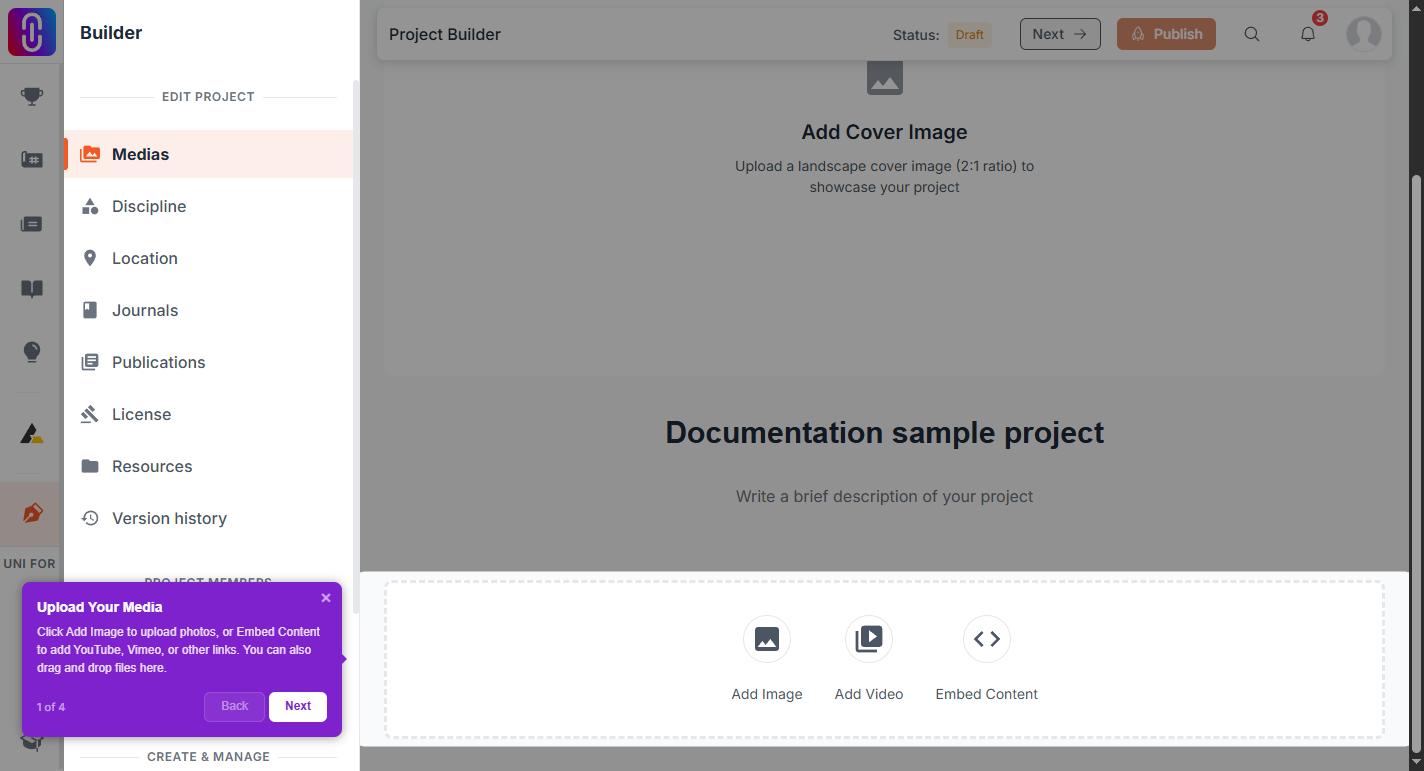
The Projects feed tour is four steps and covers search and filters, the sort control, the grid, and creating a project. The project page tour is up to six steps: the overview, the reaction buttons, rating, the team, the location and the comments.
Steps whose target is not on the page are dropped without comment. A project with no location or no team card gives a shorter tour, so two people can honestly report having seen different tours on the same feature.
Getting rid of one
Close it. It will not come back, on that page or any other, and dismissing it counts the same as reading it through to the end. You do not need to sit through the steps to stop it appearing.
Getting one back
There is no replay control and no setting for it. The record is held on your account, so write to support and say which tour you want reset if you closed one by accident and want it again.
Single tips are separate
Some features are introduced by a one step highlight rather than a tour, such as visual search on Inspirations and the Atlas. Those follow the same rule: shown once, then never again.