A version records four things: the title, the description, the location, and the media list in its order. That is the whole record. If the change you are hunting for is not one of those four, it was never going to appear in version history, and nothing is broken.
What a version deliberately leaves out
Tags, disciplines, the licence, your team, and linked journals and publications are not part of the record. Neither are captions, comments, likes or views.
That is a design choice rather than an oversight. Because they are not recorded, restoring an old version can never quietly undo them. Your current tags, team, licence and connections come through a restore untouched, which is what makes restoring safe to try.
Media is recorded as a list of items and their positions, so a version does capture that you removed an image, added a PDF, swapped a sheet or reordered the set. That is the part the feature exists to protect.
A version is written at two moments
- When you publish. This is where nearly every version comes from.
- When you select Save current version and give it a name. That records what is currently live, not what is sitting in your draft.
Draft saves are never versions. Autosave writes into your draft and leaves no record anywhere, so an edit you have not published cannot be recovered from history. If a piece of draft work matters, publish it, and it becomes a version you can return to.
Do not read the dates as a timeline
Every version published before the history panel existed was carried across in a single batch, and each of those rows carries the date of that batch rather than the day you actually published it. Most versions on uni are in that batch, so for most projects every row in the list shows the same date.
Read the numbers instead. Versions are numbered from #1 upward in the order they were created, so #1 is your first publish and the highest number is your most recent. The ordering is correct even where the dates are not. Versions published from now on carry their real date.
One version is marked Live
Exactly one version per project is the one the public is reading, and it is marked Live. It has no Restore button, because restoring what is already showing would do nothing. Everything above and below it in the list is history.
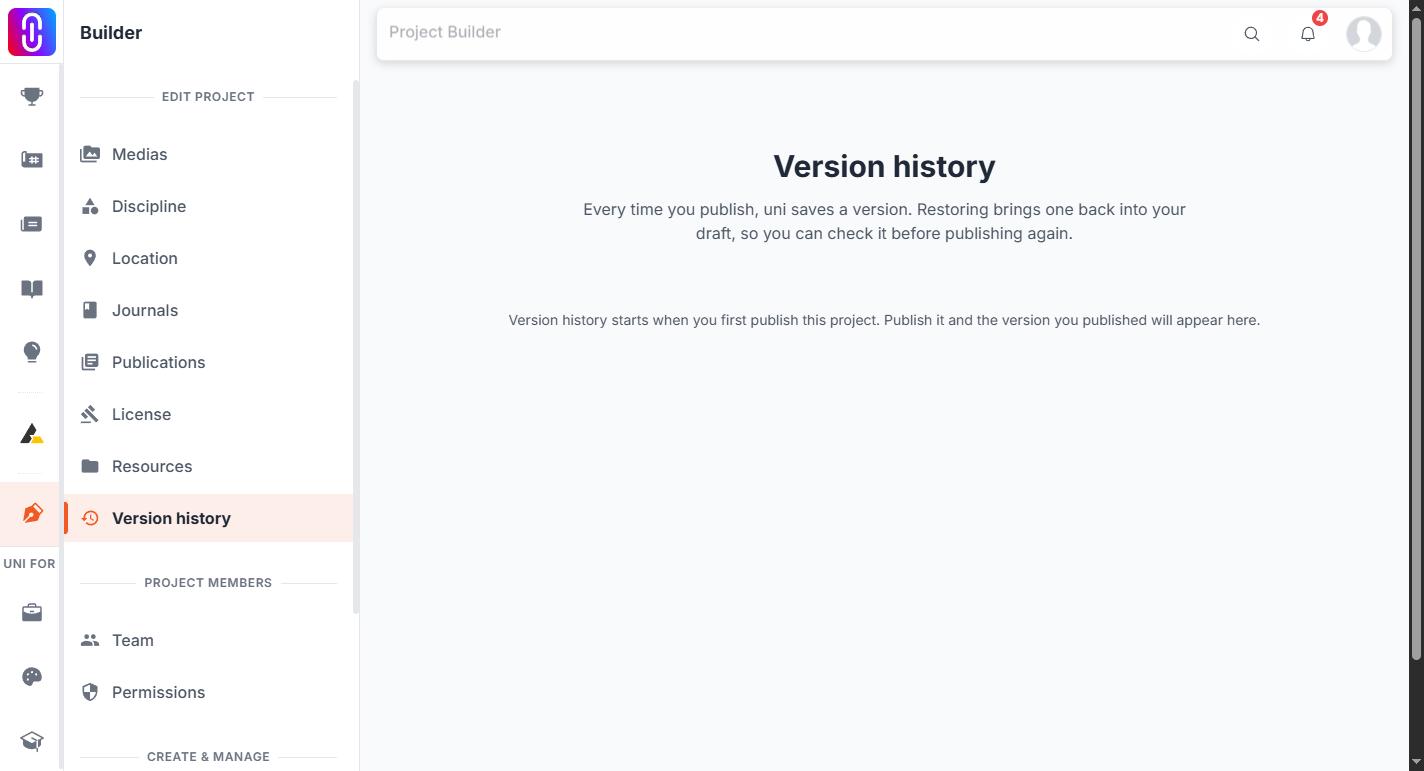
If your project has never been published there is nothing to list, and the panel says so.
Restoring an earlier version covers what a restore overwrites and how to undo one.