The Add Bio button in the journal and publication editors does not add anything to the piece you are writing. It opens your profile's About page in a new tab, and what you write there is your profile bio: the paragraph printed in the author card under every journal and publication you publish.
Nothing you have typed is lost
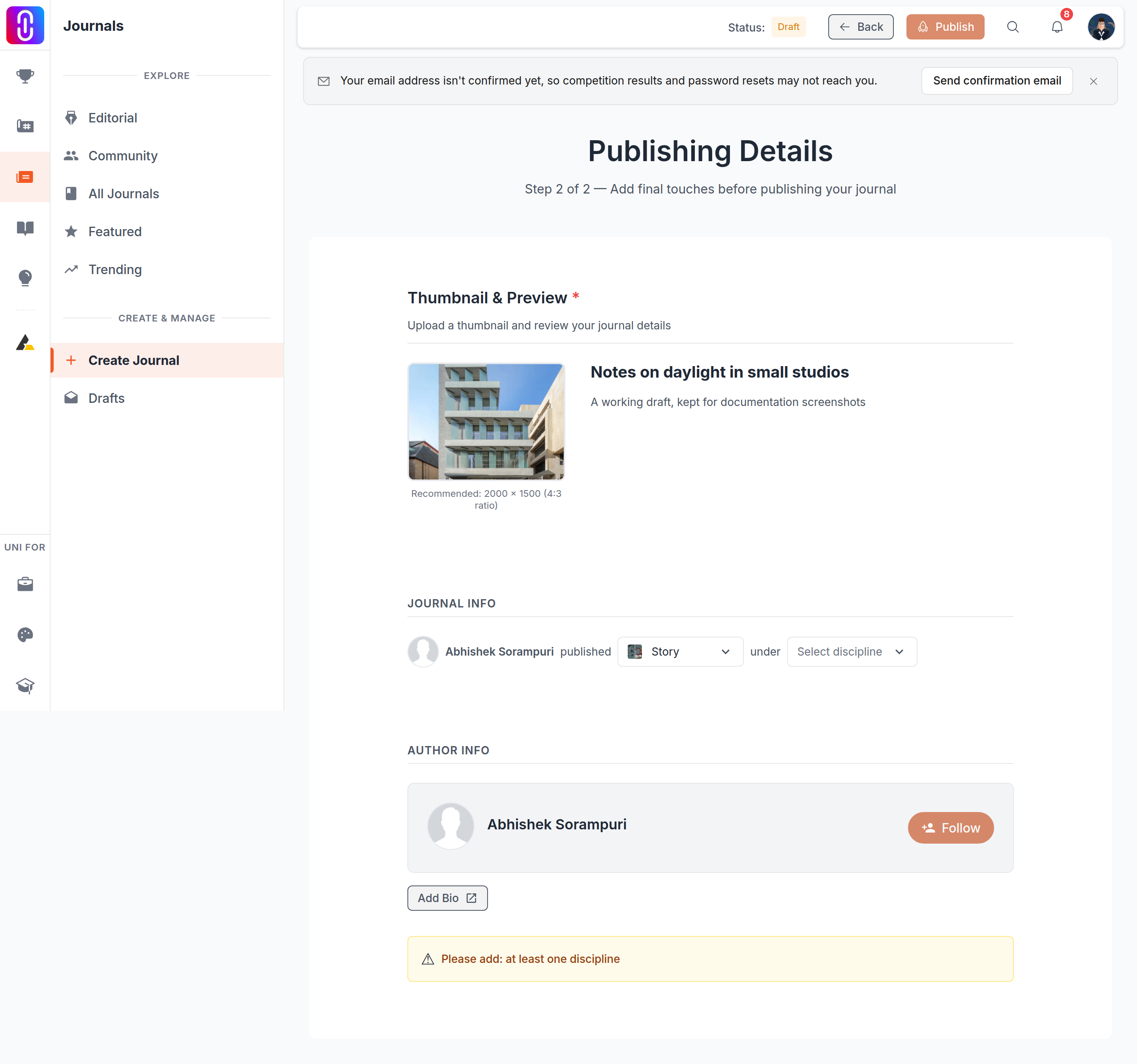
The button opens a new tab rather than navigating away, so the editor stays exactly as you left it in the tab behind. Write the bio, save it there, then switch back to the editor tab and carry on. There is no need to save the journal first, and no draft is closed.
The label tells you whether you have one
The button reads Add Bio when your profile carries no bio and Update Bio when it already has one. Both open the same page.
It is one bio for everything you publish
There is no per-article author note on UNI. The author card under a published journal or publication reads your profile bio, so editing it from inside one editor changes the card under all of them at once, and on your profile as well. Write it as a standing introduction to you rather than as a note about the piece in front of you.
If your profile has no bio at all, the card shows your name, your avatar and the follow button with no paragraph under them. That is what the button is prompting you to fix.
Writing it without the button
The same page sits at Profile, then Edit, then About. The button is a shortcut to it and nothing else, so you can write the bio before you start an article or long after you have published one. A change shows on work you published months ago the next time somebody loads it, because the card is read at that moment rather than copied in at publish time.