Your chat list holds your 24 most recent conversations and stops there. It is a single page, and scrolling it does not load more. So a chat that has dropped off the end has not been deleted, it is simply past the end of the list, and search is how you get back to it.
Conversations are ordered by when they were last written in, not by when they were started. Answering an old chat moves it back to the top.
Search reads the messages, not only the titles
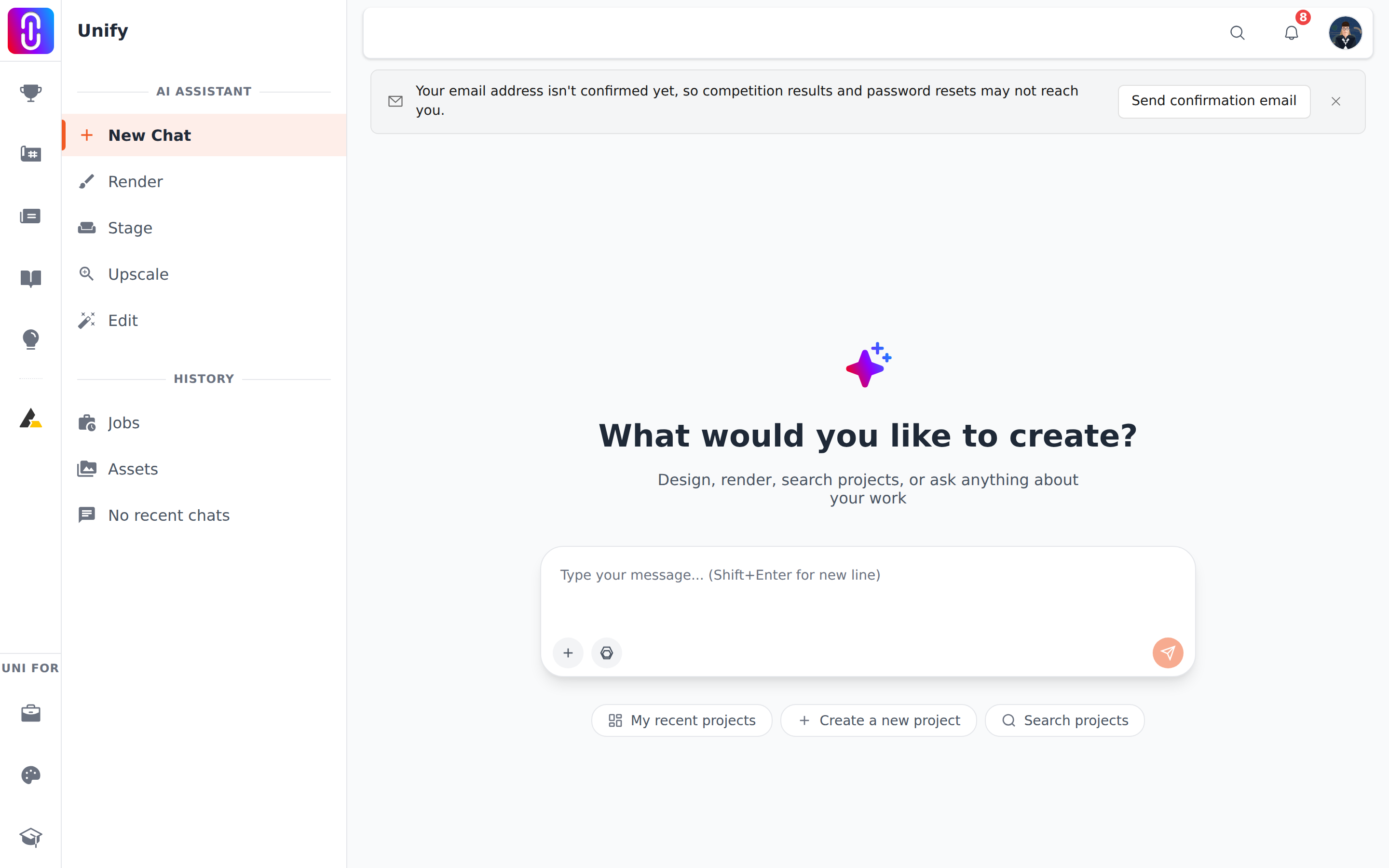
Open the search control at the top of the assistant page, or press Cmd+K on a Mac or Ctrl+K elsewhere. What you type is matched against the chat's title, the text of your own messages and the text of the replies, so a phrase you remember from inside a conversation will find it even when the title says nothing useful. Results come from the same single page, so keep the phrase specific rather than common.
A chat with no messages was never in the list
The list only carries conversations that hold at least one exchange. If you opened a new chat and closed it without sending anything, there is nothing to find, and nothing was lost.
Deleting a chat only hides it from your list
A delete marks the conversation inactive. It leaves your list and you cannot reopen it, search it or read it back, but the messages themselves stay stored and the UNI team can still read them. If you need something out of a chat you deleted, ask them rather than looking for it. See Deleting a chat.
Chats you had while signed out never join your account
A conversation started before you signed in is held against your browser, not against you. Signing in gives you a fresh list, and the earlier chat does not move across. Clearing your browser data loses the way back to it.
Bookmark a conversation you know you will want
An open chat has its own address, uni.xyz/unify/session/ followed by its identifier. Save that link and you return straight to it, whatever the list is showing.