Source is a real filter. The four boxes, Projects, Journals, Competitions and Publications, restrict the page to images by where they were first uploaded, and ticking more than one widens the set rather than narrowing it. Apart from Content Type, it is the only control in the filter window that filters. Everything else there and in the sidebar is a search.
Ticking a source moves you onto a different collection
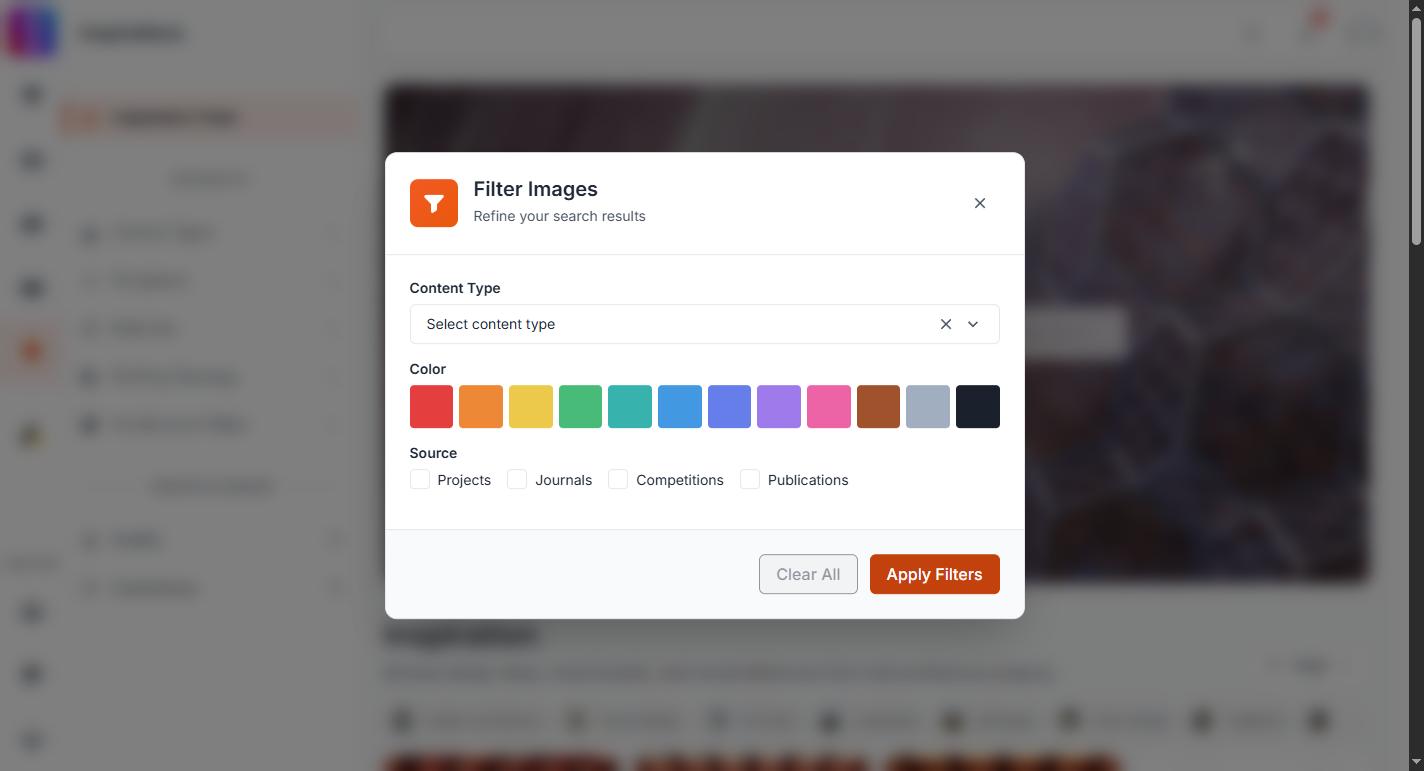
With nothing selected, Inspirations reads a general browse feed. The moment you tick a source, the page switches to the search index instead. That is a different collection with a different order, so the images can change completely before you have typed anything. This is expected, and unticking the source puts the old feed back.
With no words, a source is a newest-first view
If a source is the only thing selected, results come back in the order they were indexed, newest first. That makes Source on its own a good way to see what has recently arrived from competitions or from journals.
Type words as well and the order changes to how closely each image matches your words, within that source.
How a source is worked out
An image is filed by where its file lives and by the origin recorded when it was read:
- Journals and Publications are recognised from the storage the file sits in.
- Competitions and Projects are recognised from the origin recorded against the image.
Not every image has that origin recorded. Images that do not carry one match no source at all, which means ticking all four boxes is not the same as ticking none. If a source filter looks thin, clear it and use words instead.
What Inspirations never shows
Profile pictures, organization logos and images generated inside flows are excluded everywhere on the page, so no source will surface them. Any image a member has flagged is removed for everyone.
Content Type narrows, colour overrides
Content Type combines with Source: Journals with Diagrams is smaller than either alone. Colour does not combine with anything. Selecting a colour drops your source ticks along with your words for as long as the colour is selected, and the colour filter replaces your search rather than narrowing it explains what to do about that.
Your filters are in the page address
Sources are written into the address as source, with several separated by commas. That makes a filtered view shareable and bookmarkable, and it comes back the same way. Removing a source chip above the results re-runs the page immediately with the rest of your selection intact.