Use JPG, PNG or WebP, under 20MB. That is what the pages are built around and what always works. The upload area accepts a few more formats than the hint under it admits, but not all of them survive the next step, which is where most refusals come from.
The 20MB limit is checked in your browser
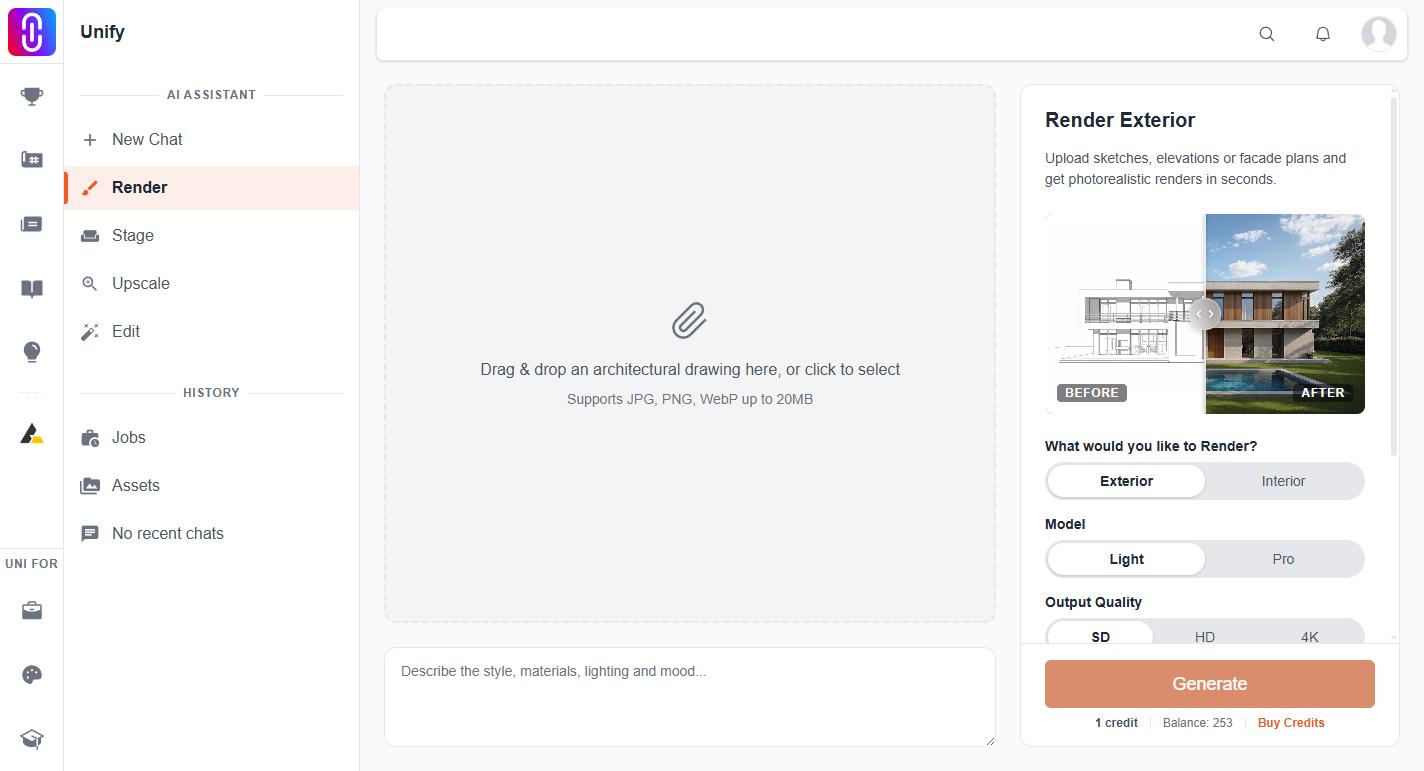
Pick a file over 20MB and it is refused straight away, before anything is uploaded, with a message naming the file and the limit. Nothing is sent and nothing is charged.
A phone photograph is comfortably inside it. A full resolution export from rendering software often is not. Export at a smaller size rather than trying to compress a huge file: the models do not need a 60MP source and a 3000 pixel wide image renders as well as a 12000 pixel one.
The formats
JPG, PNG and WebP are the safe set on all four pages.
GIF, BMP and TIFF pass the check in your browser and are then accepted by the server too, so they will generally go through. There is no reason to prefer them.
SVG is the trap. It passes the check in your browser, because the check will accept a file on the strength of its extension alone, and is then refused by the server, which opens the file to confirm it really is an image and cannot open a drawing made of vector instructions. The refusal comes back as an error rather than as a friendly message about SVG, so it reads as the upload having broken. Export your drawing to PNG and upload that.
The same leniency causes a second, rarer version of the same problem: a file renamed to .jpg is accepted by the page and refused by the server, because the server reads the contents rather than the name. If a file was converted by renaming it, convert it properly.
PDFs and CAD files are not images
None of the four pages take a PDF, a DWG, a RVT or a SKP. Export a view to PNG or JPG first. That is not a limitation of the upload, it is what the models work on: a single raster image.
Where each page uses your upload
- Render and Stage take a main image, and optionally one style reference, which follows the same rules.
- Upscale takes one image and enlarges it.
- Edit takes one image, and you paint a mask on it in the browser. See why the Generate button on the Edit page stays grey.
Attaching to the chat is a different set of rules
The assistant accepts a much wider range, including PDFs and office documents, at up to 100MB. Those rules are separate and are covered in what you can attach to the assistant. Adding media to a project is different again: see why a file was refused when adding media to a project.