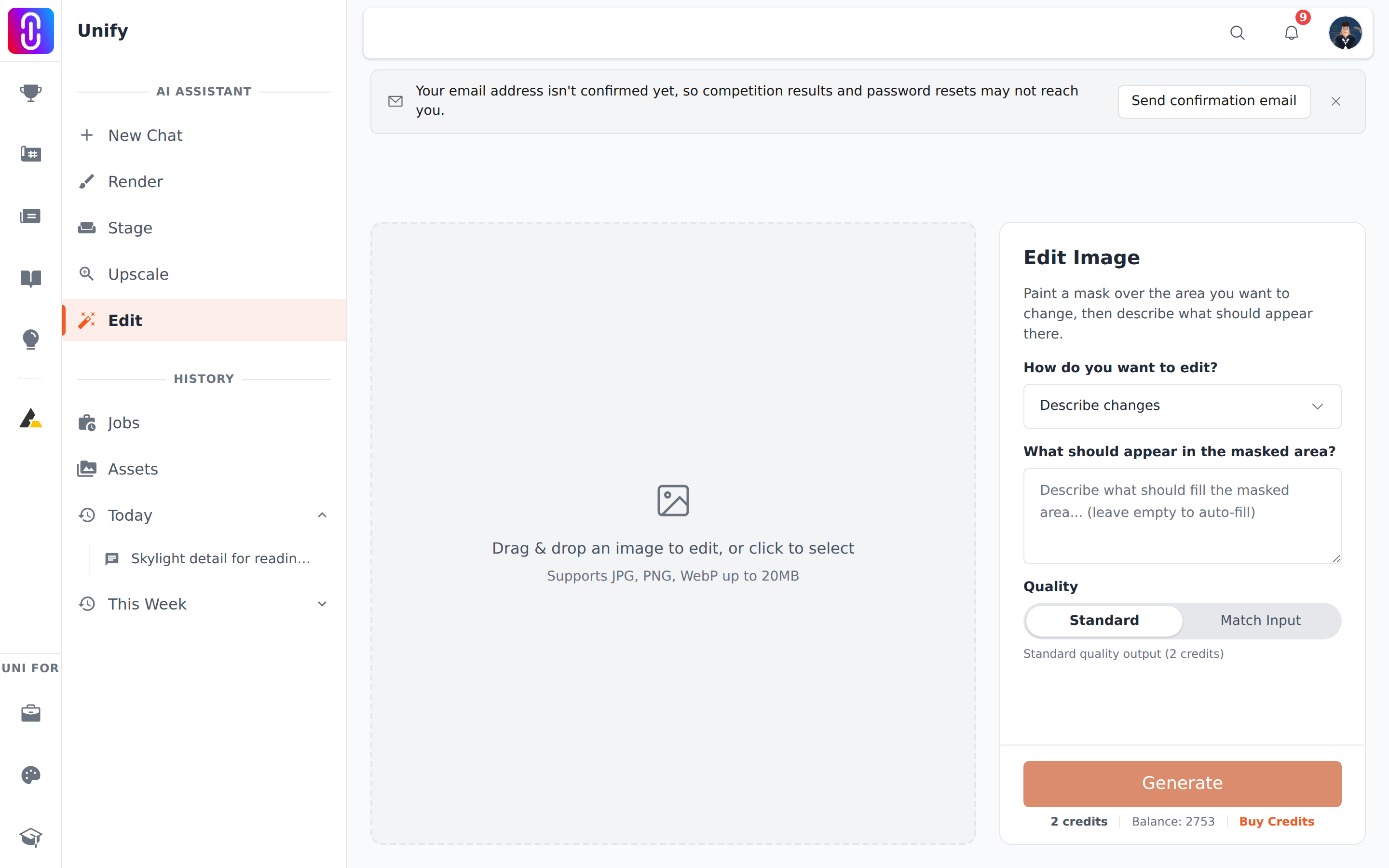
You have to paint a mask. The Edit page changes only the part of the picture you paint over, so a prompt on its own is never enough however precisely it is written. Four things have to be true at the same time before Generate turns on: an image is loaded, a mask is painted, no run is already in progress, and your balance covers the cost.
The mask is the one people miss. While there is none, the canvas carries the line "Paint over the area you want to edit", and the settings panel opens with the same instruction.
Paint first, describe second
Load your image, pick a tool from the toolbar above the canvas, and paint over the region you want changed. Four tools do it:
- Brush, keyboard B. Paint the mask by hand.
[and]change the brush size. - Magic Wand, keyboard W. Click once to select an area of similar colour. Hold Shift and click again to add more.
- Lasso, keyboard L. Drag a freeform outline, which snaps to the edges it finds.
- Eraser, keyboard E. Take part of the mask back off.
Ctrl+Z undoes, Ctrl+Shift+Z redoes, and the bin icon clears the mask entirely. As soon as any mask exists the hint over the canvas disappears and Generate becomes available.
Why a mask, when chat needs none
Asking the UNIfy agent in chat to change an image gives the model the whole picture and lets it decide what to touch. The Edit page does the opposite: it holds everything outside the mask exactly as it was and regenerates only what is inside. That is what makes it the right tool for replacing one window, clearing one parked car, or filling one patch of ground, and it cannot work without you saying which patch.
The other three reasons the button will not turn on
- Your balance is below the cost. An edit costs 2 credits at Standard quality and 4 at Match Input. When the balance is short, a line reading "Insufficient credits" appears beneath the button with a link to upgrade.
- A run is already going. The button stays off until the current edit finishes or fails.
- No image is loaded. Drop one onto the canvas, or arrive from a chat render using its Edit action, which loads the picture for you.
It greys again after every successful edit
When an edit finishes, the result replaces the picture on the canvas and the mask is cleared, so Generate switches off until you paint a new one. That is working as intended, and it is worth knowing that the pass you have run also replaced your previous image. See each edit replaces your image and is charged again.