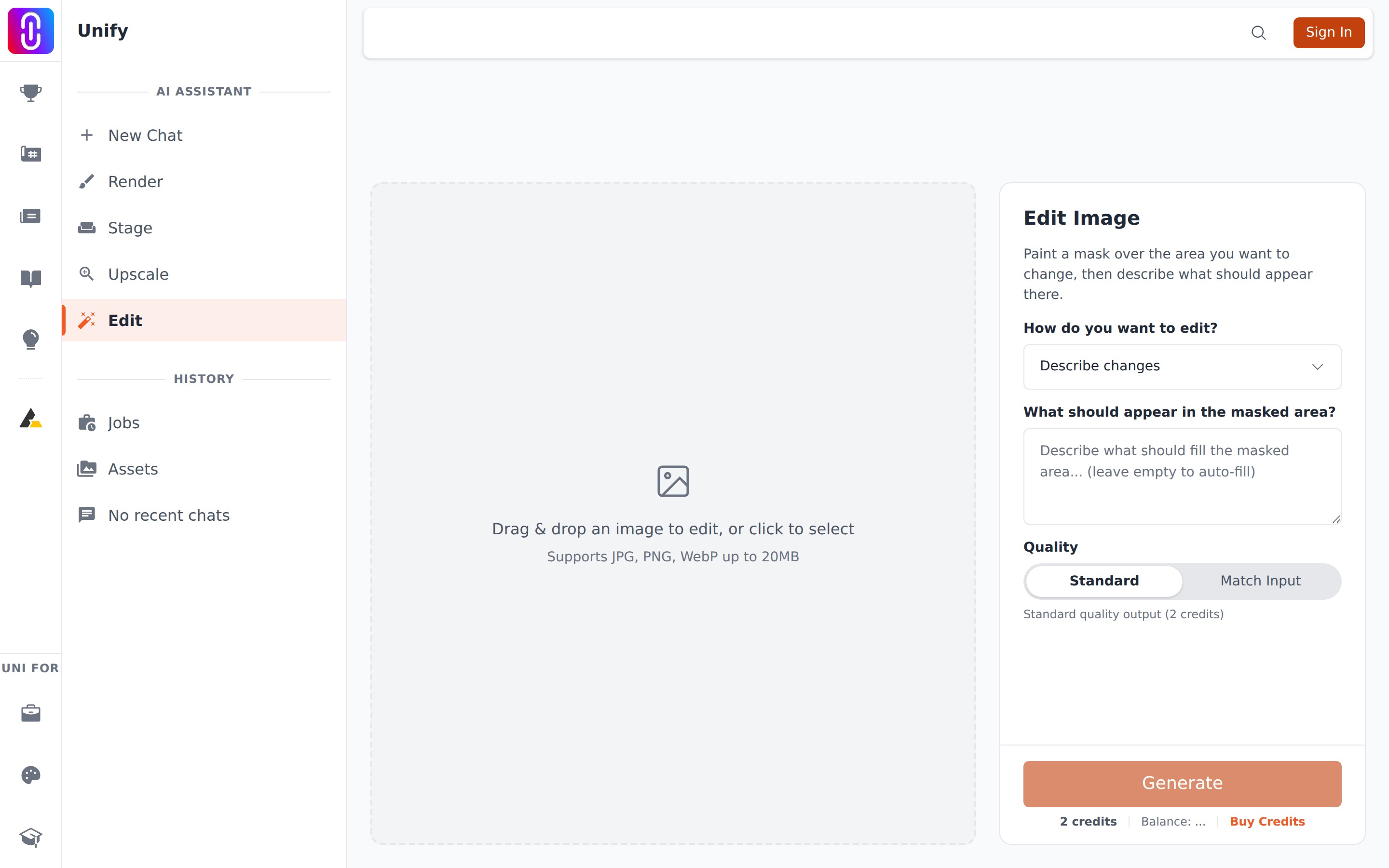
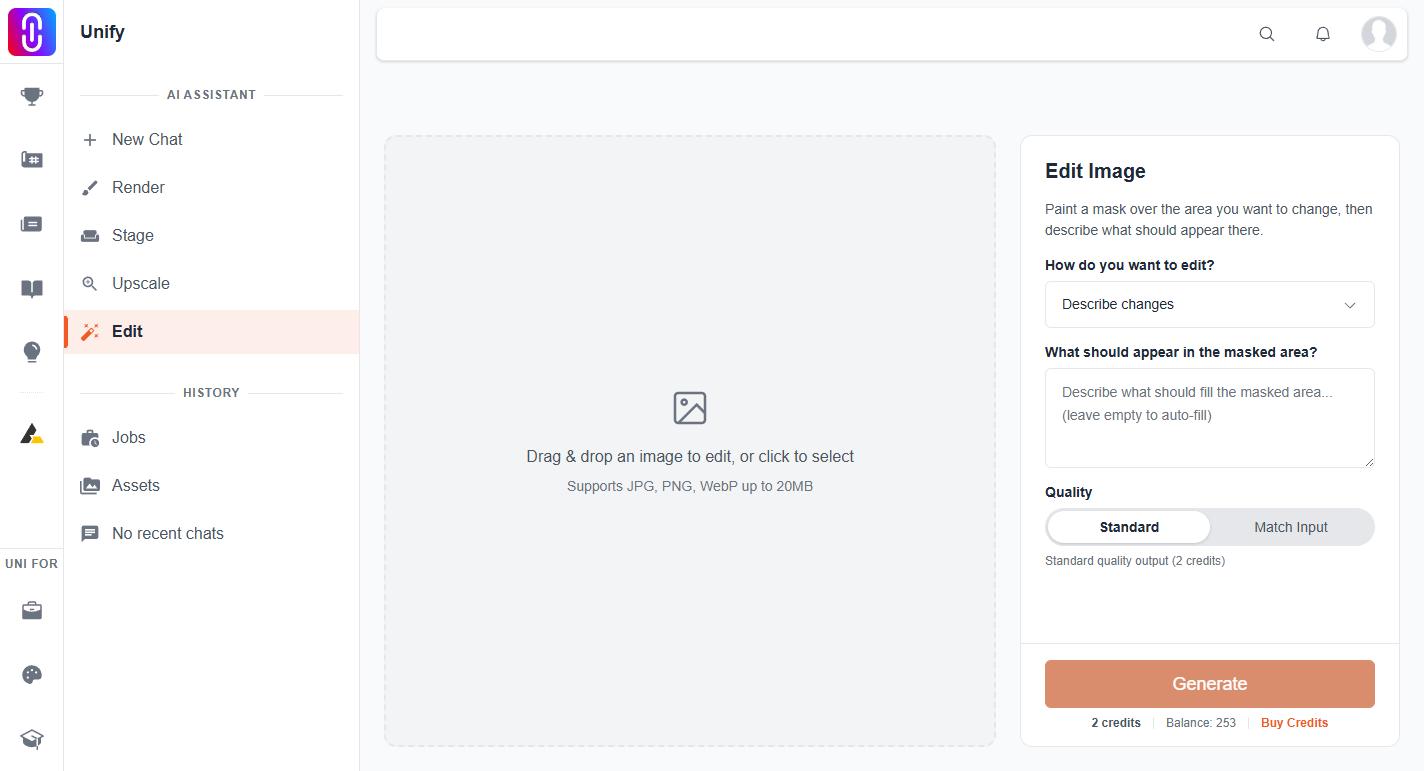
Because the mode dropdown was set to Add humans. The dropdown at the top of the Edit settings does not only relabel the page. It rewrites what is sent to the model: when your prompt box is empty it substitutes a sentence of its own, and in one mode it puts words in front of whatever you typed. A mode left over from an earlier run keeps doing that until you change it back.
What each mode sends
| Mode | With the prompt box empty | With something typed |
|---|---|---|
| Describe changes | Nothing is added. An empty prompt is sent empty. | Your words, exactly as written. |
| Modify selection | "Seamlessly modify the selected area to blend with the surroundings" | Your words, exactly as written. |
| Add humans | "Add realistic humans naturally walking or standing in the scene" | "Add realistic humans:" followed by your words. |
The third row is the one that surprises people. In Add humans, asking for a stone bench sends "Add realistic humans: a stone bench", so you get figures as well as, or instead of, the bench. The mode is not a hint about style. It is an instruction the model receives before yours.
Which mode to use
- Describe changes is the neutral one. Nothing is added to your prompt and nothing is substituted. Use it whenever you know what you want in the masked area, and use it if you are unsure which mode you are in.
- Modify selection is for taking something out. Paint over a parked car, a sign or a cluttered corner, leave the prompt empty, and the model fills the area to match its surroundings. Typing a prompt here does the same thing as Describe changes.
- Add humans is for populating a scene. Leave the prompt empty for generic figures, or describe the people you want. Anything you type in this mode is read as a description of the people.
The mode does not change the price
Cost comes from the quality toggle underneath, not the mode: Standard is 2 credits and Match Input is 4. Match Input returns the result at the resolution of the image you supplied. Both charge whether the result is what you wanted or not. A result you simply dislike is still charged; only a failed edit is refunded, and that happens automatically.
If it has already happened
Set the dropdown back to Describe changes and run the edit again on the same area. Bear in mind the result of the last pass is now the picture on your canvas, so you are editing the version with the figures in it rather than your original. Each edit replaces your image and is charged again explains how to get the earlier version back.