Every job you start on the Render, Stage, Upscale or Edit pages lands on Jobs with one of four statuses. The page does update itself while something is still running, but it stops as soon as everything has finished, which is why a job started somewhere else will not appear until you reload.
The four statuses
- Pending. Queued and waiting for a machine. Nothing has been generated yet. Your credits were already taken when you pressed Generate.
- Processing. Being generated right now.
- Completed. Finished, with an image to open and download.
- Failed. It stopped and produced nothing. Open the job and the reason is shown on the record.
A job normally moves Pending, Processing, Completed within a minute or two. Sitting on Pending for a long stretch usually means the service is busy rather than that anything has gone wrong with your job.
How the live update works, and where it stops
While at least one job on your screen is Pending or Processing, the page checks those jobs every 5 seconds and updates their badges in place. You do not need to refresh to watch a render finish.
The moment nothing on the page is Pending or Processing, the checking stops for good until you reload. Two consequences follow, and both look like the page being broken:
- A job you start in another tab, or on your phone, will not appear here. The page is only checking jobs it already knows about. Reload to pick it up.
- A failed check is silent. If one of those five second checks does not get through, nothing is reported and the badge simply does not move. Reload if a job has looked stuck for longer than it should.
Jobs is not the same list as Assets
Jobs holds everything you have started, in every state. Assets holds only the completed ones that produced an image. If a generation is missing from Assets, look for it on Jobs: it is usually sitting on Failed.
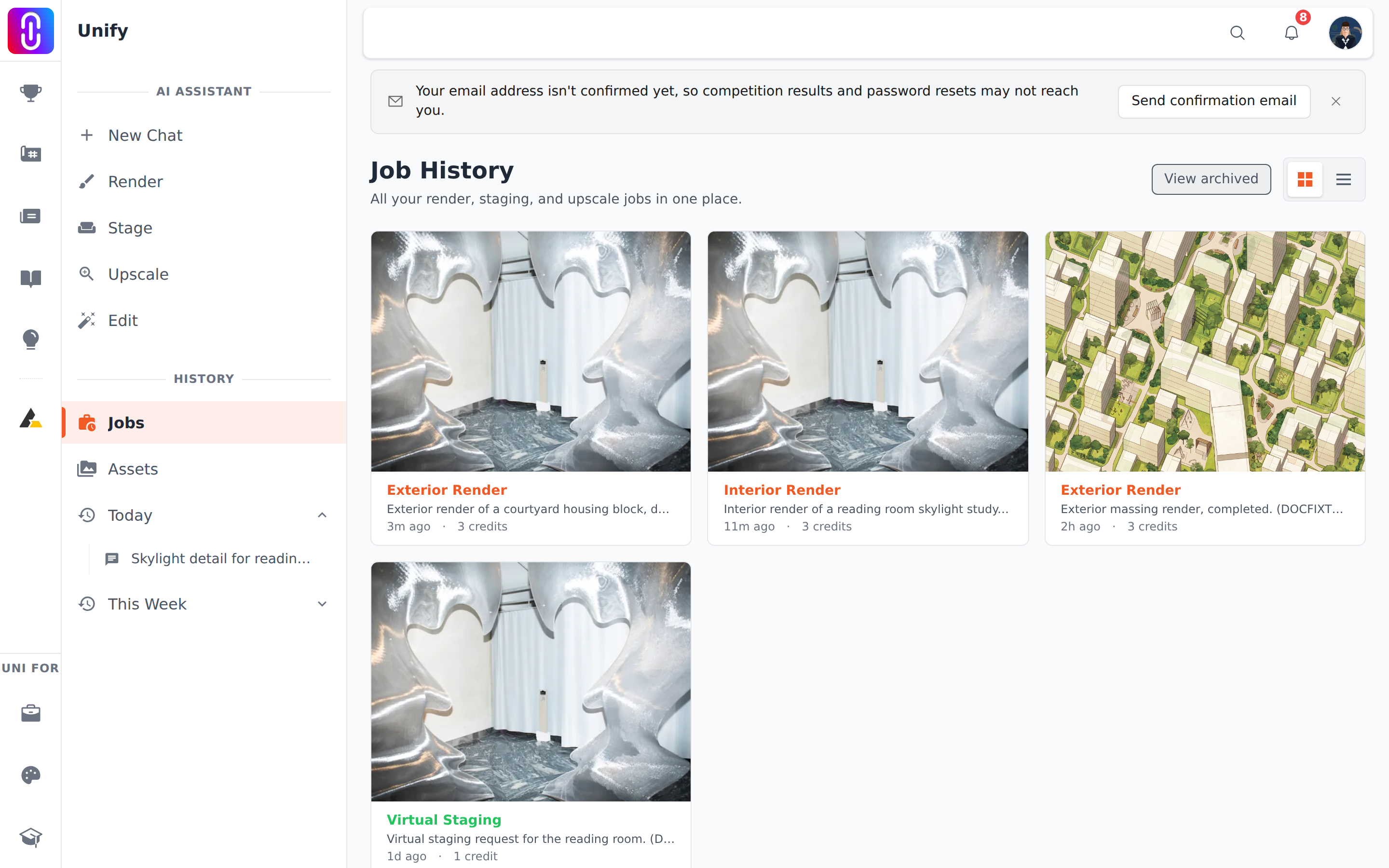
Each row names the kind of work it was, Exterior Render, Interior Render, Virtual Staging, Upscale with its factor, or AI Edit, and opening one shows the settings used and the credits it cost.
If a job failed
Credits are taken when a job is queued, not when it succeeds, but a job that ends in Failed returns them automatically. Deleting a failed job does not undo that refund, though keeping it is still useful if you want to report the error, because the record carries the settings and the message. See renders in chat are free each day, the tool pages are not.
If the failure says the service is temporarily unavailable, that is a specific state with a specific wait: see 'Service temporarily unavailable' and the five minute pause.