The three chips under the message box on the UNIfy home screen are not examples for you to edit. Selecting one sends that exact sentence to the assistant immediately. There is no confirmation step in between.
The three sentences
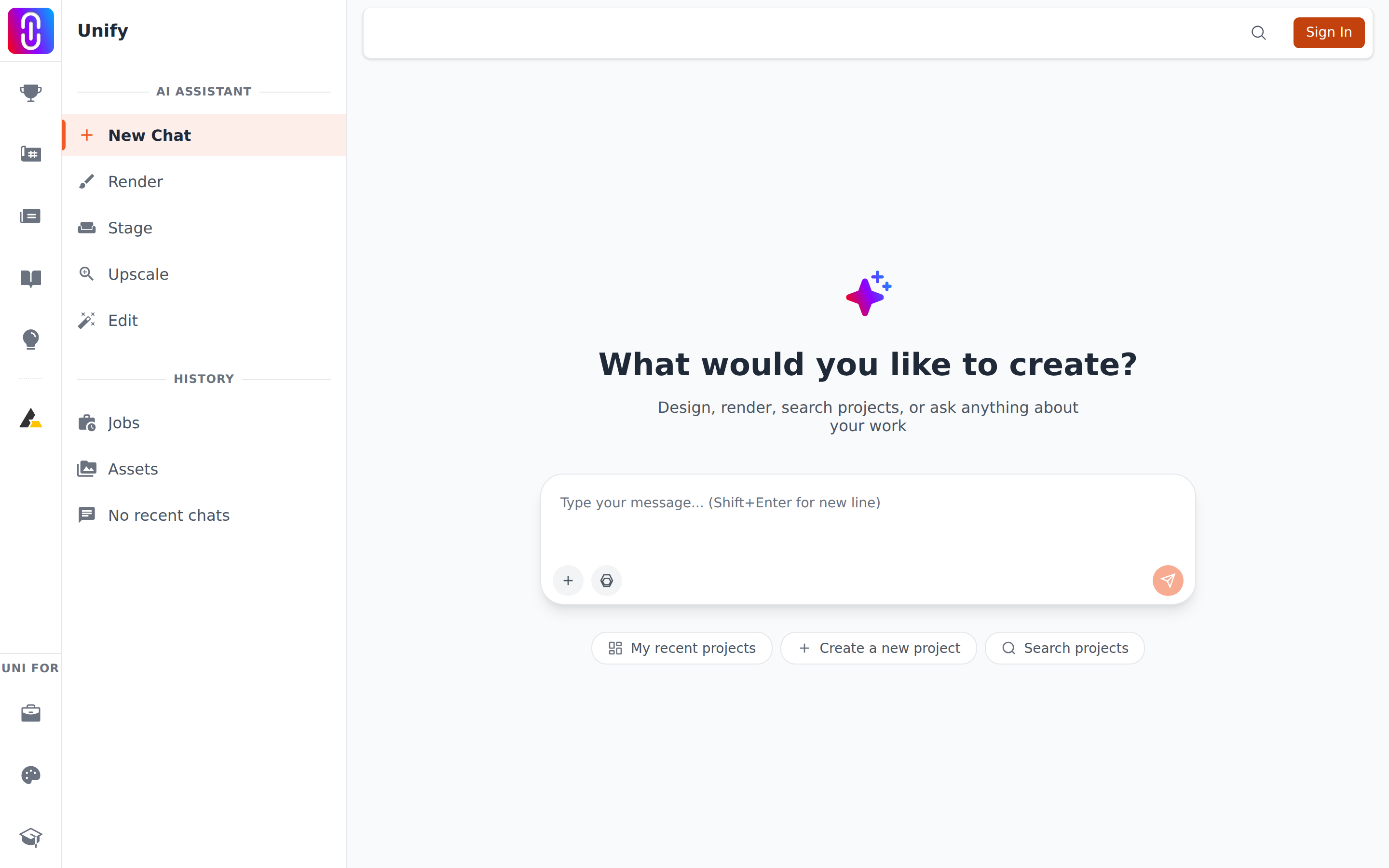
- My recent projects sends "Show me my recent projects".
- Create a new project sends "Help me create a new project".
- Search projects sends "Search for architecture projects".
The label on the chip is the short version. The longer sentence above is what actually goes to the assistant.
Nothing is charged and nothing is created
A chip starts a conversation and does nothing else. None of the three generates an image, spends a credit, or makes anything on your account by itself. "Create a new project" opens the conversation about making one, and the assistant asks you before it acts. When the assistant asks before acting covers what it does and does not check with you first.
Undoing one
You cannot unsend it, but you can replace it. Edit the message you sent, which removes the reply that followed it and asks again in your own wording. See Editing or resending a message.
If you would rather start over completely, open a new chat from the sidebar and leave the old one where it is.
The chips only exist on the empty screen
They sit under the box on a conversation that has nothing in it yet. Once the first message is sent, the row is gone and it does not come back in that chat. So they are a way in rather than a menu you can return to. Anything a chip sends, you can also type, and typing lets you be specific: "show me my drafts from last month" gets further than the chip does.