Any UNI account opens a competition leaderboard, including a free one. What you hit is a sign-in wall, not a membership wall. The leaderboard page itself does not check your plan, whether you entered, or whether you registered for that competition. It checks one thing: whether you are signed in. The table's Juror's Rating column is the one exception to that -- it is gated separately, to members with an active plan (see below).
What you are looking at
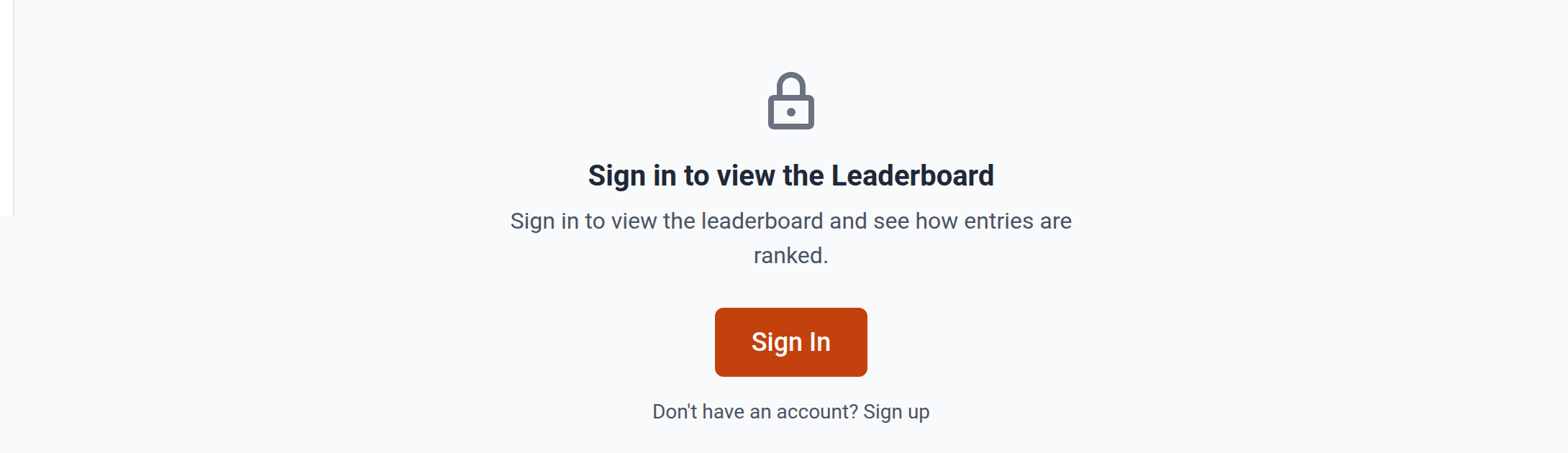
Signed out, the table is replaced by a padlock, the heading Sign in to view the Leaderboard, and the line "Sign in to view the leaderboard and see how entries are ranked." The Sign In button carries the leaderboard address with it, so you return to the same page once you are through. The link beneath it goes to registration if you have no account yet.
The competition's cover image, title and tabs stay on screen the whole time, which is part of why the page reads as a paywall. It looks like a working page with the valuable part taken out.
Nothing on that sign-in screen mentions membership, and no membership check sits behind getting past it. Once you are through, every signed-in visitor sees the same table, with one exception: the Juror's Rating column is visible only to a signed-in member with an active paid plan, plus the competition's own organizers, staff and jurors. Everyone else's copy of that column reads zero and is dropped (see below).
What the table holds
Only entries that passed moderation appear. An entry still awaiting review, or one that was rejected, is not on the leaderboard, and its absence says nothing about how it scored.
The columns are Entry Title, Location, Category, Award, Project Score, Public Score (labelled Likes in places) and Juror's Rating. Two of them can drop out: Project Score when no entry has been rated at all, and Juror's Rating when the viewer cannot see jury scores. Juror's Rating is a UNI-membership feature: a signed-in visitor without an active paid membership gets zero in that column for every entry, which drops the column entirely, whatever stage judging has reached. The competition's own organizers, staff and jurors keep seeing it throughout, and any signed-in member with an active plan sees it too, judging open or not. So a non-member cannot tell an unjudged competition from a fully-judged one on this column. Location and Category are never dropped, are not sortable, and read from the entry's registration -- Category reads Undergraduate / Graduate for the usual student split, or the organiser's own category heading otherwise. Public Score (and Likes, where shown separately) is never dropped and shows zero when that is the number. You can sort on the scoring columns, search by title, and narrow likes and ratings to a date range.
Juror names are hidden from everyone except UNI staff. Scores are attributed to "Juror 1", "Juror 2" and so on, in a fixed order, so you can tell two jurors apart without learning who they are.
When there is no Leaderboard link in the sidebar
The sidebar shows a Leaderboard item only when both of these are true:
- The competition has at least one entry.
- Its shortlist announcement date has passed.
Before that, there is no Leaderboard item in the sidebar, though the address still works if you have it: open the competition and add /leaderboard to the end. So if you followed a link from an email or a shared post and the sidebar looks different from what you were told to expect, this is usually why.
If you are signed in and still cannot see it
Two cases are worth separating from the sign-in wall.
- An error rather than the padlock. "Failed to load leaderboard. Please try again." is a loading failure, not a permission one. Reload the page.
- An empty table. That means the competition has no approved entries yet, which is normal before moderation finishes.