Nothing has broken and the page has not frozen. If you are not signed in, the journals feed lets you scroll on through three further batches of results and then opens a sign-in box over the page. That box has no close button, deliberately. It is a gate, not a fault.
The feed loads nine journals at a time, and the box appears as the fourth batch arrives, so you will have seen roughly thirty-six journal cards by the time it does.
Three ways past it
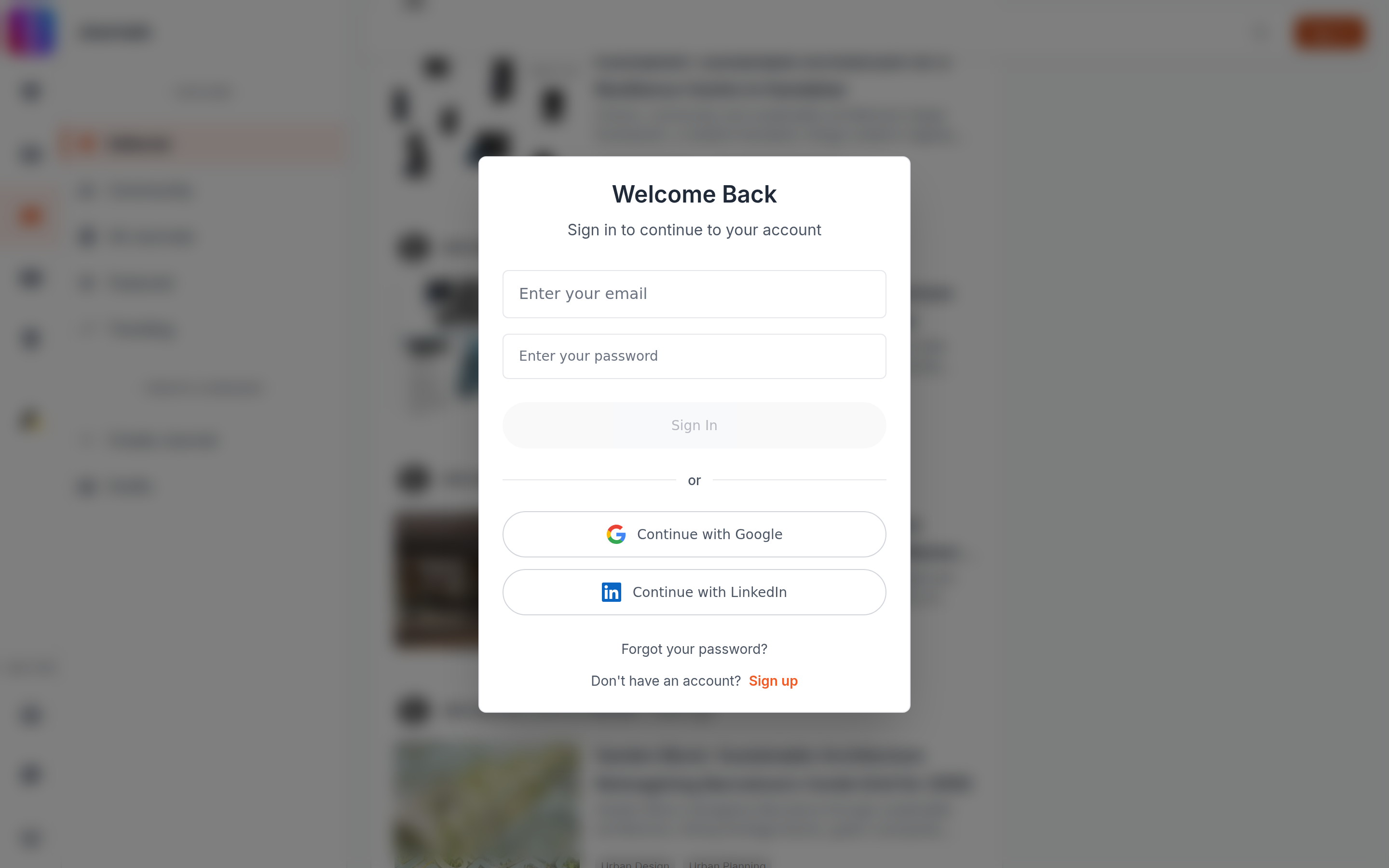
- Sign in. Use your email and password, or Continue with Google, or Continue with LinkedIn. The page reloads and you carry on.
- Create an account. Select Sign up inside the box. It costs nothing and it is the option most people want.
- Reload the page. The count starts again at zero on every fresh page load, so reloading clears the box and gives you the same run of scrolling over again.
Pressing Escape will not close it, and neither will clicking the dark area around it. The box is built without a way to dismiss it, so there is nothing you are failing to find.
It counts scrolling, not reading
This gate has nothing to do with how many journals you have opened. It counts how many times the feed has fetched more results during this one page load, and it resets when the page does.
Opening a journal to read it is governed by a completely separate allowance, with a different number and a different reset: How many journals you can read for free. You can therefore meet this box without having read a single article, and you can be stopped from reading an article without ever having met this box.
Journal search does the same thing
Searching journals behaves identically. Three further pages of results, then the same box, with the same ways past it.
If it appears while you are signed in
It should not. The gate checks for a signed-in account before it opens, and it will not open for a member. If you see it while you believe you are signed in, your session has most likely lapsed in that tab: Stale sign-in state across tabs.