Search by transaction ID or by product name. There is no status filter on the history page, so to see only the ones that have not gone through, use Pending Transactions in the left sidebar: it is the same list restricted to pending and processing orders.
What the search box matches
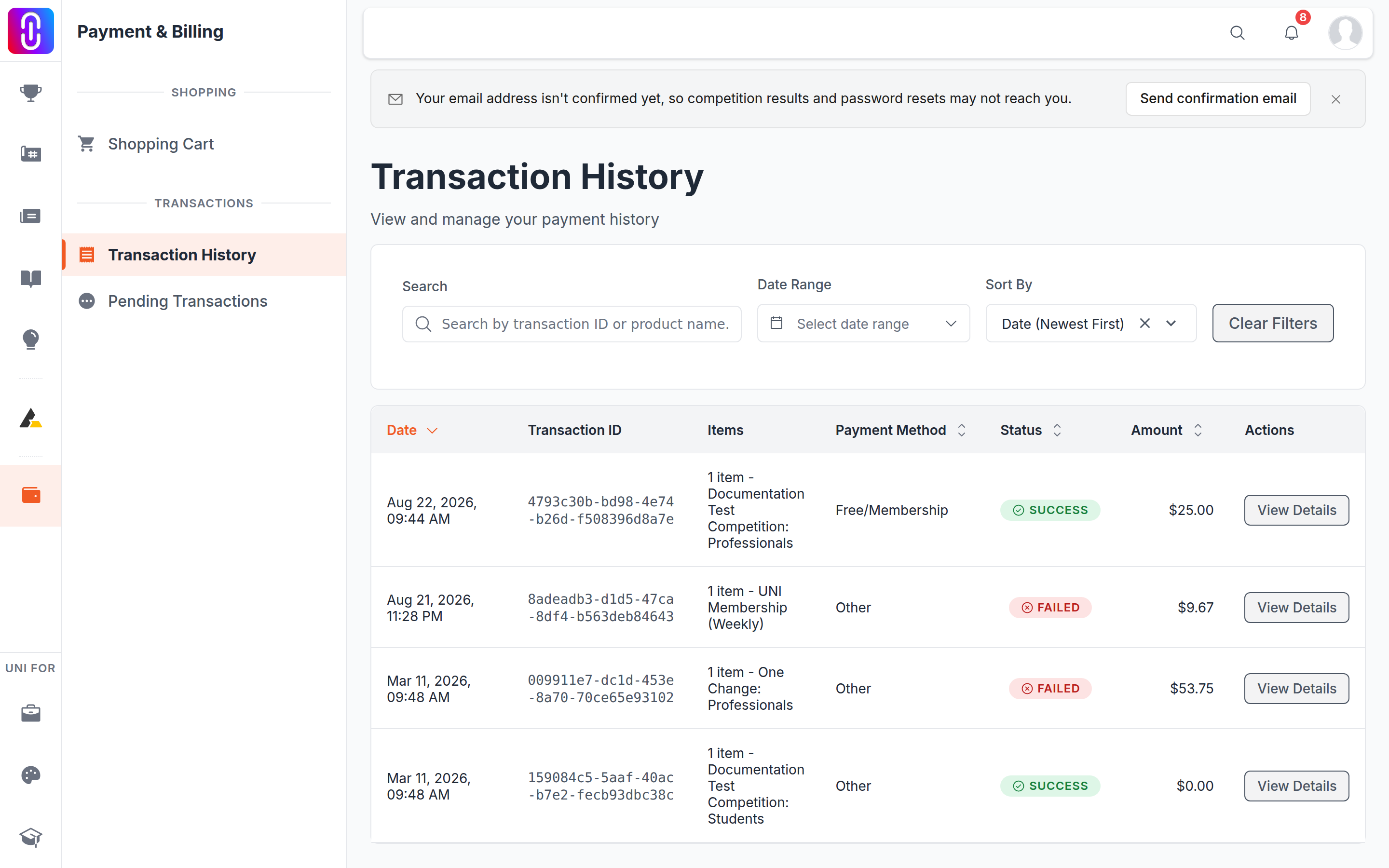
Two things only: the transaction ID, and the name of a product in the order. It does not match amounts, dates, or a competition's name where that differs from the product name. Part of either is enough, and the list narrows as you type.
Narrowing by date
The date control takes a range, with seven quick ranges: Today, Yesterday, Last 7 days, Last 30 days, Last 90 days, This year and Last year.
The five sorts
Date (Newest First), Date (Oldest First), Amount (High to Low), Amount (Low to High) and Status (A-Z). Newest first is the default.
Status (A-Z) is the nearest thing to a status filter. It groups the list so that Failed, Pending and Success sit together, which lets you read one group at a time without a filter existing.
Ten rows to a page
The list pages ten at a time. Set the sort and the date range before you start paging, because both apply to the whole list rather than to the page you are looking at.
What the three statuses mean
- Success. Paid and complete.
- Pending. Started and not finished. An order that never reached a payment at all also reads Pending.
- Failed. The payment did not go through. Failed orders stay in the list permanently; nothing is removed for failing.
Getting a receipt
Open the row you want. The detail page carries Download Receipt. The list page does not, so there is no way to export several at once.