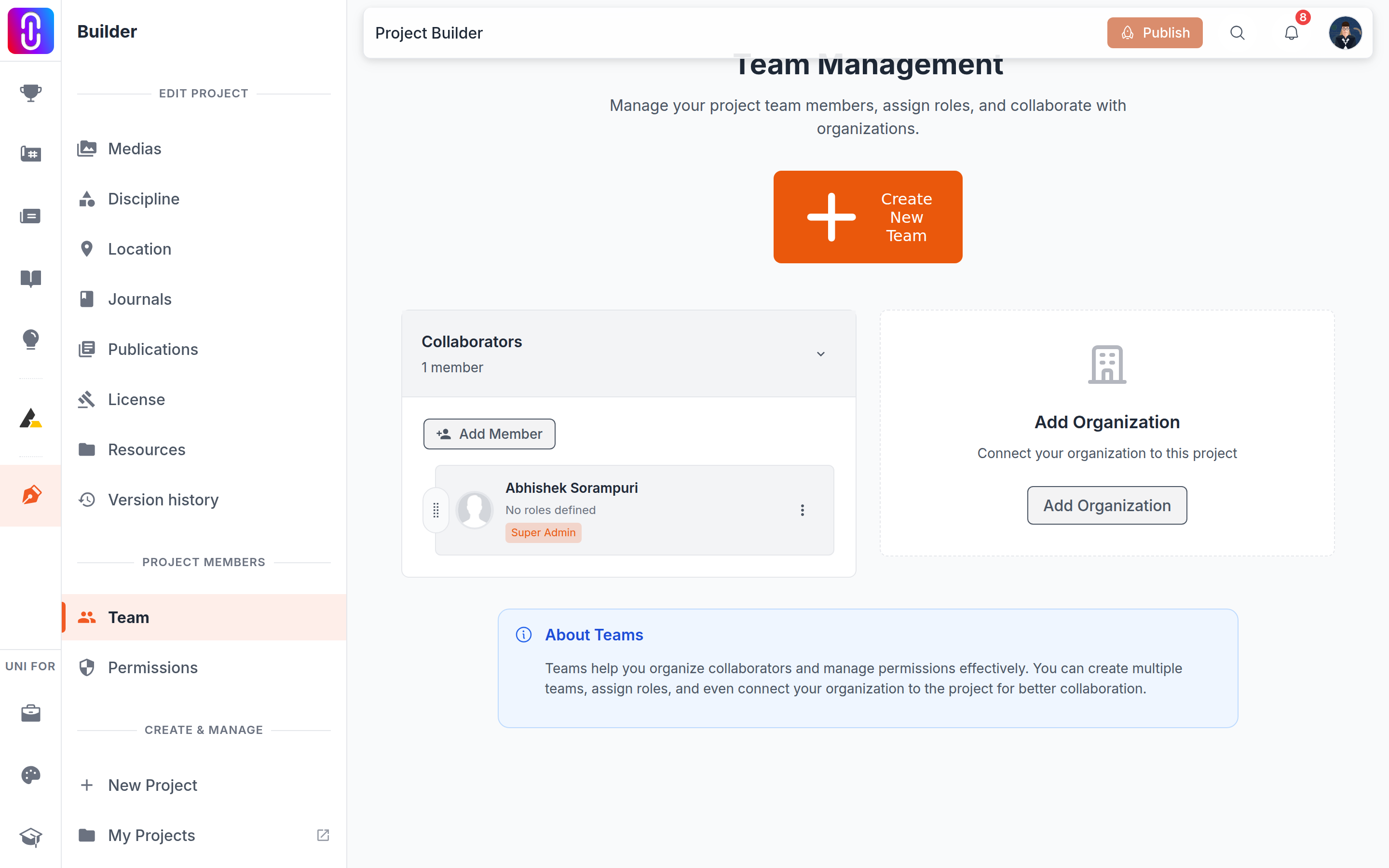
Use the Add Organization card on the project's Team page. It searches organizations that already exist on UNI, and it can create a new one without leaving the builder. You need team management rights on the project to see the button at all: project owner, Super Admin or Admin.
- Select Add Organization.
- Type at least two characters of the name. Matching organizations appear as you type.
- Select yours. It becomes a second team card on the project, alongside Collaborators.
Creating one from here asks for five things
If your studio is not on UNI yet, the bottom of the dropdown offers Add new organization with whatever you typed. That opens a short form, and all five of these are required:
- Organization logo.
- Organization name, at least 3 characters.
- Website, as a full address beginning with http:// or https://.
- Location.
- Tagline, between 3 and 160 characters.
A longer description is optional. Once it saves, the new organization is attached to the project straight away.
Adding a logo afterwards
If the organization has no logo, its avatar on the team card becomes a button: click it, choose an image under 5 MB, and it uploads. A larger file gives Image size must be less than 5MB.
This only works while the organization has no logo. Once one is set, the avatar stops being clickable here, and the logo has to be changed from the organization's own settings.
Put people in the organization's team
An organization card starts empty. Adding the organization credits the studio, not the individuals. To credit both, drag collaborators from the Collaborators card onto the organization card: see Moving a collaborator between teams. You can also invite people directly into it.
Removing the organization removes its whole team
This is the part that catches people out. Removing an organization from a project also removes every collaborator sitting in that team, and the confirmation tells you how many people that is before you agree. Anyone you still want credited should be dragged back into Collaborators first.
The organization itself is not affected. It keeps its page, its members and its other projects; only the link to this project goes.