They do exactly the same thing. The difference is only that one asks you first.
- The red X on the journal card, on the Journals page itself, opens a confirmation box: "Are you sure you want to unlink this journal from this project?" You have to answer Yes.
- The small x beside Connected, inside the Select Journals dialog, unlinks immediately. No question, no undo button.
Both produce the same message, naming the journal you removed. The Publications page is built the same way, with a confirmed X on the card and an instant x inside its picker.
Nothing was deleted
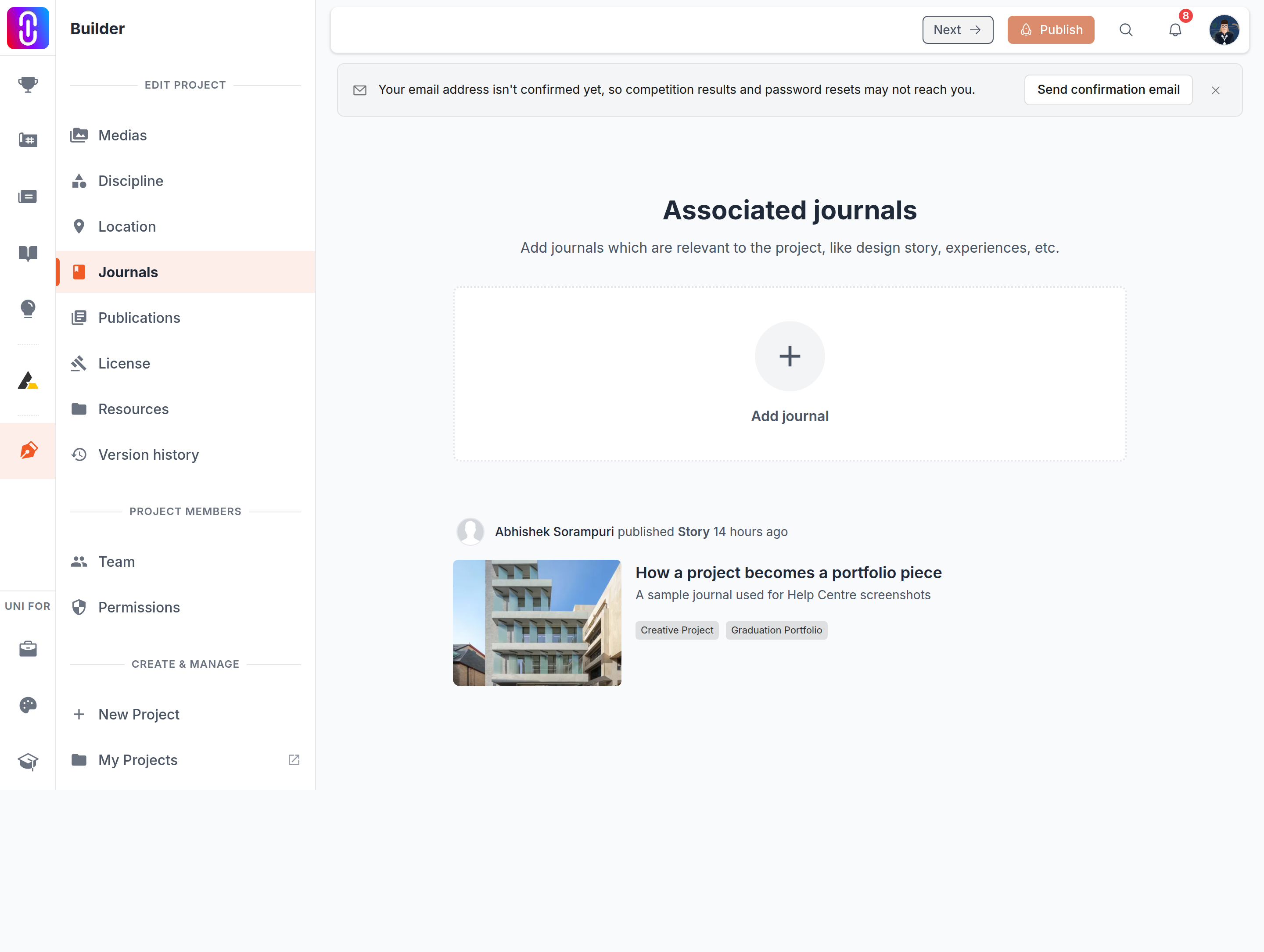
Unlinking removes the connection between the project and the journal. The journal itself is untouched: it keeps its own page, its own text, its own images and its own readers. Nothing you wrote is at risk here, which is the main thing to know if you clicked the wrong x.
Reconnecting takes one click
Open Select Journals again, find the journal, and select it. The connection comes back. If you had several journals connected, the one you re-add goes to the end of the list rather than to its old position, so check the order before you publish.
The public page does not change until you publish
An unlink lands in your draft, in the same way as a title change or a new image. Your live project keeps showing the journal until you press Publish. Two useful consequences:
- If you unlinked something by mistake and have not published since, the public page is still correct. Put the connection back and publish nothing at all.
- If you meant the journal to come off the live page, unlinking is not enough on its own. Press Publish.
What the project editor saves on its own sets out which changes wait and which do not.
If the unlink fails
Two messages are worth recognising:
- "You do not have permission to unlink journals from this project" means your role on the project does not include managing content. Ask a project admin, or see What each project role can do by default.
- A message about the connection not being in the current version means the link was already gone from your draft. The entry disappears from the list and nothing further is needed.