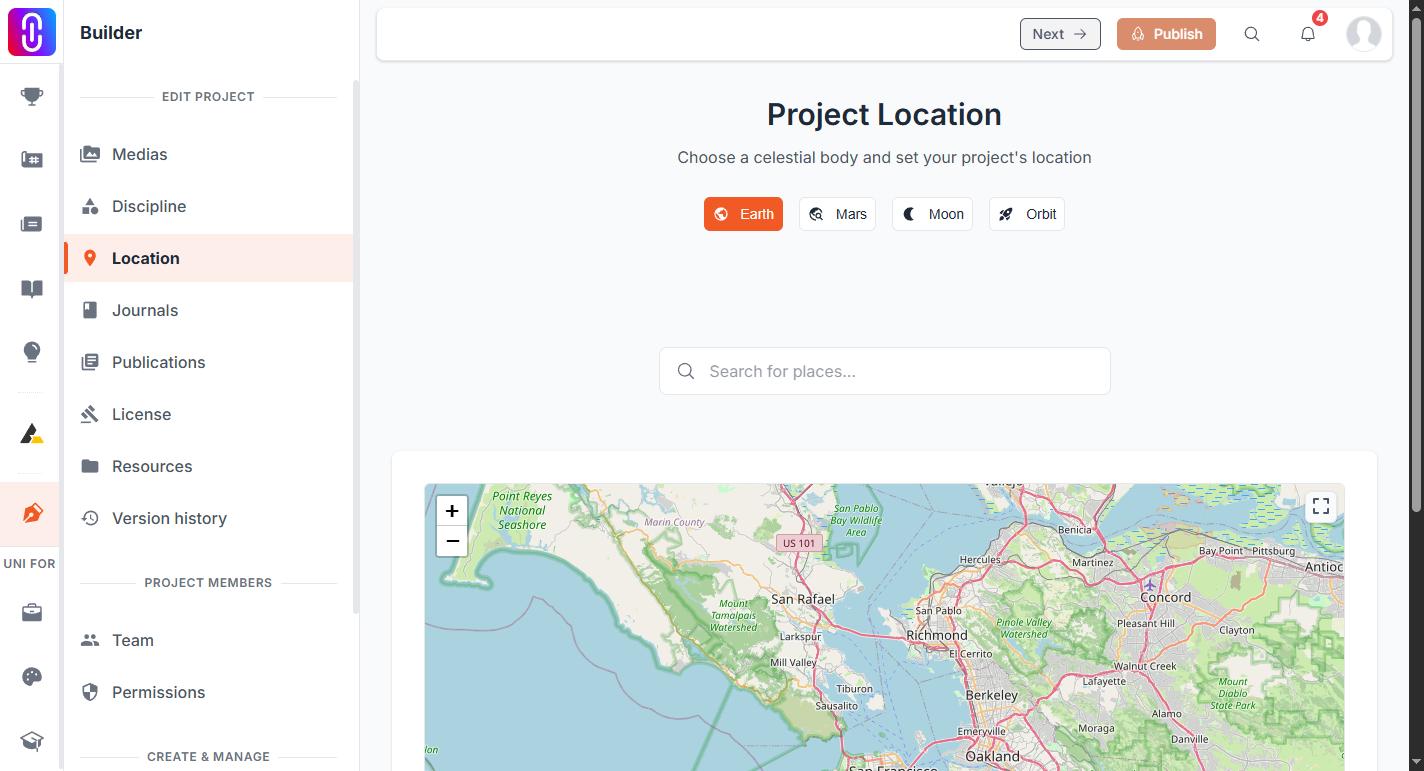
Choose the body from the tabs at the top of the Location page: Earth, Mars, Moon or Orbit. Then, unlike Earth, nothing is saved until you press Save Location. That button is the answer to why your work disappeared: the off-Earth forms do not save on their own, and leaving the page without pressing it loses what you typed.
Earth is the odd one out here. On the Earth tab a location saves the moment you pick a result from the search, with no button to press.
Mars and the Moon need coordinates you type
There is no place search for either, because there is no list of places to search. The form asks for three things:
- Location Name. Optional. Left blank, the location is named after the body itself, so you get "MARS Location" rather than "Jezero Crater". Fill it in.
- Latitude. Required.
- Longitude. Required.
Leave either number empty and pressing Save Location gives you Please enter latitude and longitude coordinates. That message is the single most common reason a Mars or Moon location will not save. Both boxes accept decimals and negative numbers, in the same form as Earth coordinates.
Orbit asks for a body, not a position
The Orbit tab has no coordinate boxes. It asks which body the project orbits, and offers Earth, Mars and Moon. Earth is already selected, so this form can be saved with nothing typed at all: give it a name, check the orbiting body, press Save Location.
Each body has its own map
An off-Earth location never appears on the Earth map, and this is deliberate rather than a fault. The Atlas draws each body separately, so a Mars project sits on the Mars map and nowhere else. If you set Mars by mistake and then look for your pin on Earth, you will not find it: switch back to the Earth tab and set the location again.
Setting one on a live project
A location change goes into your draft, so press Publish afterwards for it to reach your public page. If the project has never been published, nothing here is public yet. What the project editor saves on its own sets out the rest.