No. Files you put in a project's Resources folder are private to that project's team. People visiting your published project page cannot download them, cannot see a list of them, and are given no sign that the folder exists. If you uploaded a portfolio PDF or a drawing set there expecting visitors to pick it up, nobody has.
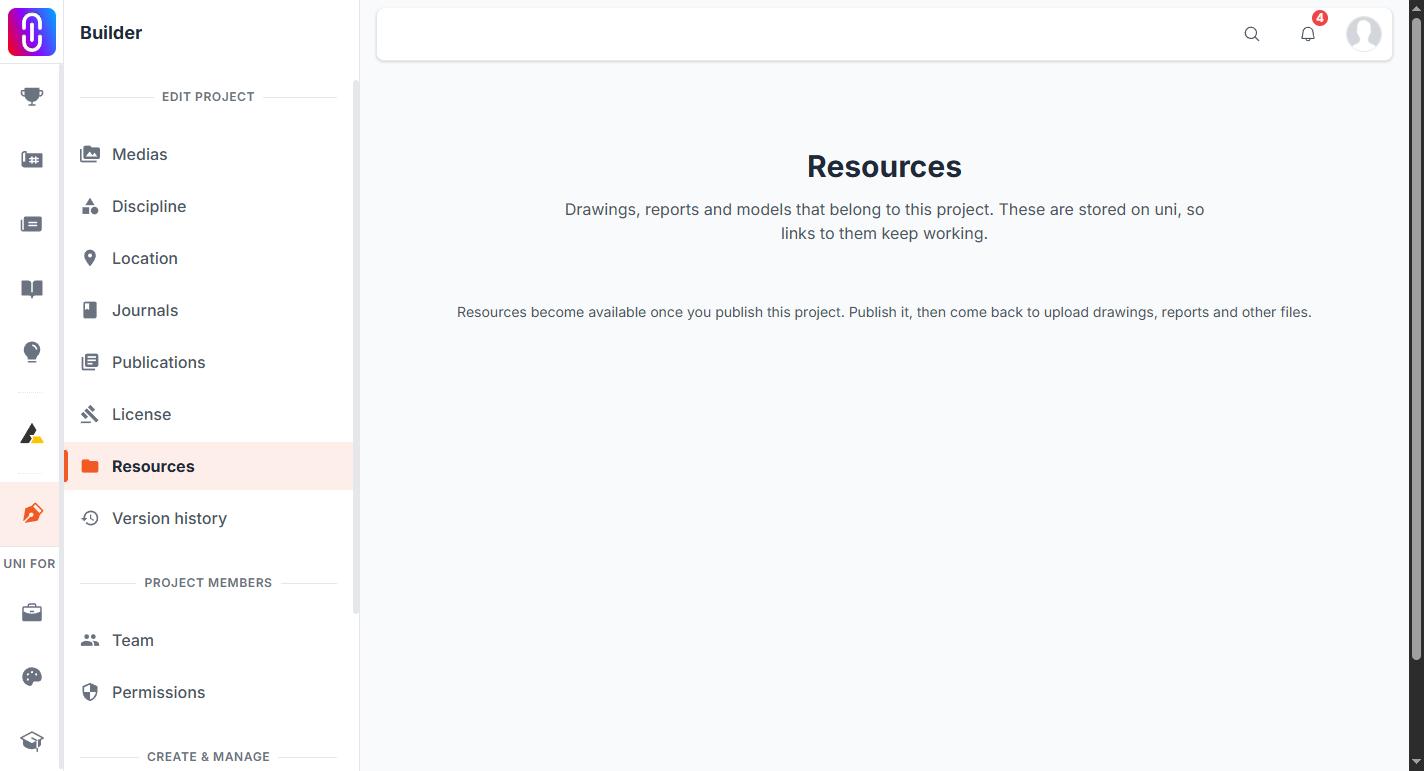
Resources lives inside the project editor, next to Team and Version history. That is the whole of its reach. Nothing in it is rendered on the public project page, and no public address for it exists to be shared or indexed.
The files are stored privately and every link expires
Resource files go to storage with public access switched off, so there is no permanent web address for them the way there is for the images on your project page. When a team member opens a file, UNI signs a single-use download link at that moment. A signed link stops working 30 minutes after it is created.
That carries a consequence worth being straight about. While a link is alive it does not check who is holding it. If you copy one out of your browser and send it to somebody outside the team, they can download that file until the 30 minutes run out. The link is the permission. Sending one is the same as sending the file, so treat it that way.
Images open in the browser. Every other kind of file downloads rather than displaying.
"Team" means anyone who has accepted, whatever their role
Access here is not limited to the owner or to admins.
- Any member of the project team can read, upload, replace and trash resource files. Position makes no difference: an admin and an ordinary team member have identical access to the folder.
- Someone you have invited who has not accepted yet has none of it. An invitation is not access.
- Someone whose request to join was rejected has none of it.
- Removing a person from the team removes their access to the folder along with everything else.
There is no per-file sharing, no read-only guest and no link you can hand to a client. Either a person is on the team and sees the whole folder, or they are not on the team and see nothing. UNI staff can also open a project's resources, which is what lets support look into a problem you report.
What Resources is good for
Working files a team passes back and forth: the drawing set, the report, the model, the spreadsheet everyone keeps emailing round. Each file keeps its own history, so uploading a newer copy adds a version instead of destroying the old one, and a file you trash can be restored. A Google Drive link you paste in is copied into UNI rather than embedded, so it keeps working after somebody changes the sharing settings on the Drive original.
The folder becomes available once the project has been published at least once, because it is keyed to the project's address. Storage is limited per project.
If you want visitors to have it, it belongs in the project itself
Anything the public should see goes into the project, not into Resources. Drawings, boards and renders are uploaded as project images so they appear on the page and can be viewed full size. Video and supported embeds go in the same way.
For a document you want people to read from start to finish, a report or a thesis or a dossier, publish it as a publication and connect it to the project. That gives it a page of its own with a real address you can send to anyone.
Use Resources for the files your team works from, and the project page for the files your audience is meant to see. They are two different jobs, and the folder is only good at the first one.
Related
- How to invite team members to your project
- Teams and collaboration
- Connect a journal or publication with your project
- Creating and publishing a project
How much space you get
Storage is granted per project rather than per person, and the size of it depends on the memberships held by that project's admins. Resources storage limits and how to free space has the figures.