Check first that you are enrolled in the course. Progress is only recorded against an enrolment, and if you do not have one the lesson page saves nothing and says nothing: no error, no warning, the tick just never appears no matter how many times you watch. That is the cause behind most reports of a lesson refusing to complete. Open the course page, enrol, then go back to the lesson and play it again.
Once you are enrolled, each kind of lesson has its own rule for what counts as finishing it.
A video lesson completes at 90 percent
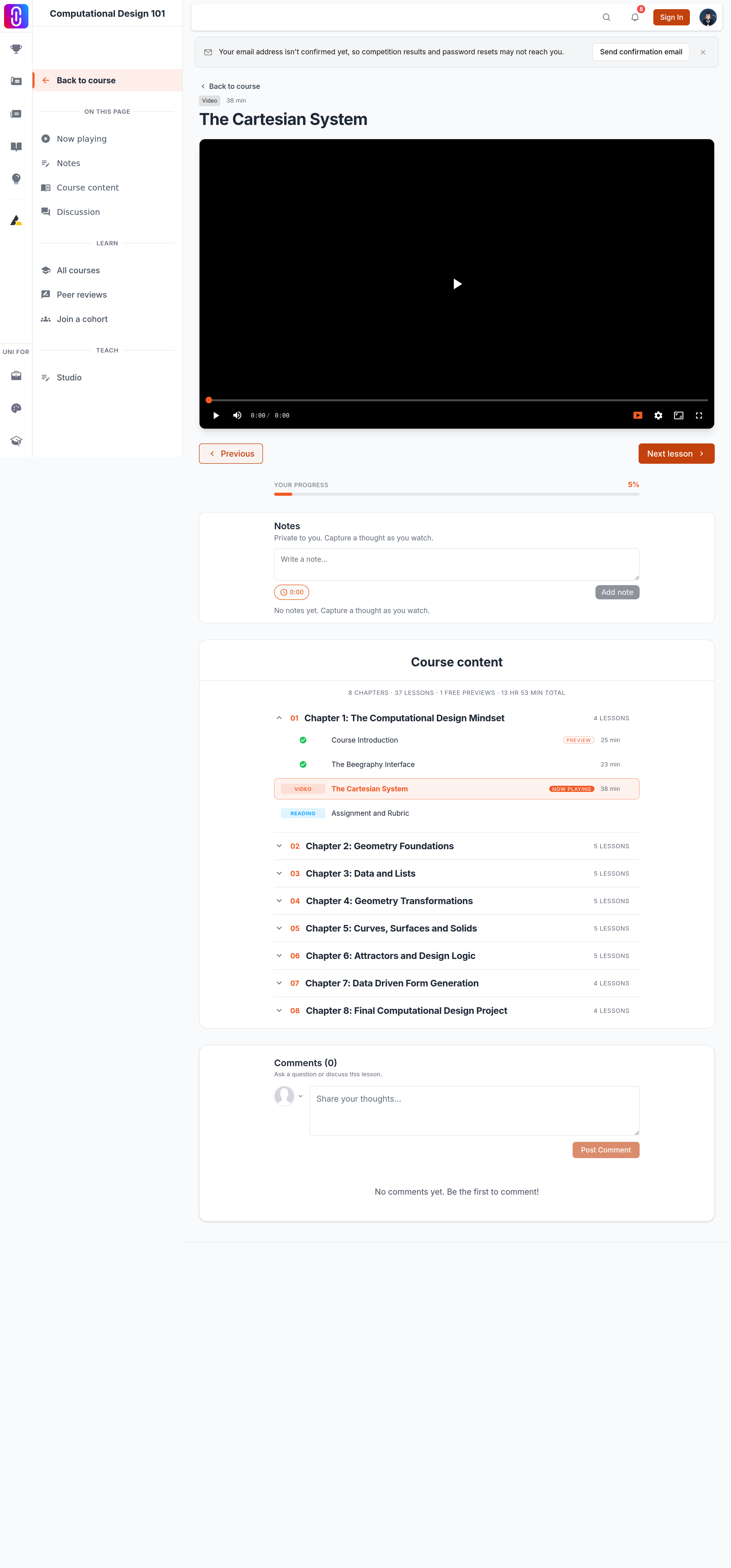
Not at the end. The lesson is marked complete once your position in the video passes 90 percent of its total running time. Because it is measured as position against length, dragging the scrubber past that mark completes the lesson exactly as watching to it does. A video that plays through to its end always reports complete, however short it is.
The completion is reported once per visit to the lesson. If that report does not get through, the page will not try again until you load the lesson afresh.
A reading lesson completes when you say so
Reaching the bottom of the text does nothing on its own. A reading lesson is only marked complete when you select Mark complete underneath it. If you scrolled through and moved on, go back and select it.
A quiz lesson completes when you pass it
Sitting the quiz is not enough. The lesson ticks when your score reaches the quiz's pass mark, which is set on the quiz itself rather than being the same across UNI. A failed attempt leaves the lesson open, and so does running out of time on a quiz that has a time limit: a timed-out attempt is recorded as a fail even where the answers were right.
An assignment lesson completes when you submit it
Submitting is what completes it, not being graded and not passing. The lesson ticks the moment your submission is accepted, and your grade arrives separately afterwards. A low grade does not take the tick away.
Completion does not come undone
Once a lesson is complete it stays complete. Re-watching a video, re-reading a text or retaking a quiz will not reset it, and neither will pausing halfway through a second viewing.
If a lesson still will not tick
- Confirm you are enrolled, not merely watching. This is worth repeating because the page gives you no signal either way.
- Reload the lesson page, then watch or seek past the 90 percent mark again. A single failed save will not retry itself until the page is reloaded.
- Check you are on the lesson you think you are on. Progress is recorded per lesson, so finishing the next one does not close the one before it.
If it still does not tick after a reload on an enrolled course, contact support with the course and the lesson name.