Because the two lists are built in completely different ways. The list in the filter box is written by hand and never changes. The list in the sidebar is built from what is actually in the library, so it grows, shrinks and reorders on its own. Neither is wrong, and a type present in one and missing from the other is not a broken filter.
The filter box offers a fixed twelve
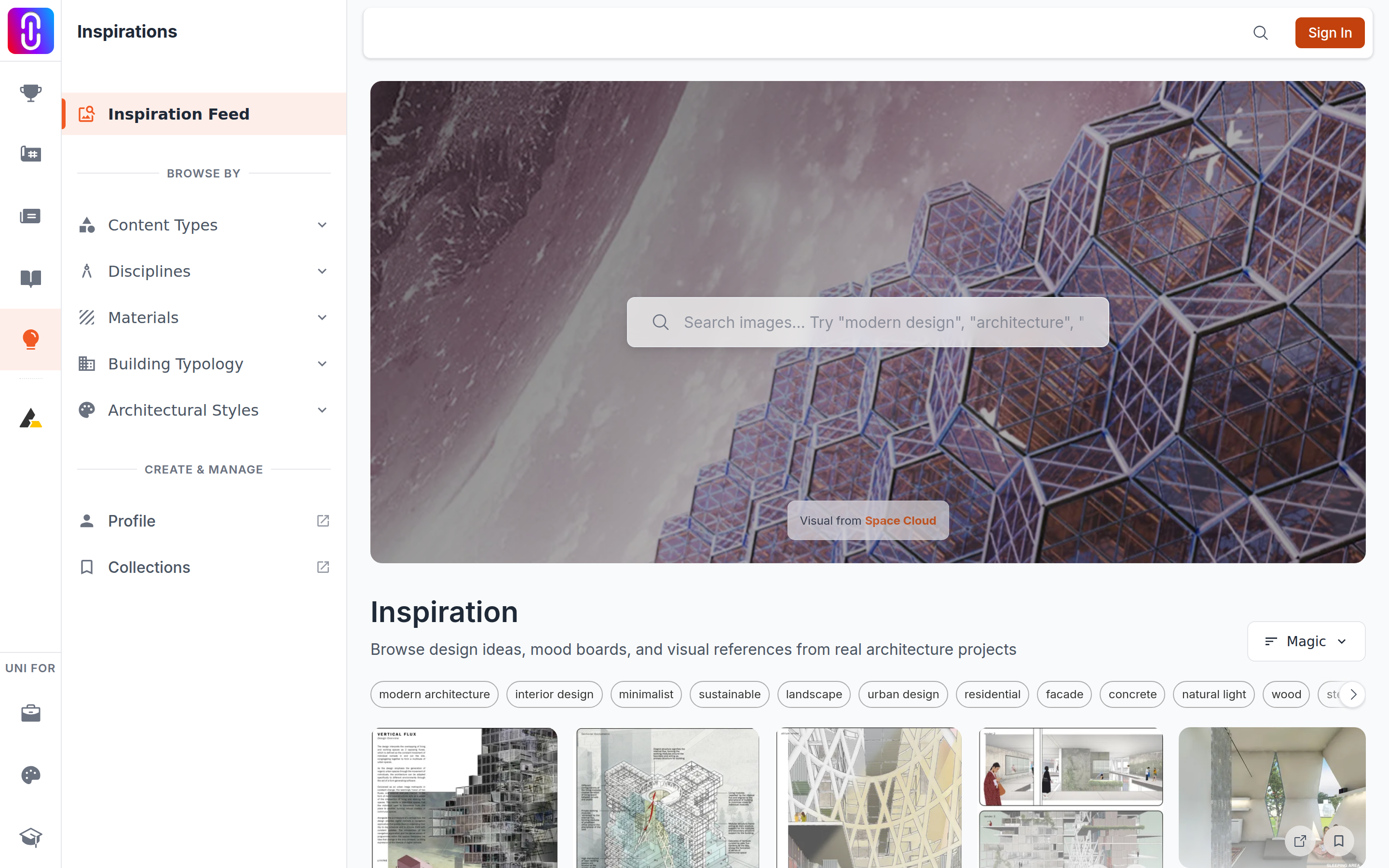
Open the filter and Content Type gives you the same twelve options in the same order every time: Photos, Presentation Boards, 3D Renders, Diagrams, Floor Plans, Site Plans, Sections, Elevations, Collages, Illustrations, Sketches and Logos.
The sidebar shows whatever is in the library
Under Browse By, Content Types is assembled from the images themselves. Only types with more than 100 images appear, they are sorted alphabetically, and two are left out on purpose: Other, which is the catch-all, and Logos. That last exclusion is the whole reason a type you can pick in the filter box is absent from the sidebar.
It is also where the unfamiliar entries come from. Architectural Drawings, Architectural Models, Graphics and the rest were not added as a second set of filters. They are readings that came up often enough to cross the threshold.
Why a type exists at all
Every image is read once as it enters Inspirations, and that reading gives it one type. The reader is asked for one of ten: floor plan, section, elevation, 3D render, site plan, diagram, presentation board, collage, photo, or other. It does not always stay inside that list, and the words it invents are what fill the long tail of the sidebar.
Two things follow. A type with very few images appears in neither list. And a filter-box type the reader rarely produces returns very little, which looks like a fault and is not one.