You can delete a message you sent at any time. There is no time limit on deleting. Editing is the one with a clock on it: you have 5 minutes from sending to change the wording, and after that an edit is refused and the delete is your only option.
You can only remove your own messages
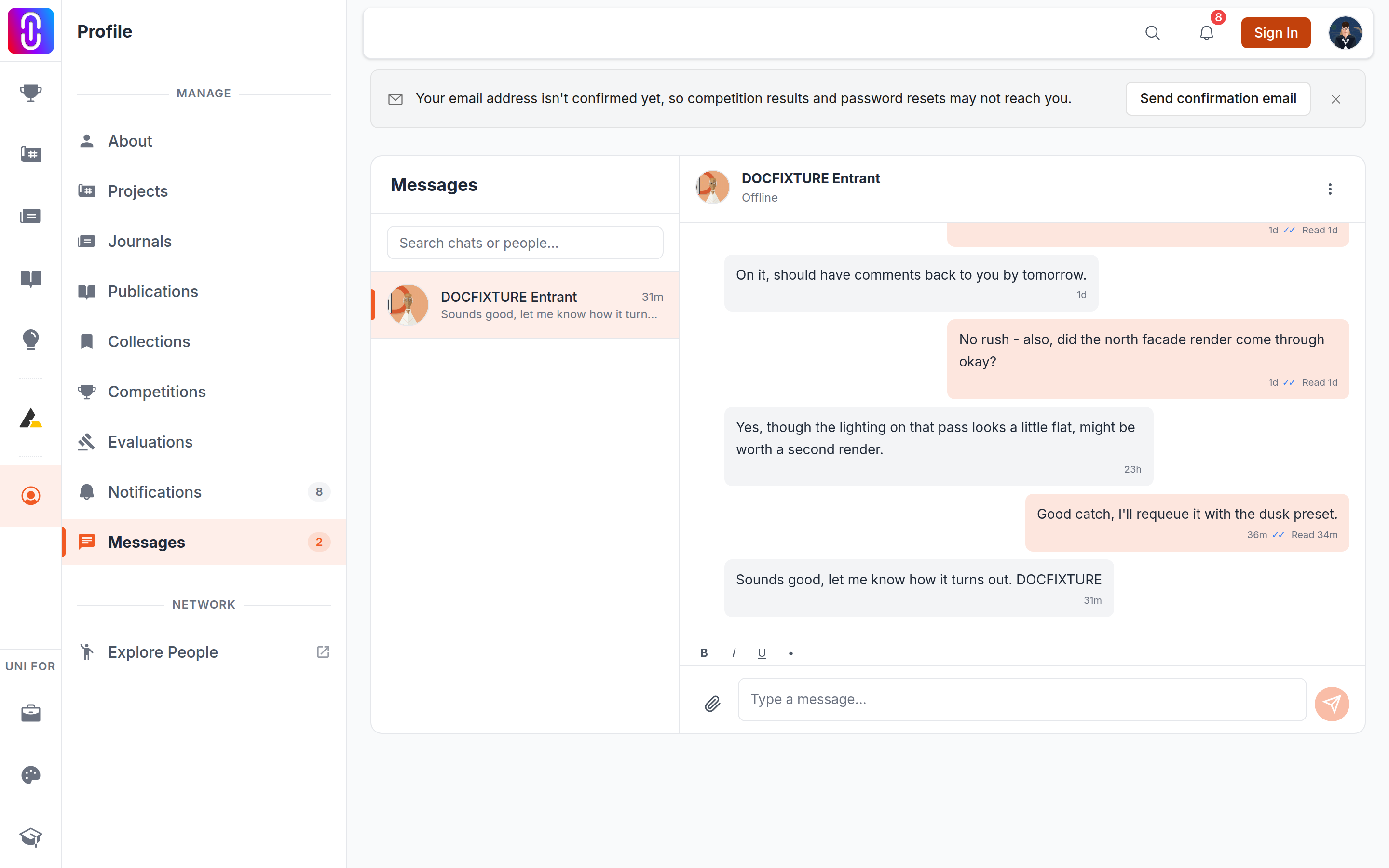
The edit and delete controls appear when you hover over a message, and only on messages you sent. Nothing removes a message somebody sent you. If a message needs to come down, use Report user in the conversation menu.
The other person sees that something was removed, not what it said
A deleted message is replaced with This message was deleted on both sides, and it changes in the other person's conversation while they are looking at it. So a delete is visible rather than silent. It does not take back anything else: replies already sent stay, and so does anything they copied or acted on. Treat a delete as retracting a message, not as unsending it.
An edited message keeps an (edited) mark next to it, for the same reason.
Deleting a conversation is a different action
Deleting the whole conversation removes it from your list only. The other person keeps theirs in full, which the confirmation dialog tells you before you go ahead. And it is not permanent for you either: the next time that person writes to you, the conversation returns to your list with its history intact.
What blocking does
- They cannot send you a message. Their send is refused.
- They cannot start a new conversation with you.
- You stop appearing in their search for people to message.
- The conversation leaves your list.
Blocking does not delete messages they already sent, and they are not told that you blocked them. Their messages stop arriving, and that is all they see.
Blocking cannot be undone from the app
Once you block someone the conversation leaves your list, and there is no unblock control to go back to. If you blocked somebody by mistake, write to the UNI team and ask for it to be lifted. See How to reach human support.