The Quality toggle on the Edit page does not adjust one model's settings. Standard and Match Input run two different models. Standard costs 2 credits. Match Input costs 4, and returns the edited image at the resolution you uploaded rather than at whatever size the model works at natively.
The page states the difference in one line under the toggle: "Standard quality output" against "Higher quality, matches input resolution".
What each one is for
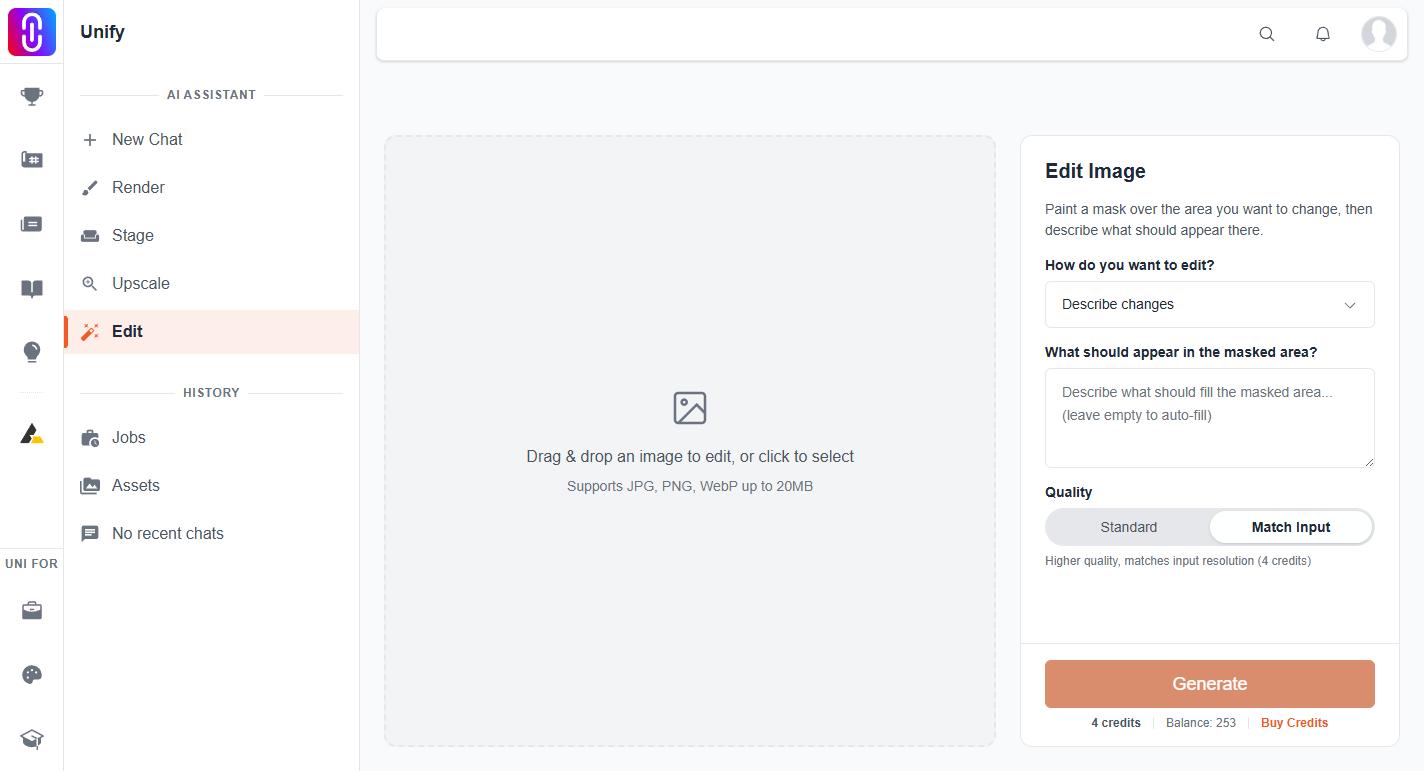
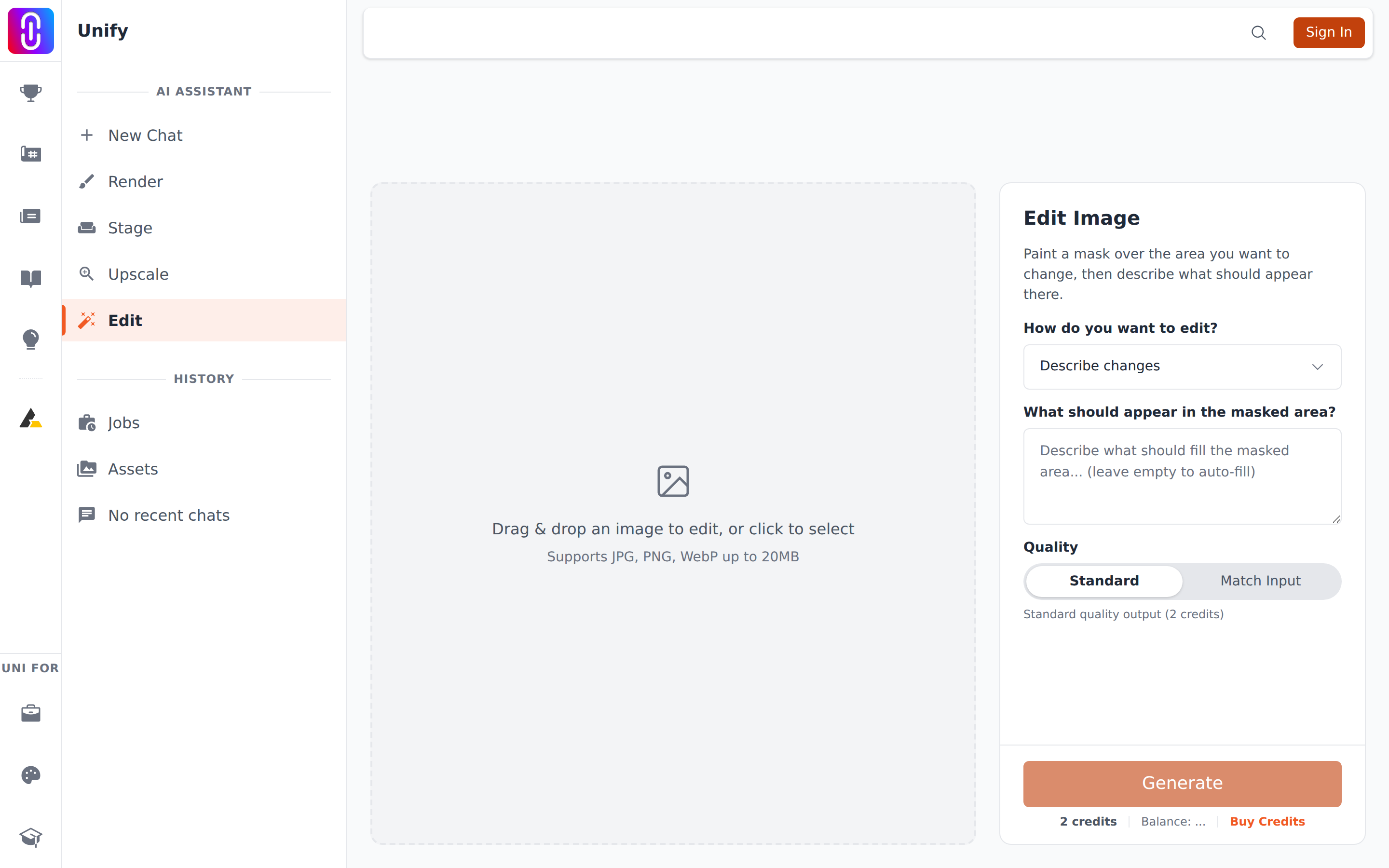
Standard, 2 credits. The faster and cheaper of the two. It edits the masked area well and is the right choice while you are working out what you want: trying a different sky, testing whether a wall should be brick or render, checking that a mask is clean. The result can come back smaller than the image you put in.
Match Input, 4 credits. The one to finish with. It holds detail better in the masked area, blends its edges more convincingly, and gives the image back at the size you uploaded, which matters when the edit has to sit in a sheet or a portfolio beside untouched images.
The workflow that costs least
Iterate on Standard, finish on Match Input. Mask, describe, run at 2 credits, look. When the mask and the wording are right, run the same thing once on Match Input.
Doing it the other way round, running Match Input from the first attempt and re-running it each time the mask needs adjusting, is what turns a small edit into twenty credits.
Each run is a fresh charge
Editing is not one purchase you can refine. Every press of Generate is a new job at the current price, and running the same edit again after adjusting the mask costs the same as the first time. If you are chaining edits, one on top of another, each link costs its own credits and replaces your working image. See each edit replaces your image and is charged again.
Failures refund themselves
Credits are taken when the job is queued, before any editing happens. If the job fails they are returned automatically, at either quality, so a failed Match Input run costs you nothing. A run that completes is charged at its quality even if the result is not what you hoped for.
That is one more reason to do your exploring at 2 credits.