Two runs of the same image with the same sliders come out different because Seed is set to Random by default. The seed is the number the model starts from. Leave it random and every run starts somewhere new, which is why nothing repeats exactly.
Making a result repeatable
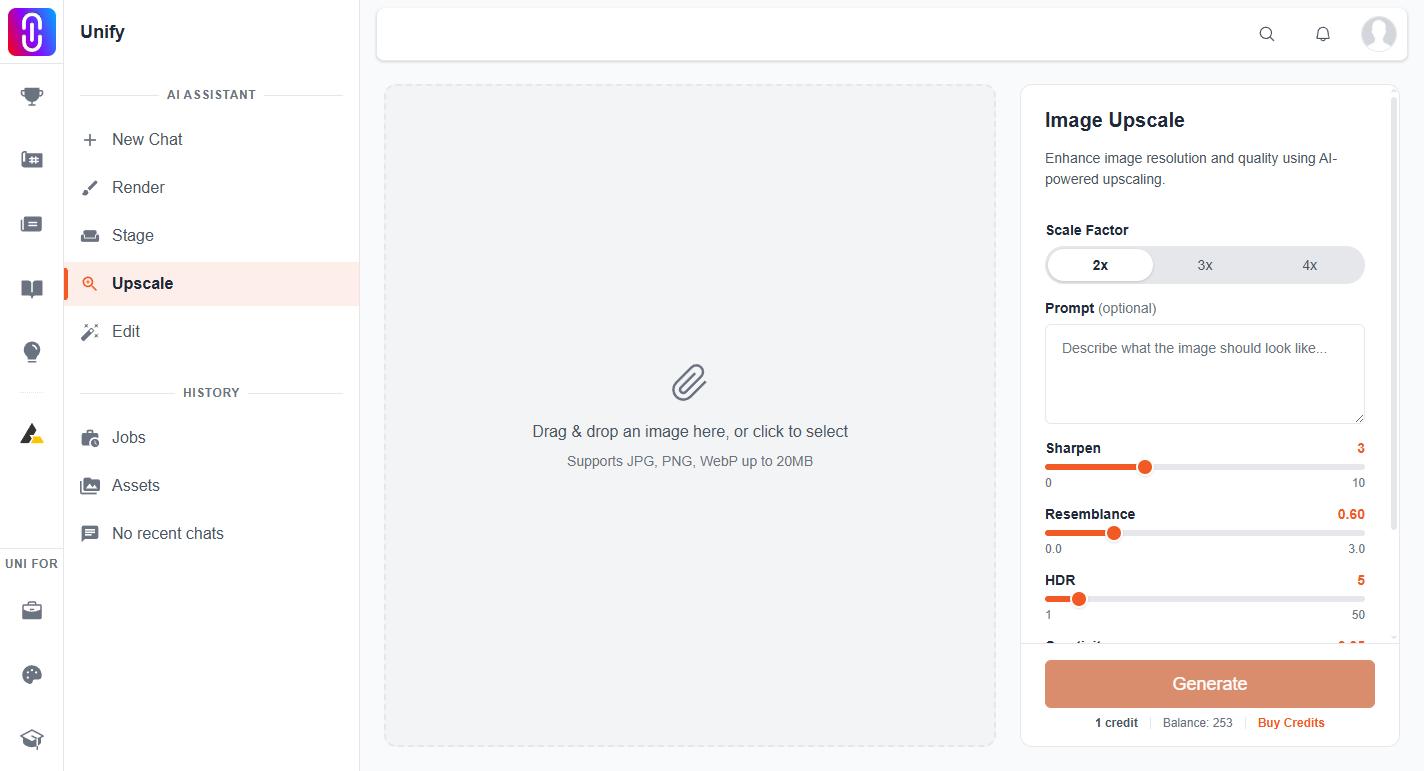
- Open Advanced Settings, under the sliders. Seed is the only thing inside it, and it is collapsed by default, which is why most people never find it.
- Switch it from Random to Set.
- Type a number, or keep the one it offers.
- Run the upscale. The same image with the same sliders and the same seed gives the same result every time.
Write the number down somewhere. Nothing on UNI hands it back to you: the job detail for an upscale records its scale factor and the credits it cost and nothing else, so a seed you did not keep is gone.
What a seed is not
A seed is not a quality setting. A higher number is not better than a lower one, and no particular value is recommended. It only decides where the run starts. If a result is wrong rather than merely different, the four sliders are what to change, not this.
The prompt box is optional
The text box above Advanced Settings is not required and an upscale runs perfectly well without it. What you type is passed to the model as guidance, and it is also kept as that job's description, which is the line shown under the job in your history. Leave it empty and the job has no description, which makes a long list harder to read later.