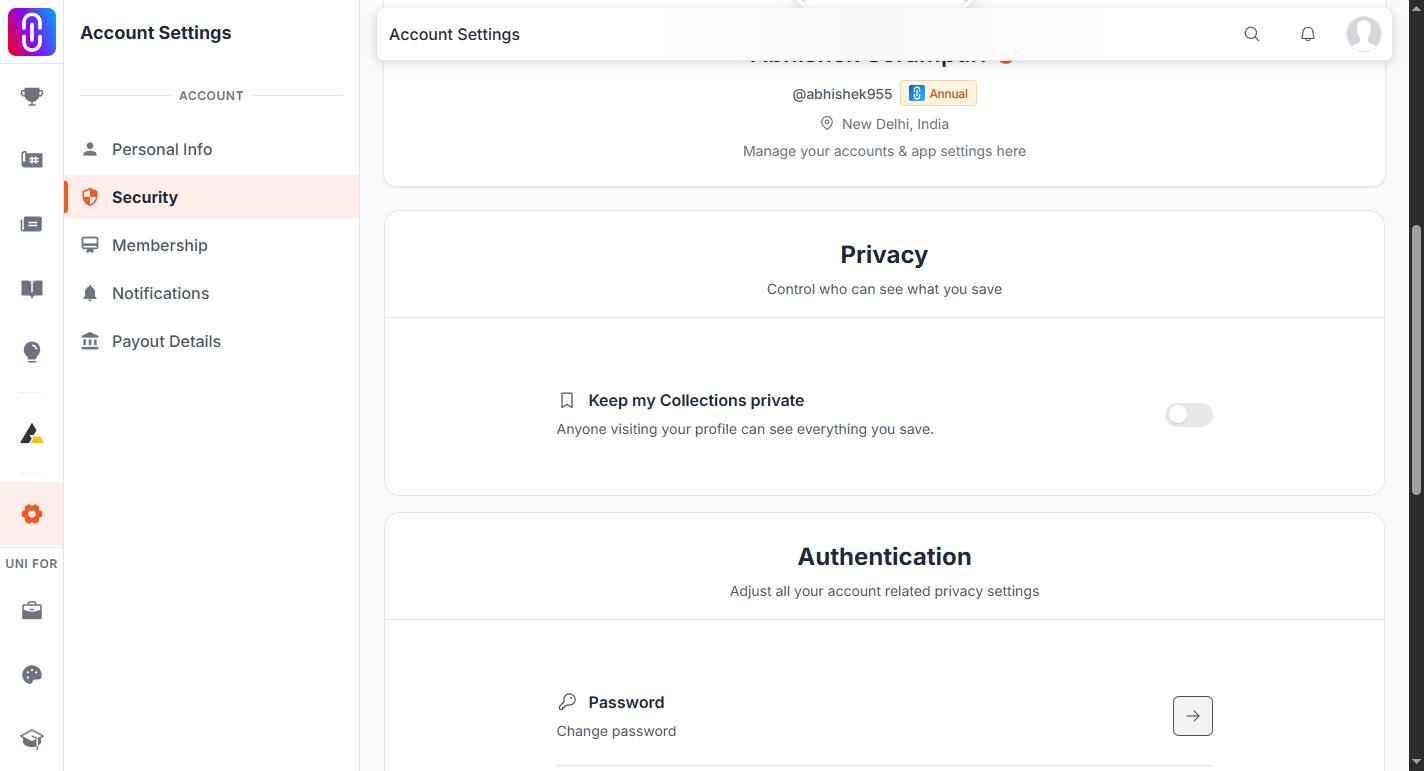
Yes. Changing your password from your account security settings signs out every other browser and device that was signed in to your account, and it takes effect at once rather than at the next expiry. The device you make the change on stays signed in.
Changing the password clears every other sign-in at once, without you having to do anything else. You can also do this without changing your password: open your account security settings and go to Active Sessions to see every device currently signed in (browser, approximate location, last active time), end any one of them, or end all other sessions in a single action. The device you are using stays signed in either way.
Two things carry a sign-in, and the change breaks both
- Your account's access key is deleted and a new one is issued. Every other device is still holding the deleted key, so the next request it makes comes back unauthenticated.
- A browser session carries a fingerprint of your password. Changing the password changes that fingerprint, so any other browser session is dropped the next time it loads a page.
The other device gets no warning while it sits idle. It lands on the sign-in screen the next time somebody uses it.
The device you changed it on keeps working
The new key is issued to you in the same request, so you are not thrown out of the browser you made the change in. If that browser does drop you to the sign-in screen anyway, sign in again with the new password. Nothing is wrong with the account.
Six checks the new password has to clear
- At least 12 characters.
- An uppercase letter, a lowercase letter, a digit and a special character.
- Not similar to your username or your email address.
- Not any of your last 5 passwords.
- Not on the list of commonly used passwords.
- Not a password that has turned up in a public breach.
A password that fails one of these is rejected with the reason, and nothing is changed. The old password stays in force until a new one passes every check.
You are emailed when it happens
A confirmation goes to the address on your account with the subject "Your UNI Password Has Been Changed". If that email arrives and you did not change anything, sign in, change the password yourself, and contact support.
If you cannot sign in at all
Use the forgot password link on the sign-in screen. That gets you back in with a new password.
If your reason for changing the password is that you believe somebody else has access to the account, do one more step after you are back in: change the password again from your account security settings while signed in. That is the path that clears the sign-ins that were already active.