Confirming your email address and carrying the verified badge are unrelated. Confirming your email proves the address belongs to you, and that is all it does. The badge is a separate marker with its own conditions, and no amount of email confirmation turns it on.
What confirming your email actually does
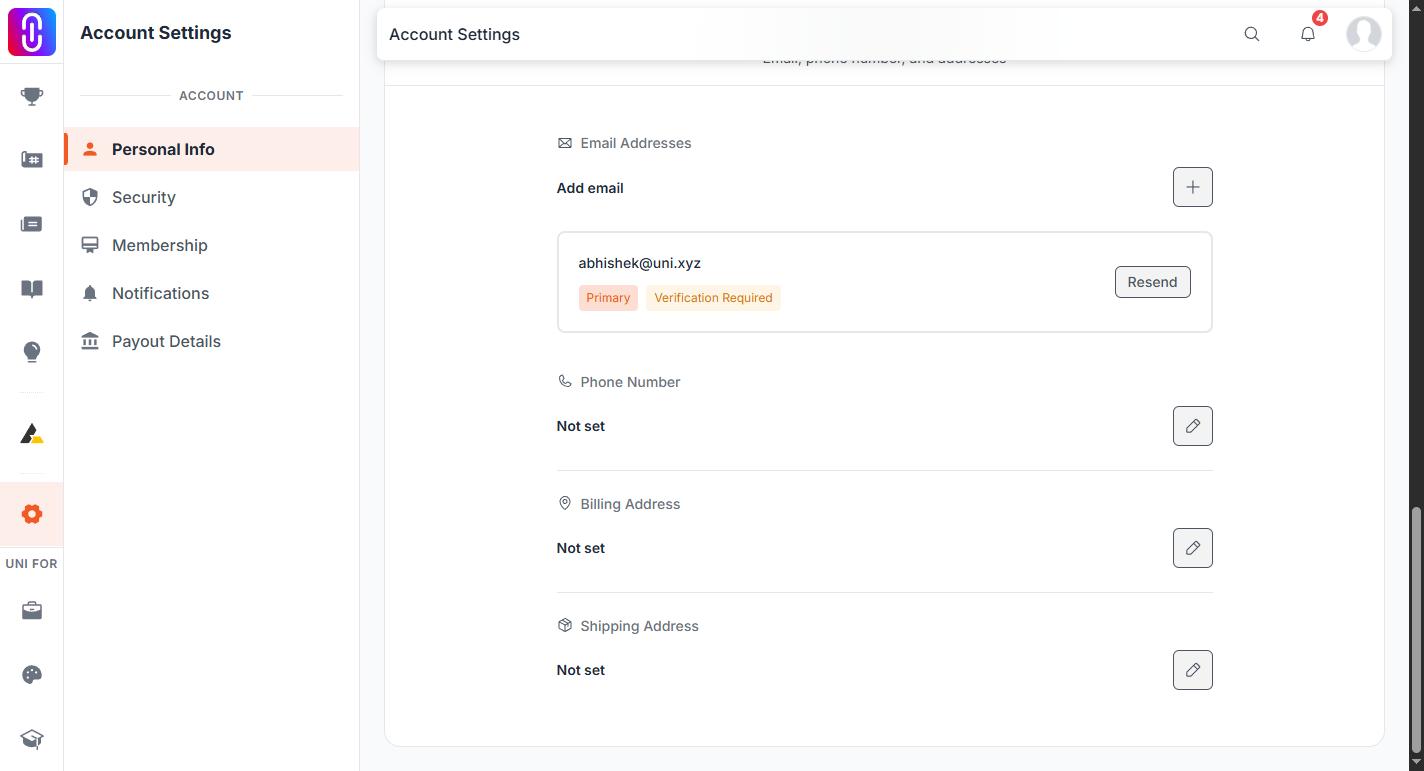
It settles that mail sent to your address reaches you. That matters more than it sounds, because password resets, competition result notices, entry receipts and payout messages all go there. If you signed up with Google or another social login, you may never have confirmed an address at all, and a large number of accounts on UNI are in exactly that position.
If yours is one of them, a banner appears while you are signed in with a button to send the confirmation link again. That resend is limited to one email every 10 minutes per account, so if you press it twice the second press is refused rather than sending a duplicate.
Three things turn the badge on
The badge is worked out from your account each time your profile is read, and exactly one of these has to be true:
- You are UNI staff.
- You are a juror on a competition UNI hosts, and you are listed publicly on that competition rather than kept off its people section.
- You hold an active Annual, Studio or Institutional membership.
Nothing else counts. A confirmed email does not, a completed profile does not, a high profile score does not, and neither does winning a competition.
Monthly, Weekly and Semester memberships do not carry it
Only the three plans named above carry the badge. If you are on a Monthly, Weekly or Semester plan, the badge is not part of what you bought, and upgrading to Annual or above is what changes it.
The badge is checked live, not awarded
There is no application, no review queue and no form to fill in. Because it is recalculated from your account whenever your profile is loaded:
- It appears within moments of a qualifying membership starting. If it has not, sign out and back in so your profile is read fresh.
- It disappears when that membership lapses. Losing the badge after a plan ends is the system working, not a penalty, and renewing brings it straight back.
- A juror keeps it for as long as they are listed on a hosted competition.
What to do next
If you wanted the badge, check which plan you are on in your membership settings and compare it against the tiers. If you wanted your email settled, look for the banner or change the address on your account and confirm the new one.