The licence card in the right-hand column shows the licence name and its icon, and nothing else. The terms behind that name are in a popover that opens when you hover the card with a mouse pointer.
Hover is the only way it opens. There is no click and no tap, so on a phone or a tablet the terms cannot be read from the project page at all. On a laptop, move the pointer onto the licence card and hold it there, do not select it.
What to do without a mouse
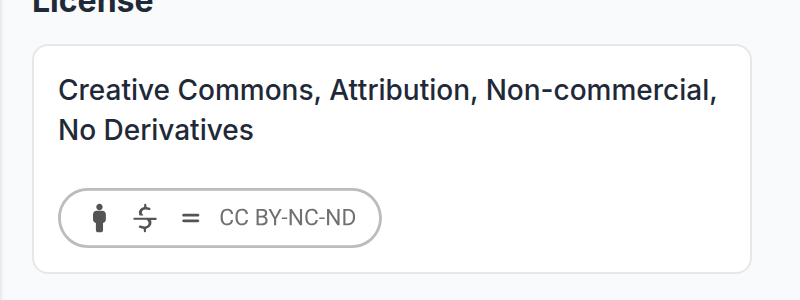
Read the licence by name instead. There are seven, and Licences on your work sets out what each one permits in full. Match the name on the card to the entry in that article and you have the same information the popover would have given you.
No card means no licence has been set
The card is only drawn when the project carries a licence. A project without one is not open for reuse by default: assume all rights are reserved and ask the author before using anything.
Read it before you reuse anything
The licence is the author's decision about what other people may do with the work, and it covers the images as much as the text. Several of the options rule out commercial use, and several rule out modified versions, so a licence that permits sharing does not necessarily permit either of those.
Downloading an image is not the same as being licensed to use it. See How to view full-size images on UNI projects for what the full-size view is for, and Can you send me the CAD, DWG or floor plans for this project? for why source files are never shared.
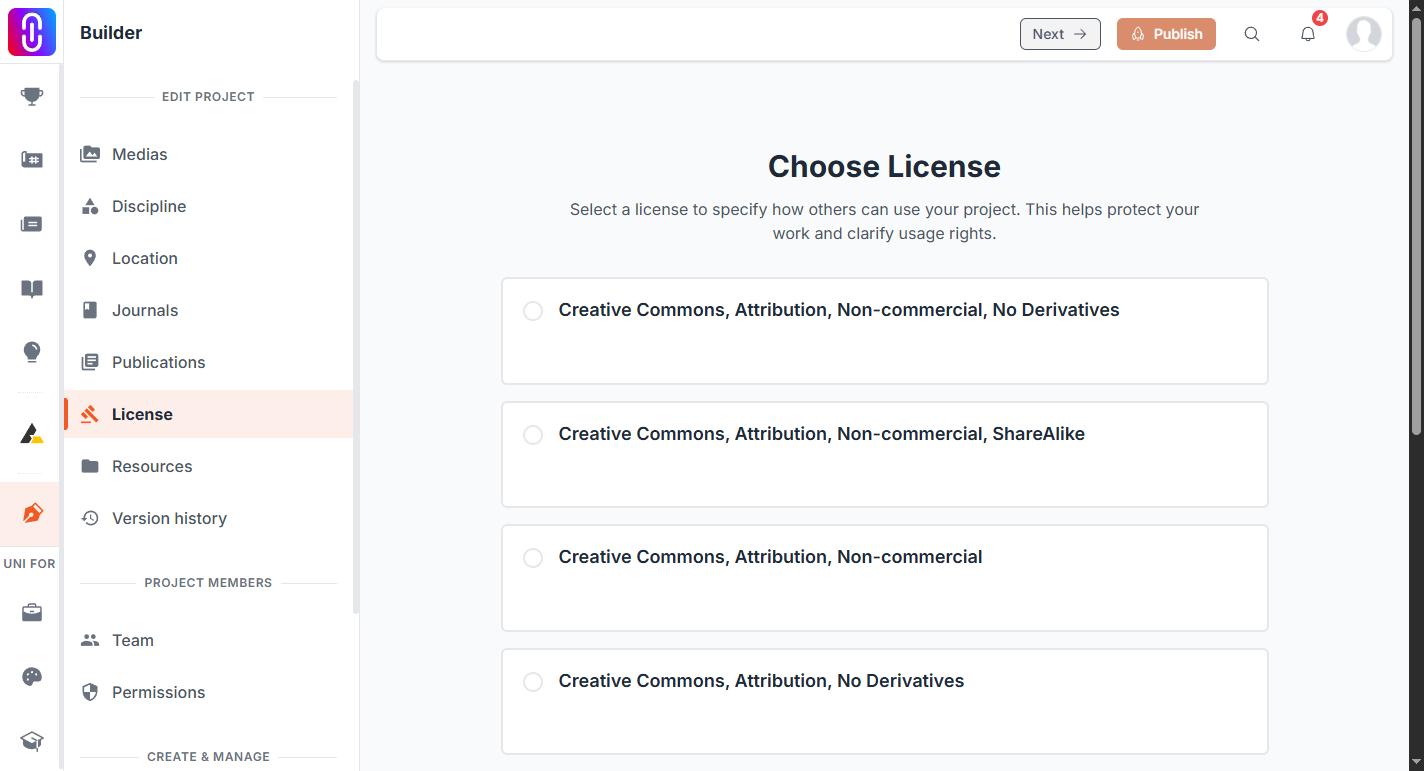
Changing the licence on your own project
The licence is set in the project builder and takes effect on the live page the moment you save it, without a second publish. See Licences on your work, and "server error, cannot save license".