On UNI, "register" can mean three different things: registering for a competition, creating an account, or buying a membership. Most often it means registering for a competition.
1. Registering for a competition
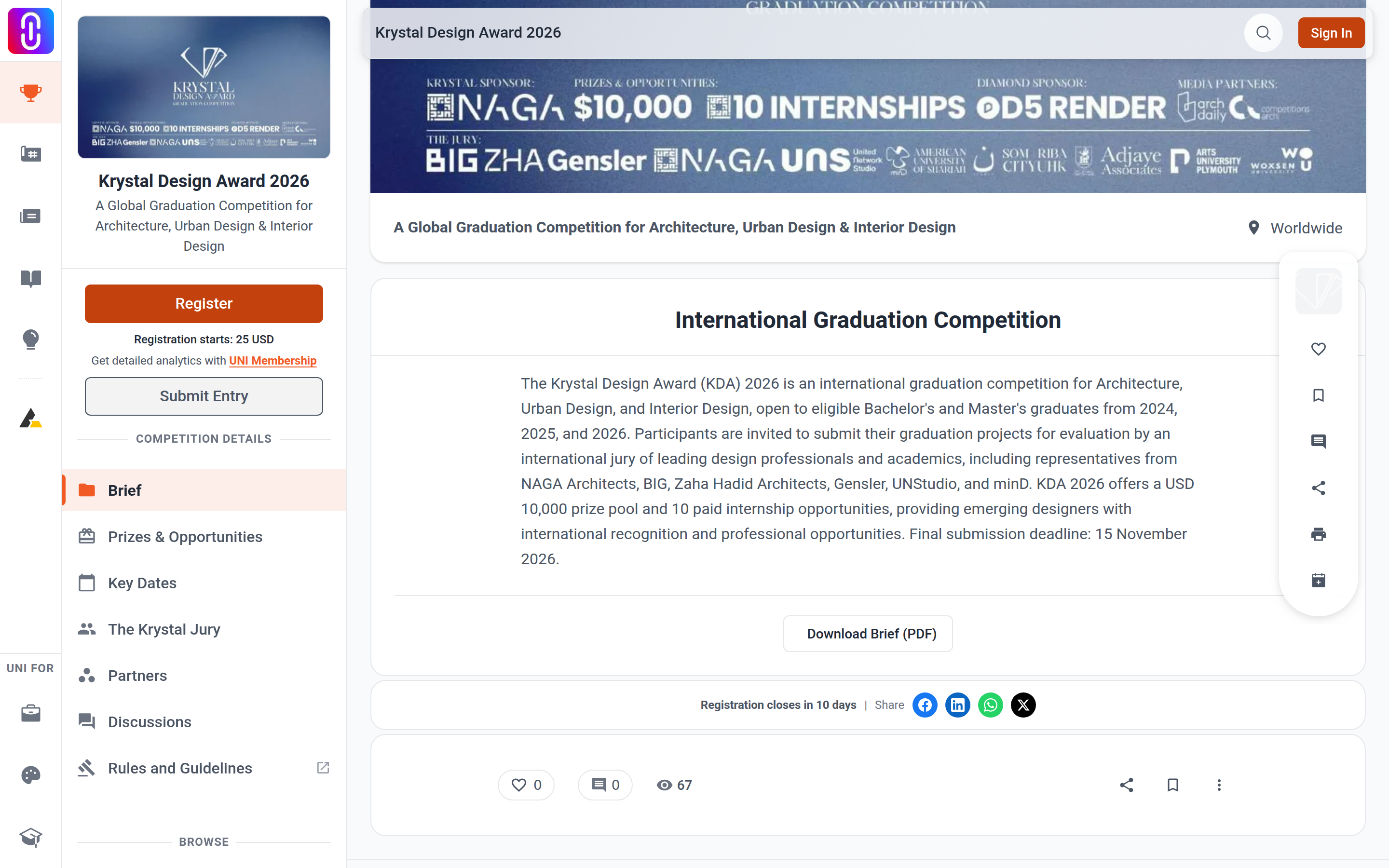
- Open the competition page.
- Press Register.
- Pick your category in the Select Category window, then pay the entry fee if that competition charges one. Fees vary by competition and usually by category, such as student, professional or institutional.
- Create and submit your entry before the submission deadline, from the Competitions page of your profile editor.
Registering reserves your place. It does not submit anything, so the entry still has to be created and submitted separately.
Registration and submission are separate deadlines and registration closes first, most often one day earlier. Once it closes the Register button disappears and you cannot enter that competition at all.
Next steps are in I registered for a competition, what do I do next, and the fee categories are explained in Competition entry fees.
2. Creating an account
Sign up at uni.xyz/accounts/signup, or from any Sign up prompt, using an email address and a password or an existing Google or LinkedIn account. An account is free, and you need one before you can register for anything else.
Steps and the things that commonly go wrong are in How to sign up and create an account.
3. Buying a membership
Plans are described at uni.xyz/about/designers/membership. You do not need a membership to hold an account or to enter a competition, and a competition's entry fee belongs to that competition rather than to any plan.
Some plans do include competition entries, which is why plans and registration get raised together. Institutional includes 12, Studio 5, Annual 2 and Semester 1 per membership period. Monthly and Weekly include none, so on those you still pay each competition's entry fee.
The full comparison is in Membership tiers and pricing.